
A game studio is onboarding GCP projects that have no data-residency constraint. Which scan design should the studio choose?
Select an answer to reveal the explanation.
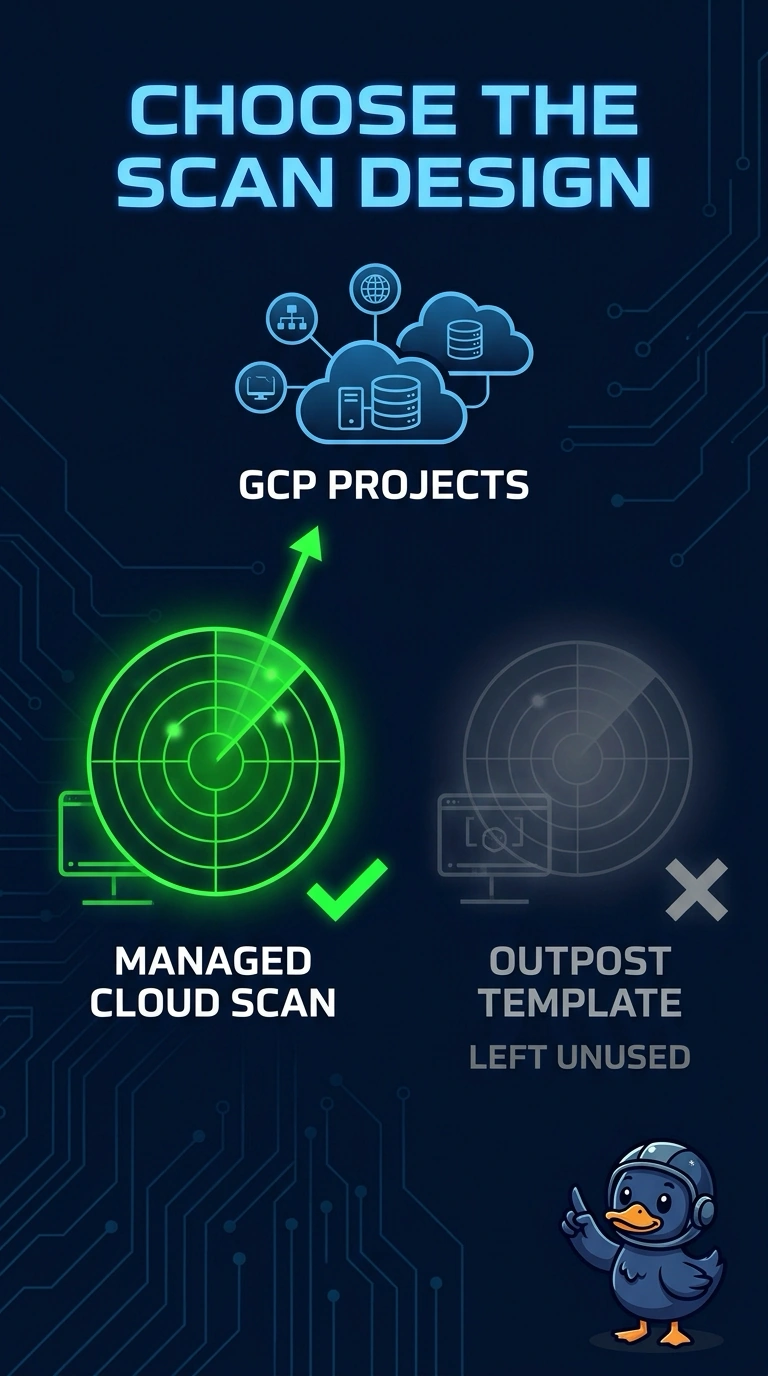
Short Explanation
Think of an outpost as extra garage space you rent only when the rules say the car cannot live downtown. You have no residency constraint on these GCP projects, so you choose managed cloud scan and skip the outpost template. Building a dedicated project per environment adds a fleet you do not need.
Full Explanation
Cloud scan is the recommended default when the customer does not have to own the scanner boundary. These GCP projects have no data-residency constraint, so managed cloud scan is the design and the outpost template is not applied. A standard outpost in a dedicated project for every environment spends customer compute and quotas without a residency reason. A custom outpost with studio-owned egress is for a customer-owned network or egress path, and the studio would have to keep owning that path for the life of the outpost. One outpost is hosted in its dedicated project, but onboarding can select an existing outpost to scan authorized projects within the supported organization/region scope. One outpost per hosting project is not a prohibition on scanning multiple target projects. That reuse is architecturally possible, but it is unnecessary here because managed cloud scan already fits the stated unconstrained estate. Exam caveat: choosing cloud scan does not turn on every capability. Audit logs, agentless scanning, and the rest are still selected on purpose. Operational check: confirm each GCP project shows cloud scan, confirm no outpost template was applied, and confirm scanner compute is not appearing as a new fleet on the studio's bill.