
A Jenkins job runs cortexcli, archives the JSON report, and stays green even when the CLI exits non-zero. The findings are visible only in the artifact. What must the job do to gate the build?
Select an answer to reveal the explanation.
Short Explanation
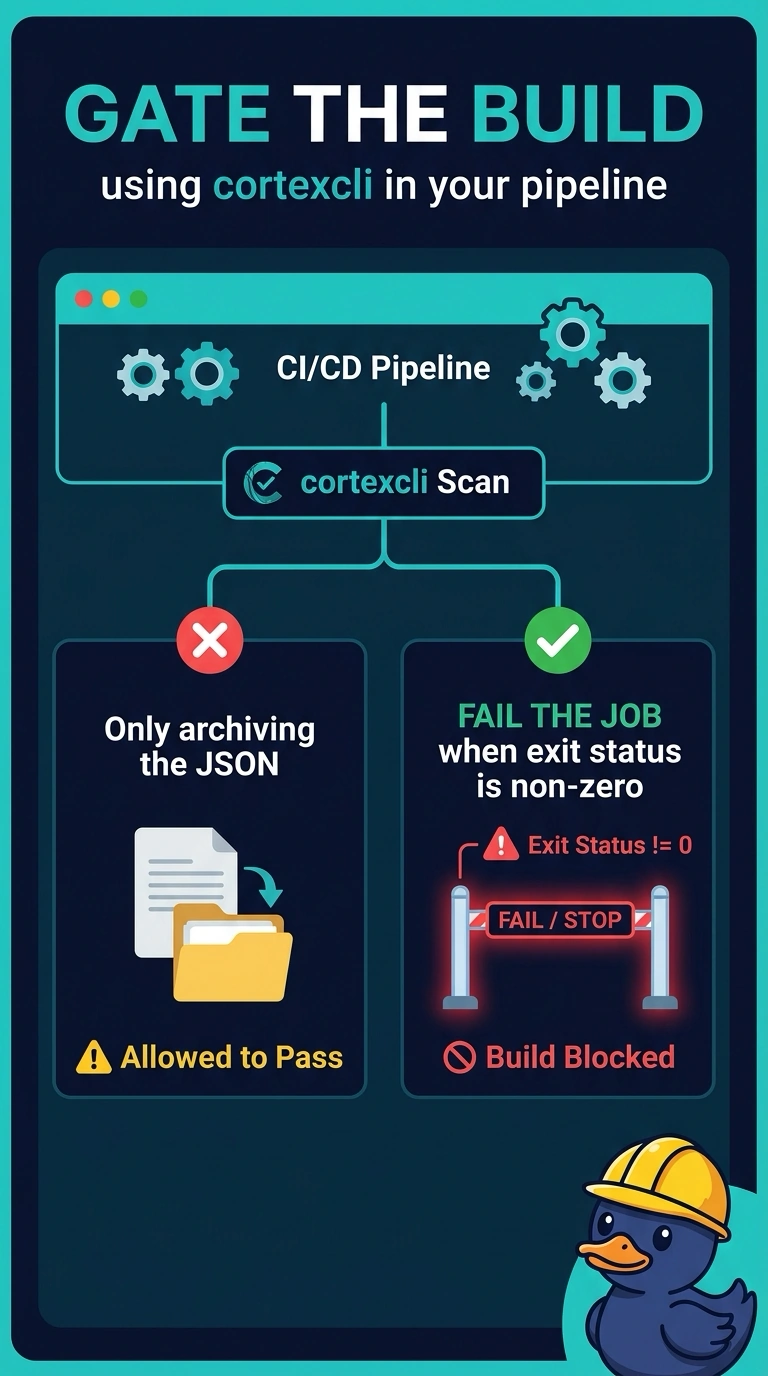
A fire alarm that writes a note in a drawer does not stop the line. You already have the findings in JSON, and the build stays green because the job never treats a non-zero exit status as a failure. You can fix the gate by failing the job on that status; switching to PDF, enabling an editor trigger, or installing another CLI copy will not do it.
Full Explanation
The CLI enforces a gate only when the pipeline treats its exit status as a failure. Archiving JSON keeps the report but does not act on that status, so Jenkins stays green while findings sit in an artifact. Configure the job to fail when the CLI status is non-zero. Switching the output to PDF and ignoring the status does not close the gap: the format does not make Code Security stop the pipeline, and the status is still ignored. Turning on the IDE Scan trigger reports in the developer editor; it does not fail a Jenkins job. Installing a second copy of cortexcli does not enable a gate either: the existing binary already runs and produces JSON, and another copy still needs the pipeline to honor its exit status. Exam caveat: if the unified policy’s CI trigger is off, a successful run has nothing to enforce, so a non-zero status may not arrive until that trigger is on. Practical check: force one known failing finding, confirm the CLI returns a non-zero status, and verify Jenkins marks the job failed rather than only saving the JSON.