
A developer installs the extension in a VS Code-compatible editor and tries to rewrite a unified application policy from that editor. What can that editor do?
Select an answer to reveal the explanation.
Short Explanation
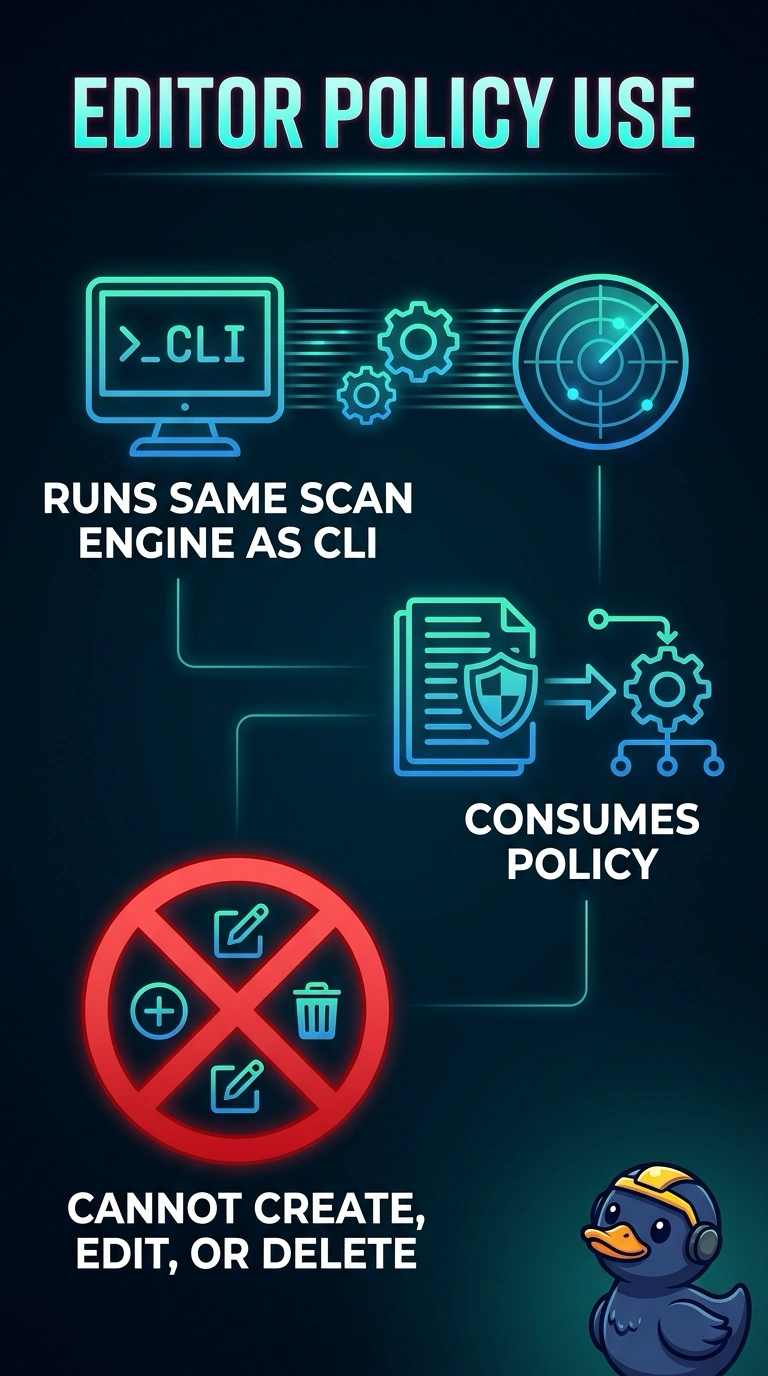
A compatible editor is another workstation running the same engine, not a back door into the policy safe. You can scan with it and consume the policy that already exists. The trap is treating that install path as Terraform, or as a way to fail a merge from a highlight.
Full Explanation
VS Code and compatible editors run the same engine as the CLI. They consume unified application policy. They do not create, edit, or delete it. Policy authoring stays in the console, the API, or Terraform, so this editor cannot rewrite the policy. A scan can show the latest rule and still have no save path back into the tenant. An editor highlight does not fail a pull request. Blocking is the platform pull-request scan, and it stays off when that trigger is off. The extension does not scan mono-repos, and a compatible editor does not gain a separate designer for urgency. ASPM urgency is tenant-side, grouped on business applications, and it is not edited from the IDE. Exam caveat: the VS Code extension still needs the Application Security add-on, Python 3.9 through 3.12, and Node.js 22 or newer for SCA. A compatible editor does not skip those requirements. Operational check: change a policy rule in the console, rescan from the compatible editor, and confirm the editor shows the updated policy without a local control that writes it back.