
On Windows, the VS Code extension's terminal step fails when a developer runs it in PowerShell. A teammate using the documented Windows terminal host succeeds on the same repository. Which host should the failing developer use?
Select an answer to reveal the explanation.
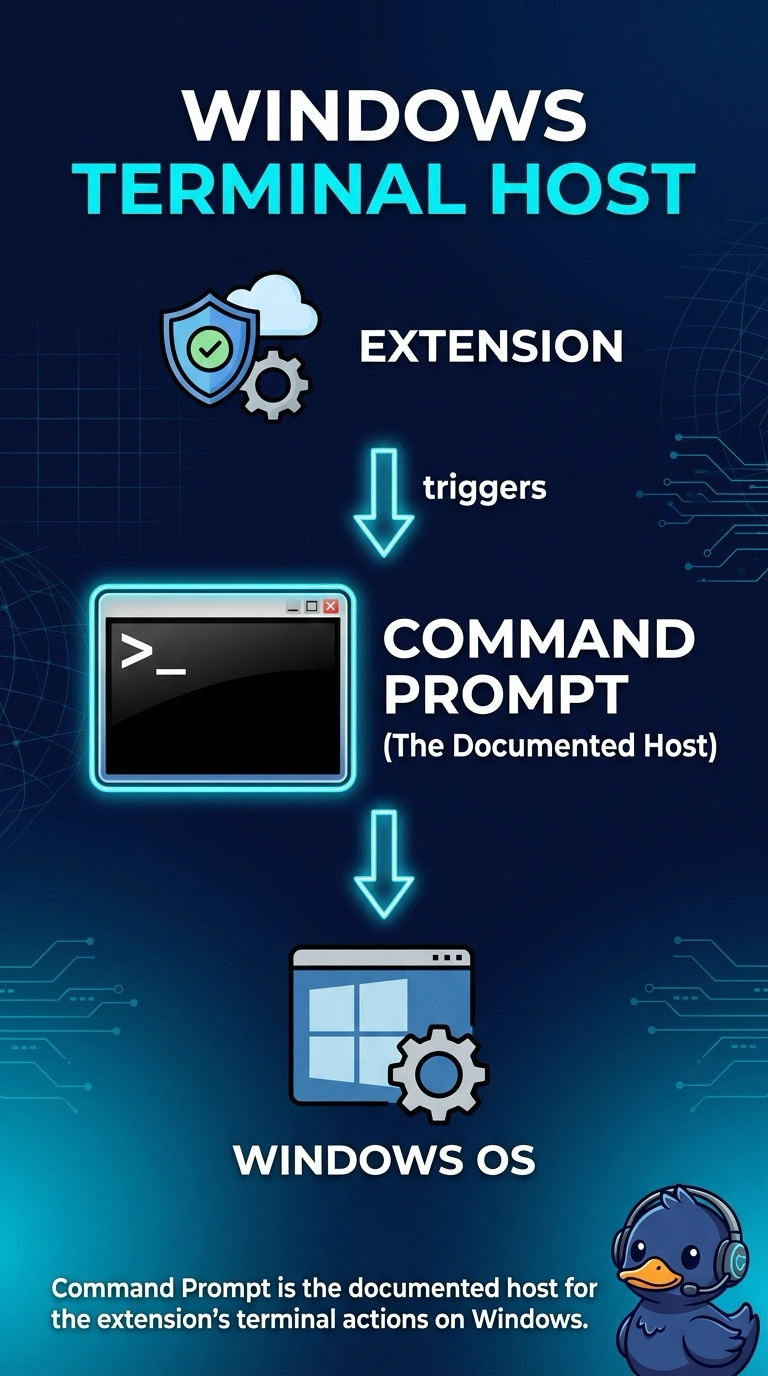
Short Explanation
The extension's Windows steps are cut to fit one workbench, and PowerShell is the wrong bench. You should run those terminal actions in Command Prompt, which is the host the extension uses on Windows. The trap is relaxing the PowerShell execution policy, or hopping to another shell, and expecting the same step to succeed.
Full Explanation
Windows terminal actions in the VS Code extension use Command Prompt, not PowerShell. The teammate's success on the documented host, and the failure in PowerShell on the same repository, follows that split. Opening the PowerShell execution policy changes whether PowerShell runs scripts. It does not switch the extension's Windows actions onto the supported host. The JetBrains plugin runs the same scan engine as the CLI on its own IDE. It is not a terminal you invoke from inside VS Code, and pointing at it does not fix the VS Code Windows host. Git Bash launched from PowerShell is another shell. Node.js 22 or newer is the SCA runtime requirement, and it does not replace Command Prompt for Windows terminal actions. Exam caveat: a finding the editor does show still does not fail a pull request. Fixing the terminal host gets the local step running. It does not create a merge gate. Operational check: rerun the failing terminal action from Command Prompt on the same repository and confirm the step completes without changing the policy triggers.