
A developer opens a scratch file that contains a live access token. The path is listed in gitignore, and the VS Code extension shows no secret finding for that file. Why was the file skipped?
Select an answer to reveal the explanation.
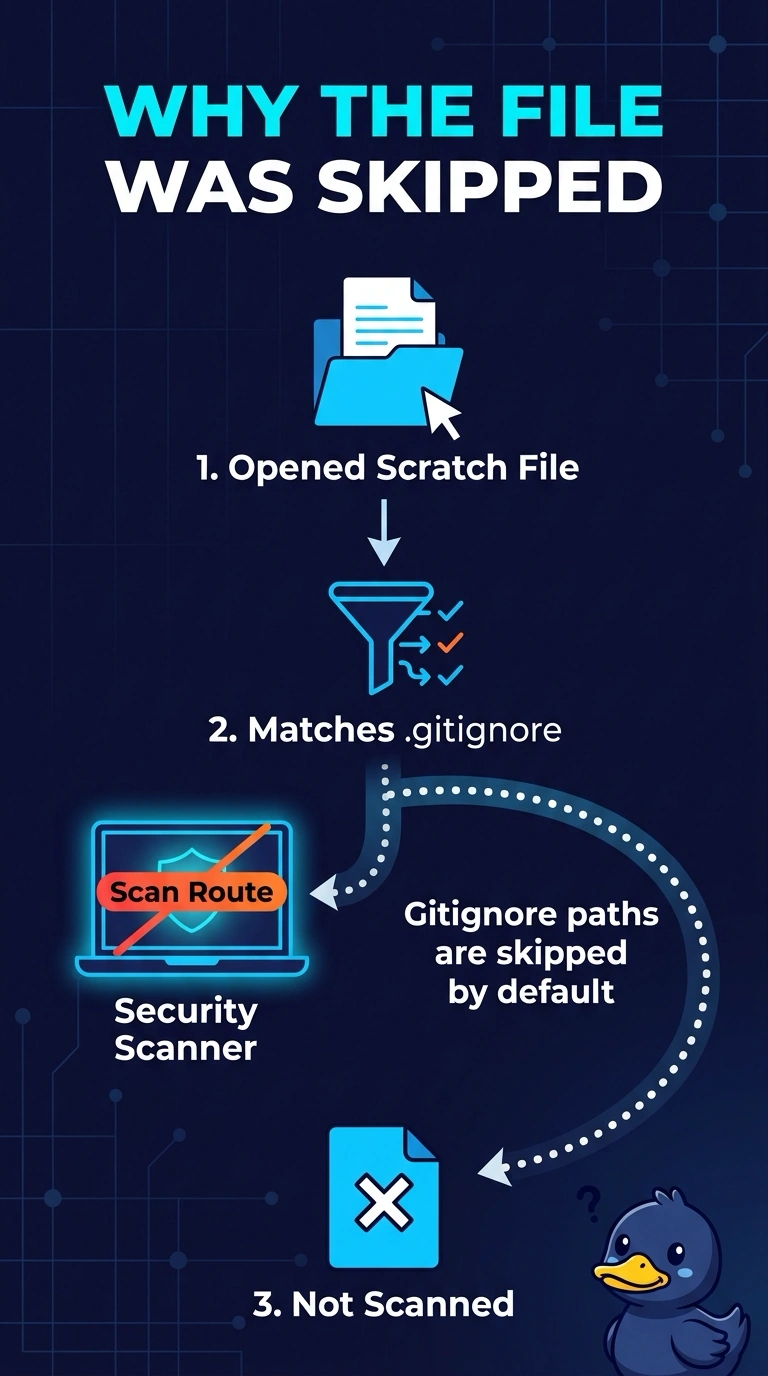
Short Explanation
Gitignore is the drawer the extension agrees not to open. You listed the scratch file there, and ignored paths are skipped by default, so the token never gets a secret finding. The trap is blaming Node.js or PowerShell for a skip that the ignore file already requested.
Full Explanation
The VS Code extension skips gitignore paths by default. A scratch file on that list is not scanned when the developer opens it, even if the file holds a live token. The extension does not scan mono-repos, and this repository is a single package, so the mono-repo limit is not why the file was skipped. Node.js 22 or newer is required for software composition analysis. Secret checks are a different scanner, and an older Node build does not selectively skip gitignore files while scanning everything else. Windows terminal actions use Command Prompt rather than PowerShell. The terminal host does not decide gitignore behavior, and opening the same ignored file from Command Prompt does not put it back into the scan. Exam caveat: a secret the extension does report in an editor is still only a local report. It does not fail a pull request unless the pull-request trigger blocks it. Operational check: remove the scratch path from gitignore on a test branch, reopen the file, and confirm a secret finding appears for the token.