
An animation studio standardizes on JetBrains. An admin installed only the VS Code marketplace package and expected inline findings in the JetBrains IDE. What should they install?
Select an answer to reveal the explanation.
Short Explanation
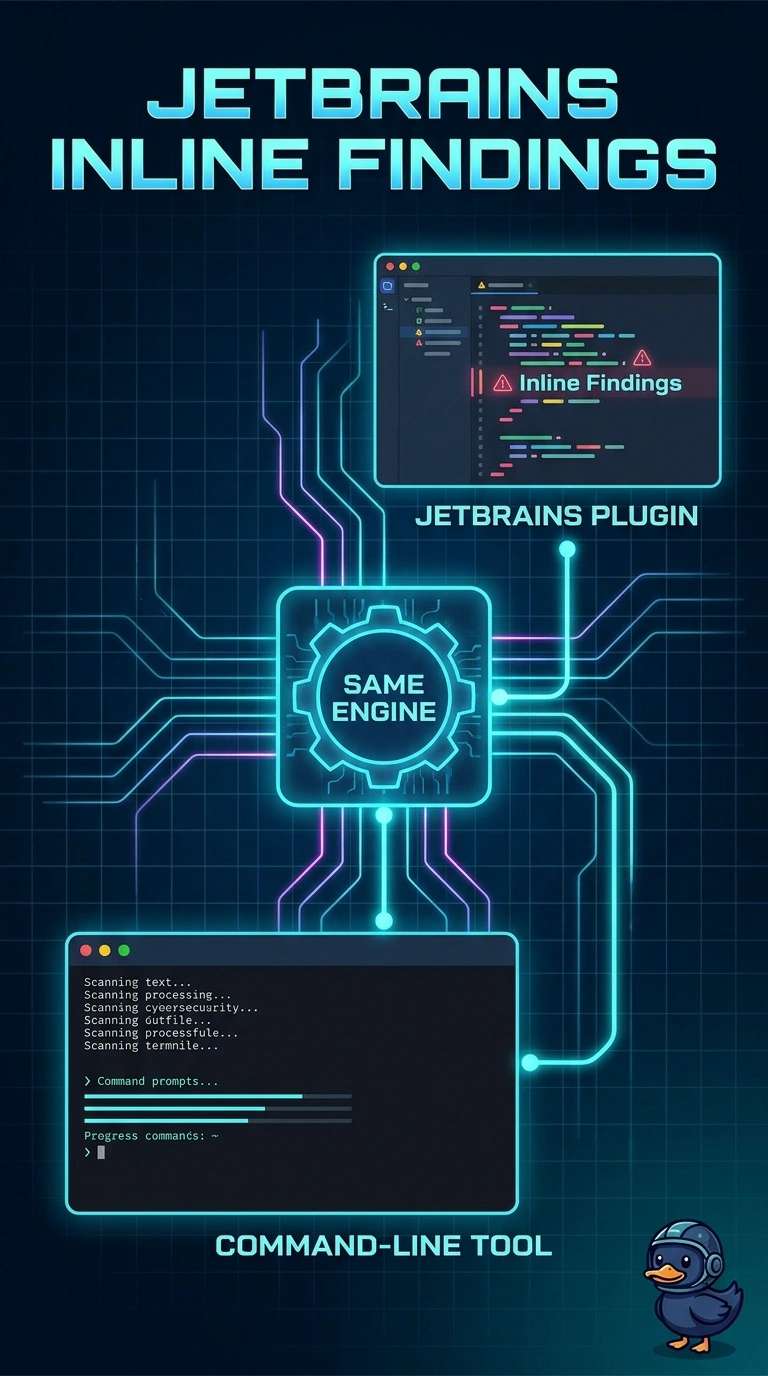
Think of buying the wrong remote for the television you actually own. Your studio is on JetBrains, and the VS Code marketplace package does not become the JetBrains plugin, so install the JetBrains plugin. It runs the same engine as the command-line tool and still only reports, so it does not block the merge by itself.
Full Explanation
VS Code, compatible editors, and JetBrains each use their own install path, and both IDE families run the same engine as the command-line tool. JetBrains users need the JetBrains plugin. The VS Code marketplace package does not provide inline findings inside JetBrains. A Broker VM is a closed appliance for routing, logs, and files. It has no IDE plugin that edits unified policies, and policy authoring stays in the console, the API, or Terraform. The command-line binary on a laptop can scan when someone runs it. The editor trigger reports in the IDE and does not block a merge, so installing only the binary and expecting the editor trigger to fail merges misses both the JetBrains plugin and the pull-request control. Exam caveat: the JetBrains plugin consumes policy and does not create, edit, or delete it, so a missing rule is fixed in the tenant, not in the IDE settings. Operational check: install the JetBrains plugin, sign it in with a command-line key that has read permission, and confirm a known finding appears in that IDE.