
The VS Code extension on a workstation runs secret and IaC checks under Python 3.11, but software composition analysis returns nothing. Node.js on that workstation is version 18. What should change so SCA can run?
Select an answer to reveal the explanation.
Short Explanation
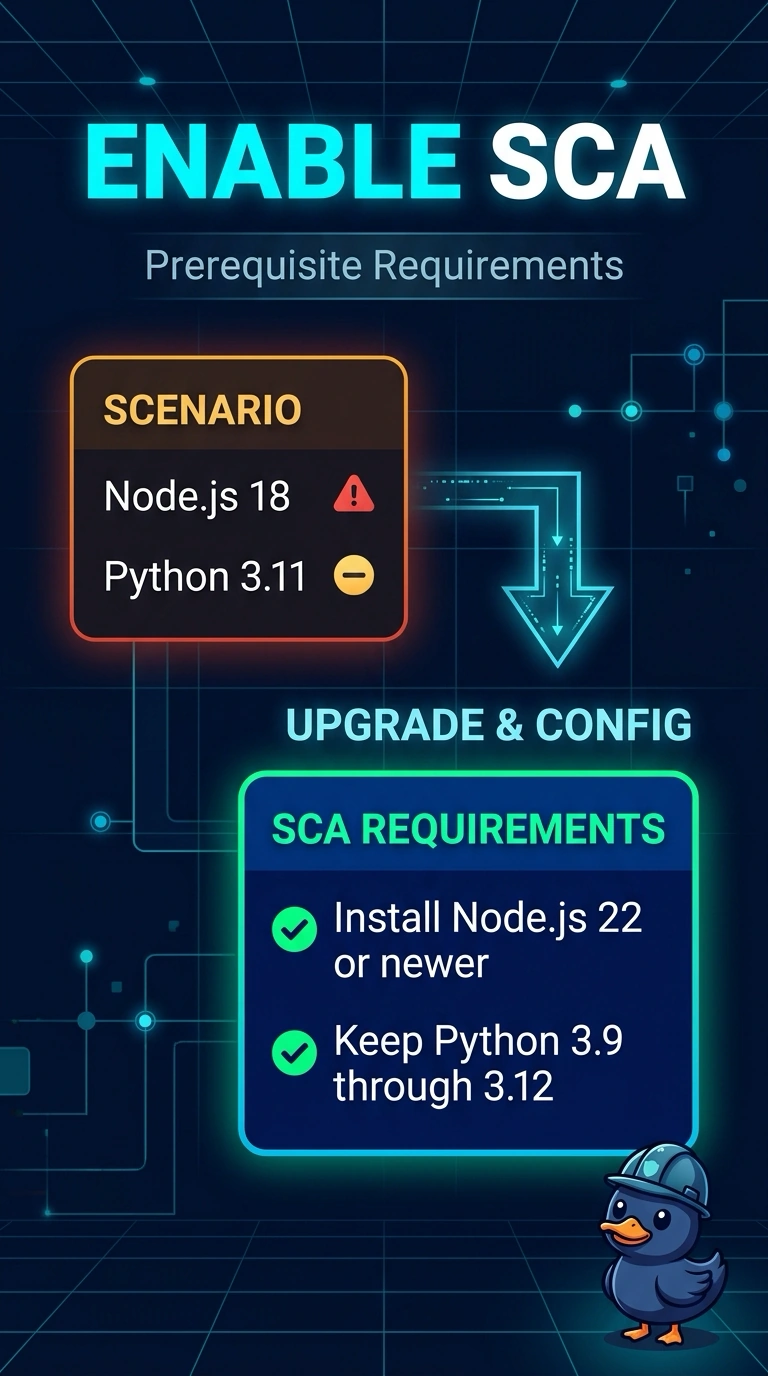
Secret checks and composition analysis are two tools on the same bench, and they do not share a runtime. You already have Python inside the supported 3.9 through 3.12 range, so the blank SCA result is pointing at Node.js 18. The trap is upgrading Python or swapping the terminal host when the missing piece is Node.js 22 or newer.
Full Explanation
The VS Code extension needs Python 3.9 through 3.12 for its documented runtime and Node.js 22 or newer specifically for software composition analysis. Secret and IaC checks are already running on Python 3.11, which sits inside that Python range, while Node.js 18 is older than the SCA requirement. Moving Python past 3.12 leaves the supported Python range and does not supply the Node version SCA needs. The Windows terminal host for extension actions is Command Prompt rather than PowerShell, and this symptom is an empty composition result, not a terminal-host mismatch. Removing the Application Security add-on would remove a prerequisite of the extension itself. The add-on is already in use if secret and IaC checks are returning, and reinstalling the CLI does not change the Node version SCA requires. Exam caveat: installing a newer Node build does not scan a mono-repo, and it does not author tenant policy. Operational check: install Node.js 22 or newer, reopen the extension on a repository that is not a mono-repo, and confirm the SCA scan completes successfully; use a known vulnerable test dependency if verifying a positive finding, while Python stays inside 3.9 through 3.12.