
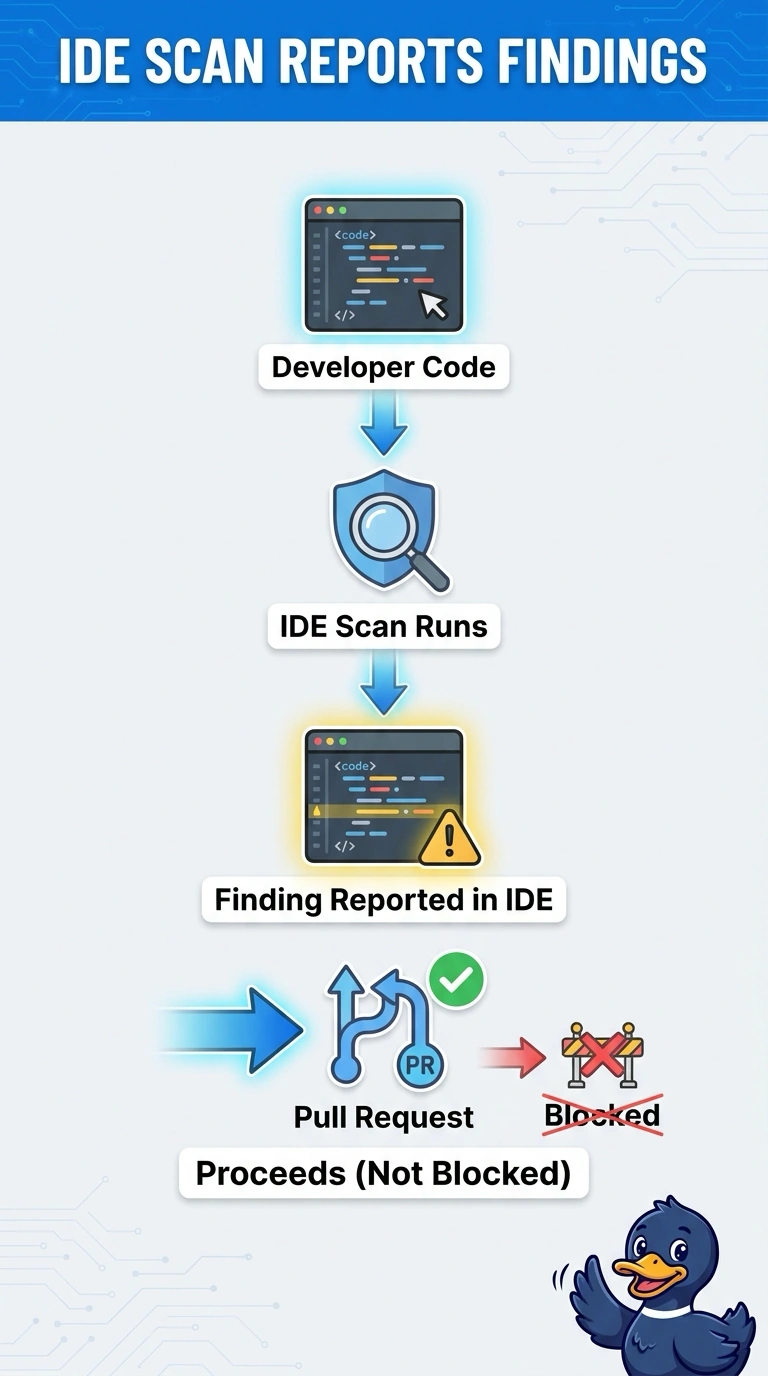
Mobile-app developers see secret findings underlined in the editor, and the same pull request still merges. The only application trigger enabled is IDE Scan. What is that trigger doing?
Select an answer to reveal the explanation.
Short Explanation
Think of the underline in your editor as a note on your draft, not a lock on the mailbox. IDE Scan reports the finding in the IDE, so your pull request can still merge. A red mark in the editor is not what fails the merge.
Full Explanation
IDE Scan reports secret findings in the developer’s IDE, which explains why you see underlined findings while the pull request still merges. This trigger reports the finding; it does not block the pull request. Failing the platform pull-request scan is the option that describes gating the merge, but that is a different scan and is not enabled here. An agentless disk scan against a local container image concerns inspecting an image, not reporting a code finding in the IDE. A Cloud Workload prevention action on a production cluster concerns workload prevention, not the IDE finding or the pull request. Exam caveat: an IDE finding does not by itself fail a pull request, even when it is clearly marked in the editor. Practical check: confirm that IDE Scan is the only enabled application trigger; if the merge must fail on findings, enable the platform pull-request scan that gates it.