
A retailer installed the Cortex CLI on every Jenkins agent, but jobs still finish green when secrets are present. The unified application policy has no CI trigger enabled. What is missing?
Select an answer to reveal the explanation.
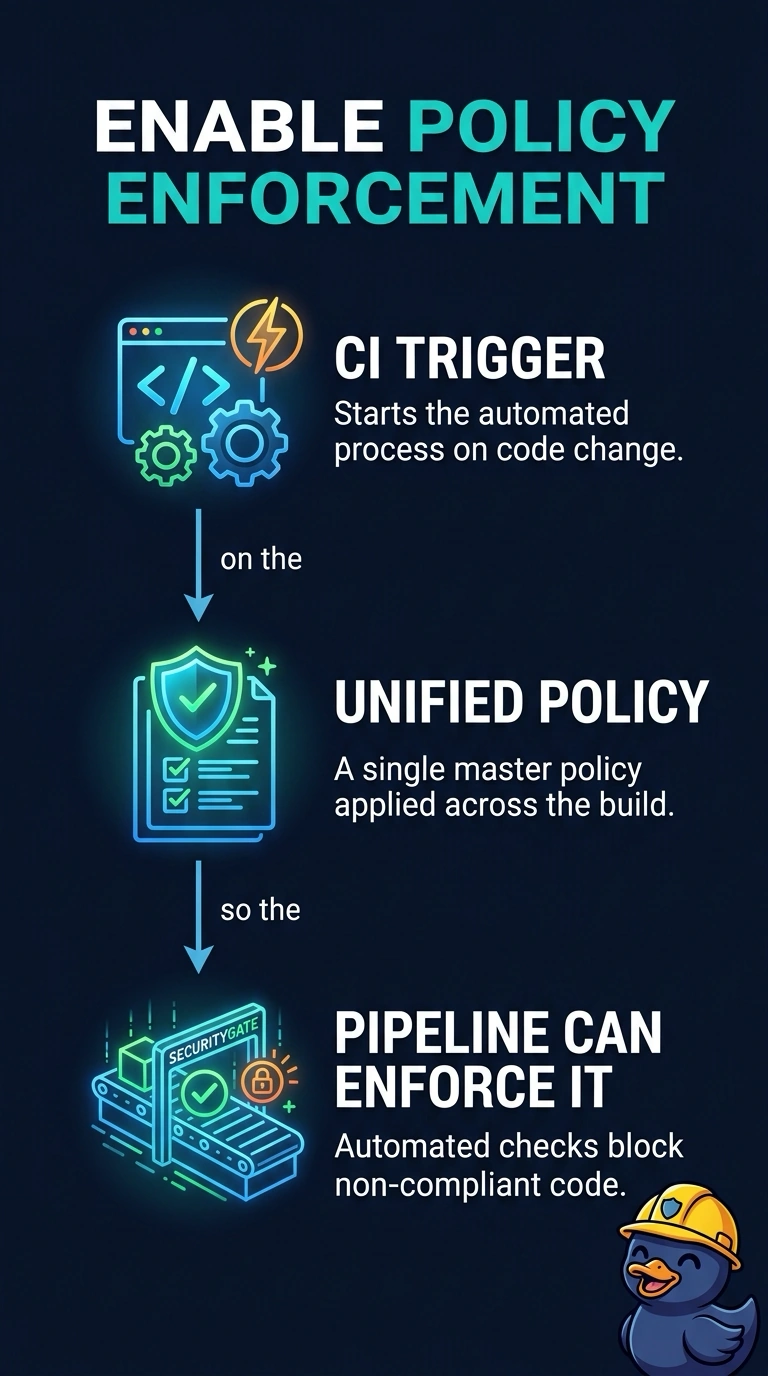
Short Explanation
Think of the CLI as a badge reader: you still need to turn on the policy that tells it when to act. You installed the binary, but without the unified policy’s CI trigger, Jenkins is not asked to enforce it. You’re right to check the policy setting rather than install another copy of the CLI.
Full Explanation
The unified application policy provides the policy settings that the CLI consumes; installing the CLI does not create or enable a trigger. The missing piece is the CI trigger on that policy, so the pipeline can evaluate it and enforce the result when a secret is present. Installing another copy of the CLI on the Jenkins controller repeats the installation but does not author or enable the tenant policy, so it does not address why the jobs remain green. An IDE scan trigger reports findings inside the editor; it is not the CI trigger that makes the Jenkins pipeline enforce the policy. A cloud workload malware rule evaluates malware in workload artifacts such as container images, not secrets found in code, and it does not configure the application policy for CI. Exam caveat: enabling the CI trigger alone may not make a job fail; the pipeline must treat the CLI’s exit status as a failure. Practical check: open the unified policy, confirm its CI trigger is enabled for the repository, then rerun a job containing a secret and compare the job result with the policy action.