
A platform team wants a unified application security policy removed for every pipeline. An engineer deletes a local CLI config file on one workstation, and the policy still exists in the tenant. What makes the removal durable?
Select an answer to reveal the explanation.
Short Explanation
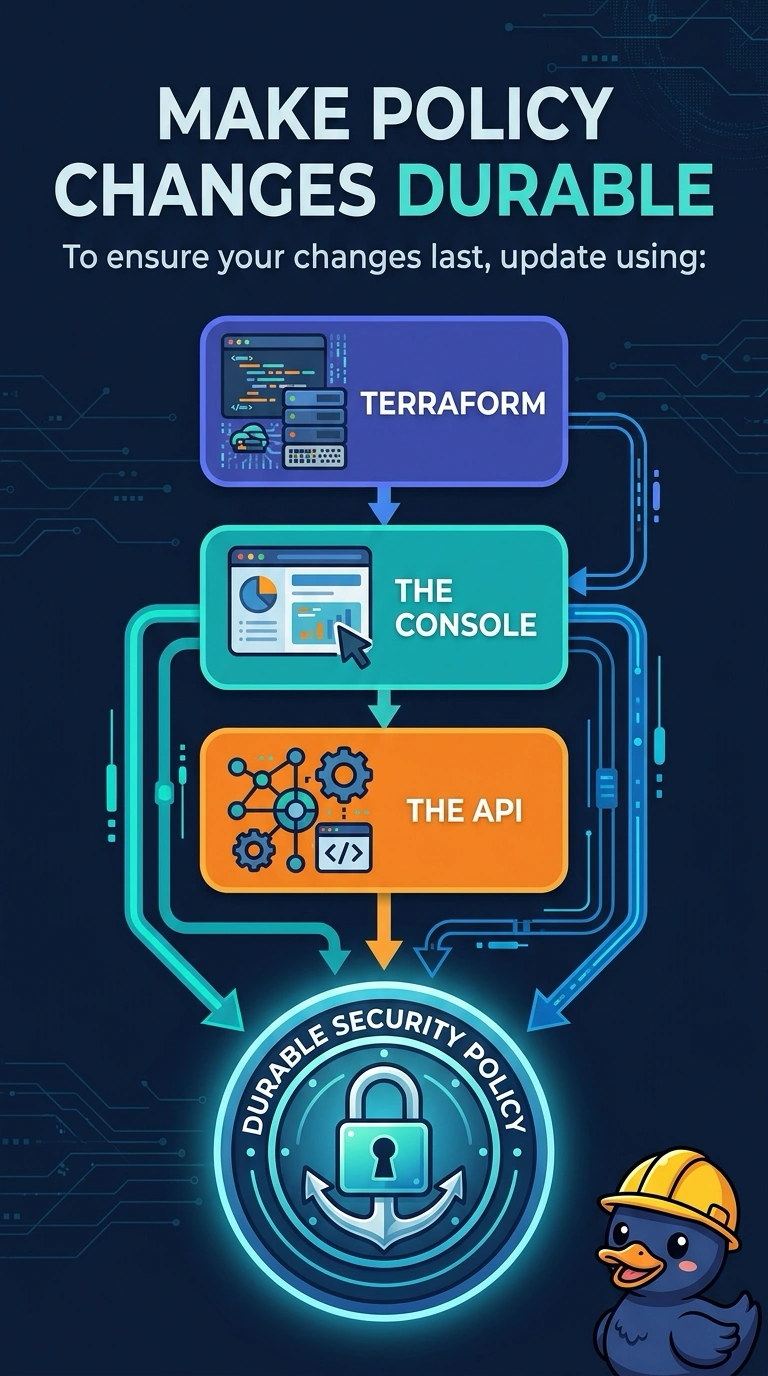
You can think of the local CLI file as a photocopy and the tenant policy as the original in the vault: deleting the photocopy on one workstation leaves the policy in place for every pipeline. For durable removal, update the tenant policy through Terraform, the console, or the API.
Full Explanation
The CLI consumes application security policy; it does not create, edit, or delete that policy. Policy authoring happens through Terraform, the console, or the API, so updating the policy through one of these changes what pipelines consume. Deleting a local CLI config on one workstation changes only what that laptop has cached or described locally and leaves the tenant policy in place for every pipeline. Reinstalling the CLI restores the binary, but the binary still cannot delete a tenant policy, and reinstalling it does not remove the policy. Turning on the IDE scan trigger makes the IDE report scans; it does not author policy or delete the tenant object. Copying a longer local CLI config onto every laptop only spreads the same client-side file; each CLI still consumes the tenant policy rather than replacing it. Exam caveat: a Terraform change is durable only after it is applied to the tenant; an unapplied change leaves the old policy running. Practical check: after the Terraform apply or API update, confirm the policy is gone from the tenant and that a pipeline run no longer loads it.