
A clinical-lab software team already runs Semgrep and can upload SARIF. They want those results ranked beside native code findings. Where should the SARIF land?
Select an answer to reveal the explanation.
Short Explanation
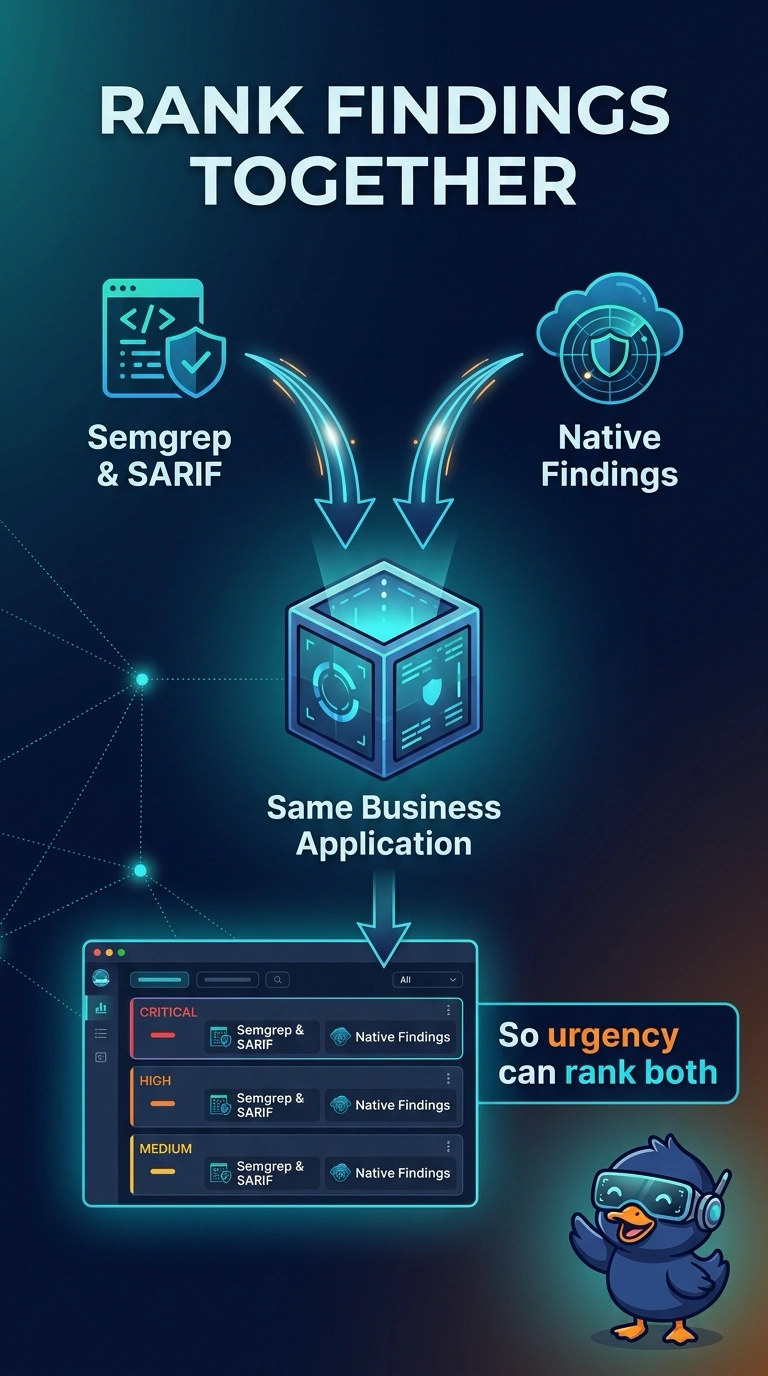
Think of SARIF as a lab slip you file on the same chart as your in-house tests. You ingest it through the Generic 3rd Party AppSec Collector mapped to your already-onboarded repository, then associate that repository with the business application so you can rank both together. Don't leave it in a side spreadsheet or expect ASPM to run Semgrep for you.
Full Explanation
Third-party SARIF can be ingested so ASPM evaluates it under the same policies as native findings. Ingest Semgrep SARIF through the Generic 3rd Party AppSec Collector, mapping findings to an already-onboarded repository using repository_id or repository_url. Associate that repository with the business application for shared triage and prioritization. That association lets urgency, which uses EPSS, CISA KEV, code-to-cloud context, business criticality, and runtime protection, rank that SARIF beside Code Security findings. A spreadsheet kept outside every business application never enters that ranking. Only leaving the file in a continuous-integration log that ASPM never receives is the same gap: the file exists and the application does not see it. A Cloud Workload rule names a scanner such as agentless disk scan, the Kubernetes connector, or the XDR agent. ASPM does not launch Semgrep, and a workload rule is not the SARIF ingestion path. Exam caveat: ingesting SARIF does not replace native infrastructure-as-code, secret, or dependency scans unless that was the coverage you intended. Operational check: confirm the SARIF upload is attached to the clinical-lab application and that a known Semgrep finding appears there next to a native finding.