
A housing authority's leadership wants the executive view of which business applications are riskiest. An engineer offers an XQL widget on asset inventory. What should the briefing use instead?
Select an answer to reveal the explanation.
Short Explanation
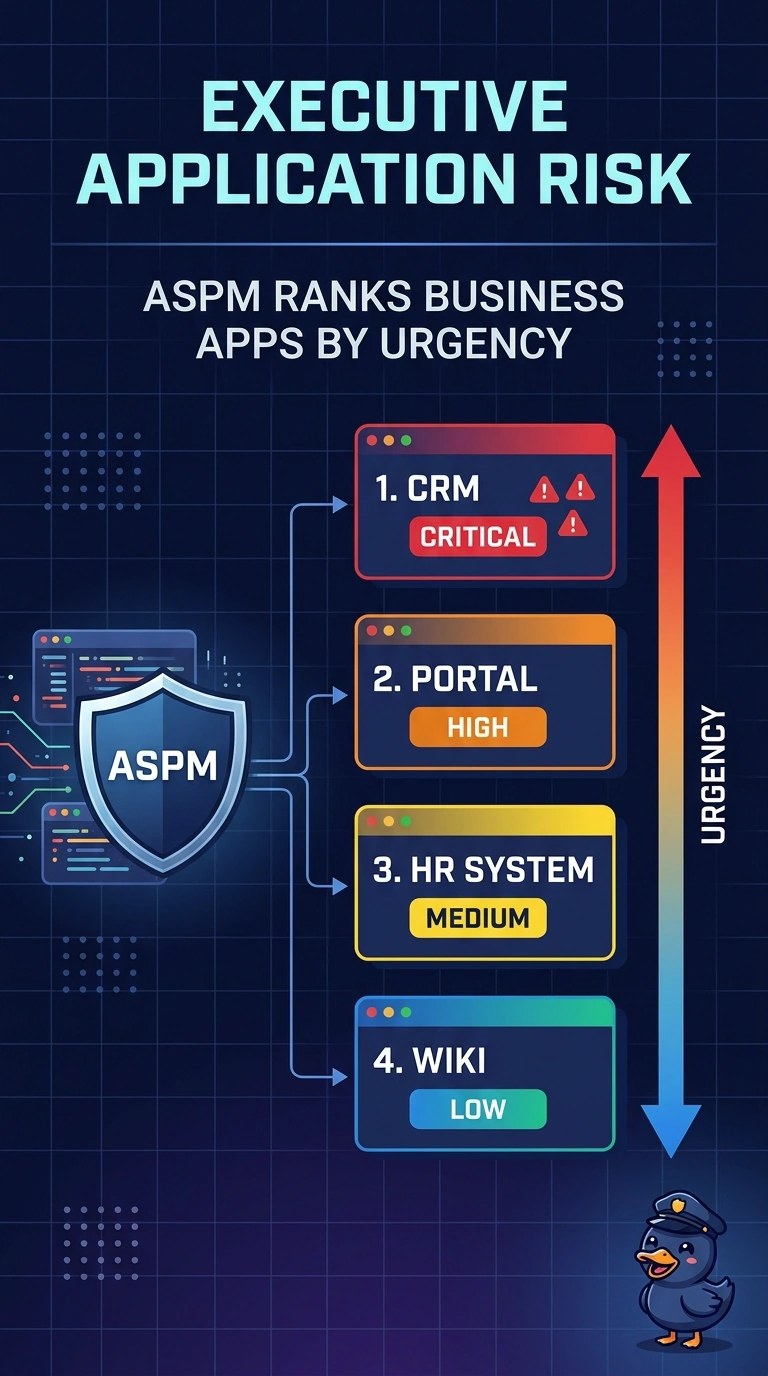
Think of the application ranking as the chart of which shops are in trouble, not a count of every shelf in the warehouse. You brief leadership from ASPM urgency on business applications. An asset-inventory widget is useful and it does not replace that application view.
Full Explanation
ASPM groups findings on business applications and applies urgency from EPSS, CISA KEV, code-to-cloud context, business criticality, and runtime protection. That application ranking is the executive view of which applications are riskiest. An XQL widget on asset inventory counts or lists assets. It respects asset scope and it does not rank business applications, so it should not be the briefing. A compliance PDF is an assessment report. Relabeling raw findings inside it does not create ASPM urgency or issue SLAs. A vulnerability-policy list sorted only by CVSS is a posture policy view. Vulnerability policies use first match for issue creation and prevention, and CVSS alone is the wrong sort for application urgency. The asset-inventory widget can remain a second view for operators who need inventory detail. Application and issue drill-down tables enforce applicable SBAC, but Command Center aggregate counts can include out-of-scope data. Grant Command Center access only to appropriately authorized users; do not assume every executive aggregate is filtered to the viewer asset scope. Operational check: open the business-application ranking, confirm urgency is what leadership sees, and keep the asset-inventory widget as a separate asset tile.