
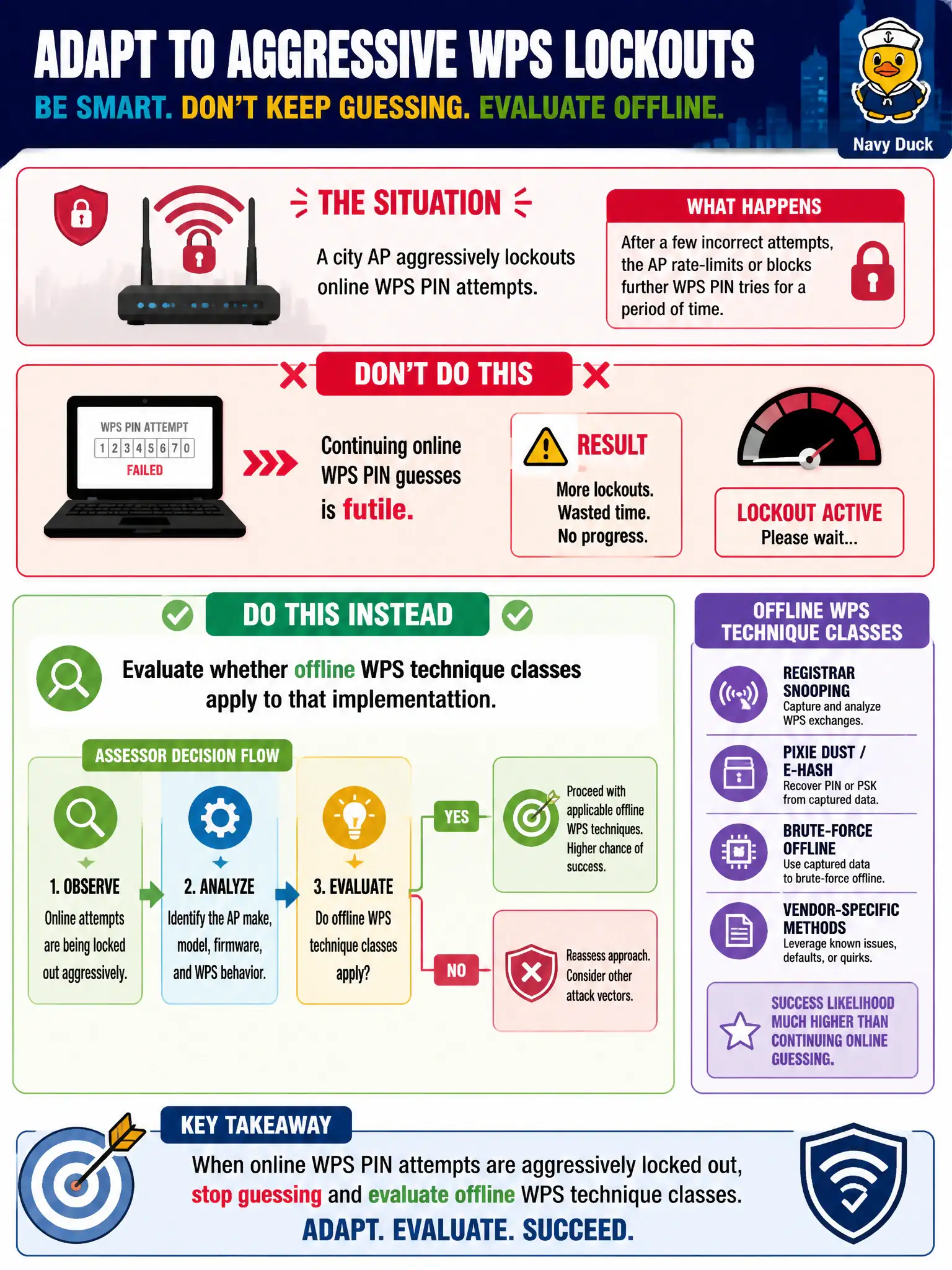
A city AP aggressively lockouts online WPS PIN attempts. At concept level, how should an authorized assessor adapt?
Select an answer to reveal the explanation.
Short Explanation
When the door starts slamming after three knocks, stop knocking harder. Check whether an offline WPS class even fits this box. Lockouts are a hint to adapt—not a license to jam or to call the network finished.
Full Explanation
When a city access point aggressively lockouts online WPS PIN attempts, the practical response is to stop futile online guessing and evaluate whether offline WPS vulnerability classes apply to that specific implementation and firmware behavior. Lockouts shrink the online attack window; they do not automatically authorize escalation to denial techniques or declare the entire WLAN finished. Increasing online PIN speed to defeat lockouts is unsafe, often ineffective, and typically outside professional RoE. Switching to RF jamming so the AP cannot enforce lockouts is unlawful denial-of-service territory and is not an OSWP assessment class. Declaring the wireless assessment complete solely because lockouts exist overstates a single control and ignores other surfaces such as PSK strength, rogue risk, or guest design. Exam caveat: lockout presence lowers online WPS practicality but is not a universal proof of security across firmware variants. Operational check: record lockout evidence in the civic finding notes, pause online PIN work, and decide within RoE whether an offline WPS class is authorized and applicable before spending more time. For municipal and campus engagements, keep the finding language tied to authorized scope, name the building or SSID class affected, and state the residual risk to residents or staff if the rejected option had been chosen. Re-validate after the next change window that the selected control still matches inventory, monitoring, and RoE abort criteria used by the city wireless program.