
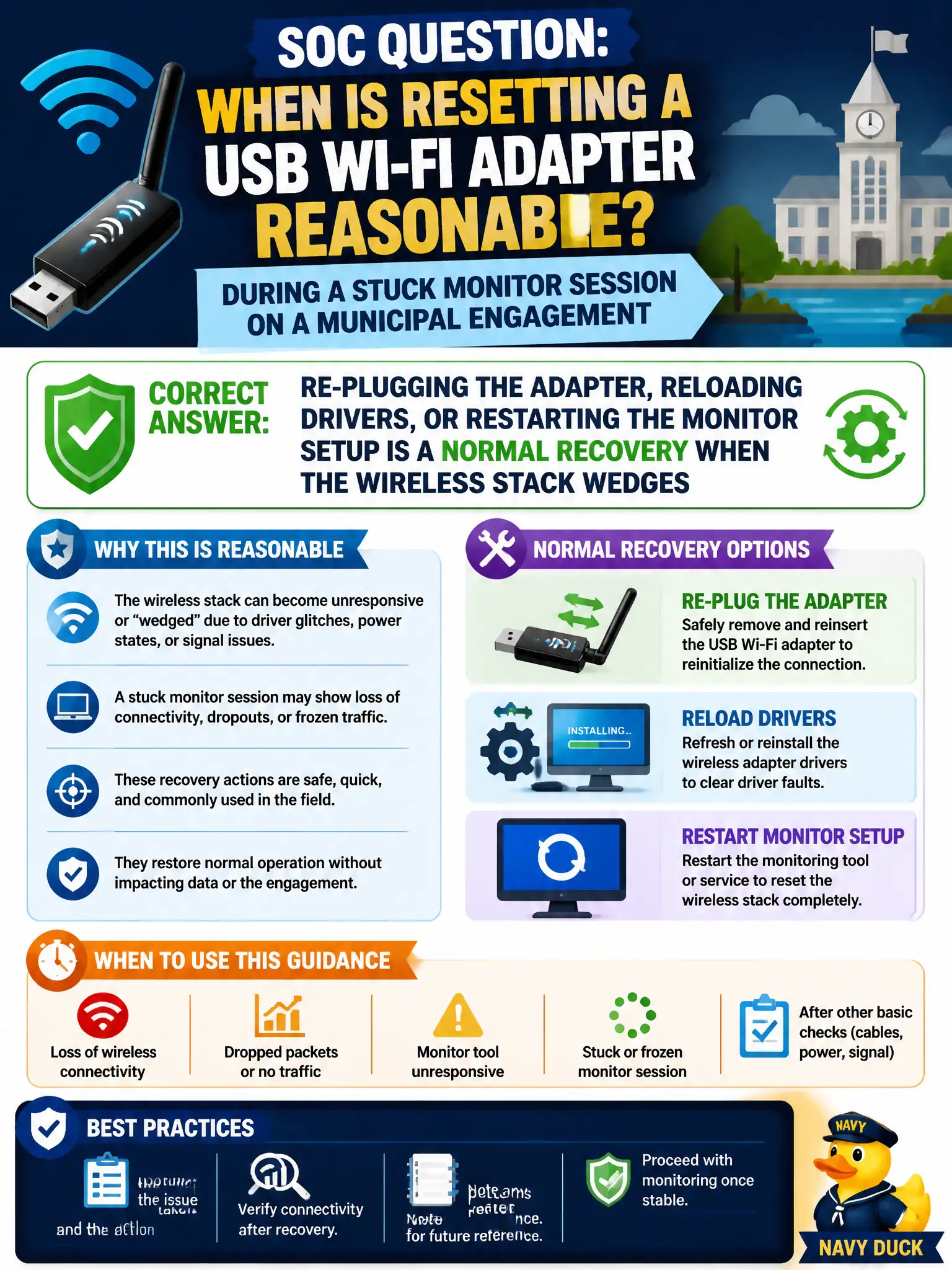
A SOC asks when resetting a USB Wi-Fi adapter is reasonable during a stuck monitor session on a municipal engagement. What guidance fits?
Select an answer to reveal the explanation.
Short Explanation
When the radio stack freezes like a jammed city turnstile, a clean reset—unplug, reload, redo monitor setup—is normal maintenance, not failure. Sitting on a wedged interface wastes the clock. Recover and continue.
Full Explanation
USB wireless stacks wedge during monitor workloads with some regularity: the interface disappears, hangs in an odd mode, or stops delivering frames. On a municipal engagement, re-plugging the adapter, reloading driver modules, or restarting the monitor-mode setup is normal recovery—not a sign that the entire assessment has failed. Proportionate recovery restores evidence collection faster than denial or extreme measures. Forbidding USB resets once monitor mode has ever succeeded fails by concept: prior success does not immunize the stack against later hangs; resets remain valid. Saying only a full OS reinstall can clear a wedged wireless stack fails by concept: reinstall is disproportionate as a first response when device re-enumeration usually suffices. Ignoring stuck sessions until the engagement window expires fails by concept: passive waiting wastes authorized time that recovery could reclaim. Exam caveat: after reset, re-verify channel lock and capture file integrity—do not assume the old pcap handle or interface name still exists. Operational check: when frames stop, note symptoms, re-plug or reload, recreate wlanXmon, confirm the target BSSID reappears, and annotate the timeline in engagement notes so the SOC understands any capture gap.