
A student tries to capture in monitor mode while browsing the web on the same single Wi-Fi adapter. What limitation applies?
Select an answer to reveal the explanation.
Short Explanation
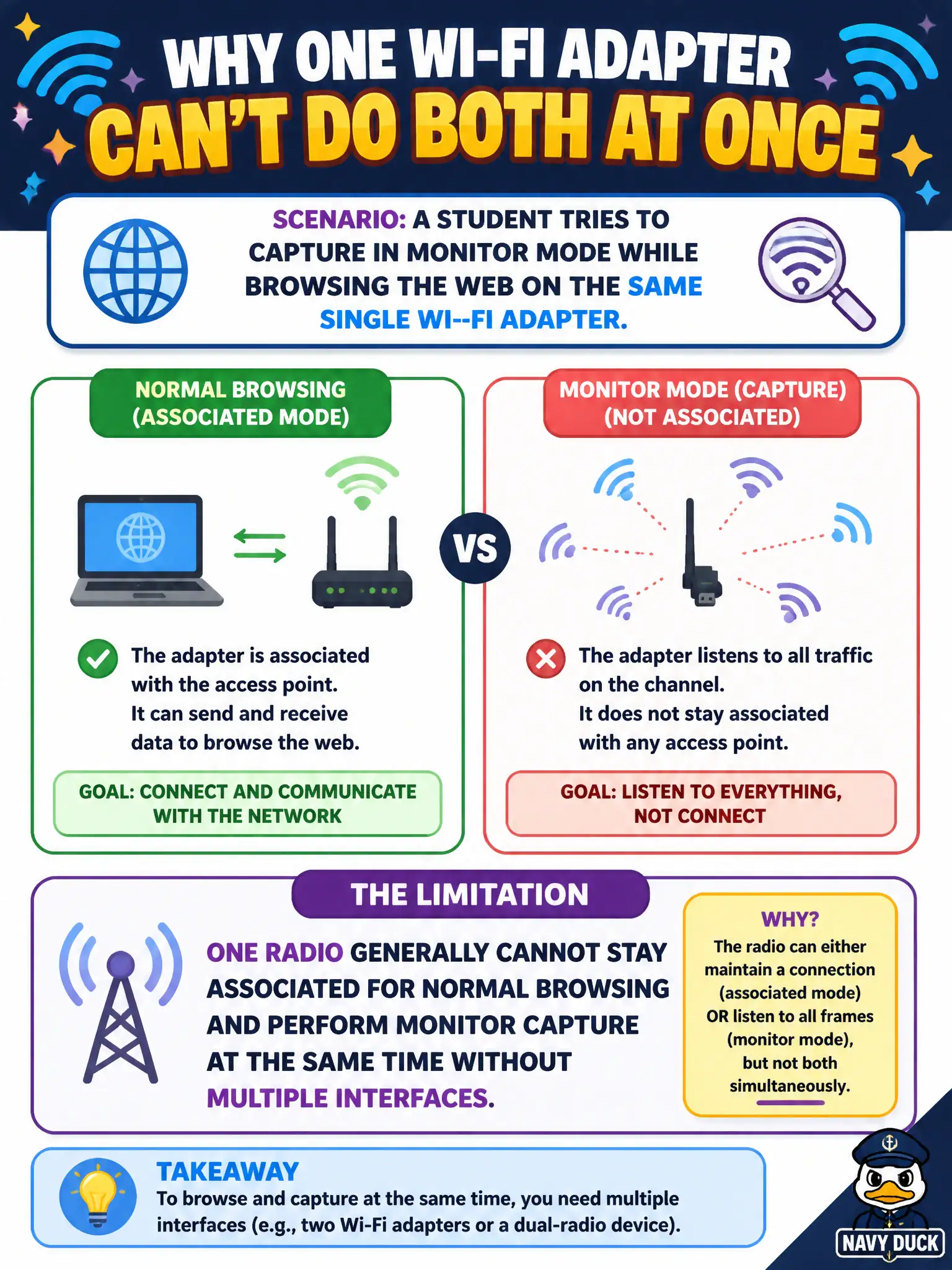
One radio is one set of ears and one mouth—hard to stay joined to the office Wi-Fi and also sit in pure monitor mode at once. You usually need a second interface if you want both jobs. That is a hardware-role limit, not a browser bug.
Full Explanation
A single Wi-Fi radio generally cannot remain associated for normal web browsing in managed mode and simultaneously perform true monitor-mode capture without additional interfaces or specialized virtualization that most civic kits do not assume. Monitor mode changes how the interface receives frames; managed association expects a different operational mode. Students who try both on one adapter typically lose one function or thrash the interface state. City labs therefore separate browsing/VPN backhaul from the RF assessment radio. Claiming one adapter can fully associate for browsing and remain in monitor capture simultaneously without conflict on every chipset fails by concept: mode conflict is the common case, not universal free concurrency. Saying browsing automatically enables a second virtual radio that never contends fails by concept: a second radio requires real additional hardware (or uncommon virtual interfaces), not wishful browsing. Asserting monitor mode only blocks email clients while exempting web browsing fails by concept: the limitation is radio mode, not application class. Exam caveat: some advanced multi-vif setups exist on certain drivers, but OSWP-style and municipal playbooks should not bank timed success on exotic concurrent managed-plus-monitor behavior with one stick. Operational check: use Ethernet or a second adapter for documentation uploads and browsing; keep the assessment adapter dedicated to monitor/injection; confirm the monitor interface stays stable while the backhaul path carries SSH and report traffic.