
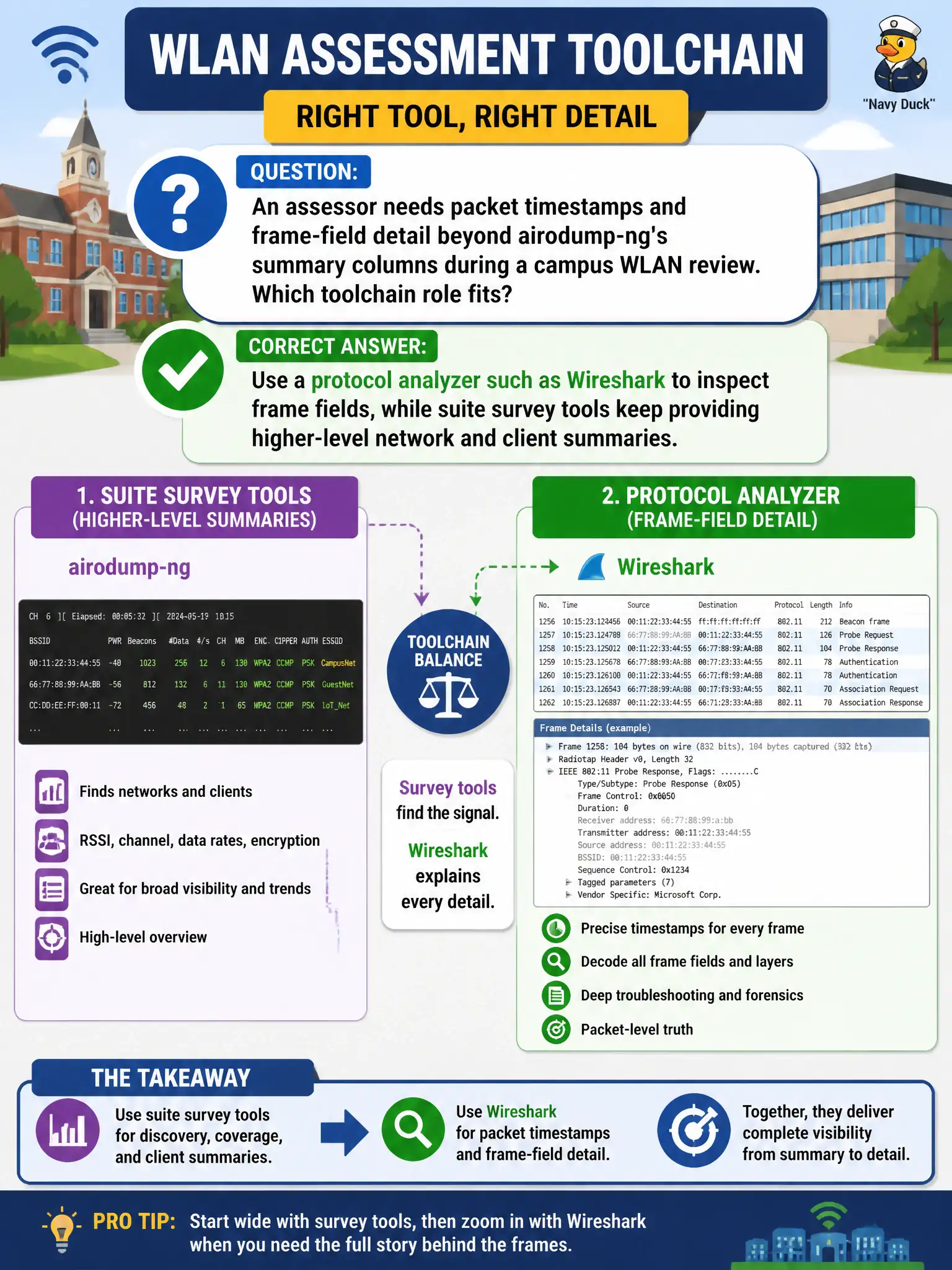
An assessor needs packet timestamps and frame-field detail beyond airodump-ng’s summary columns during a campus WLAN review. Which toolchain role fits?
Select an answer to reveal the explanation.
Short Explanation
airodump gives you the stadium scoreboard; Wireshark gives you the play-by-play tape. When you need timestamps and field guts, open a protocol analyzer. Keep the survey tool for the big picture, not for every byte.
Full Explanation
airodump-ng excels at higher-level summaries—BSSIDs, channels, power, station lists—during a campus WLAN review, but deep frame-field inspection and precise timestamp analysis belong to a protocol analyzer such as Wireshark (or tshark). The correct toolchain role split keeps suite survey tools for situational awareness while opening captures in an analyzer when IE contents, EAPOL details, or per-frame timing matter for the municipal report. Increasing airodump-ng font size so every 802.11 field appears in the live table fails by concept: display zoom cannot invent full protocol dissection columns the survey UI does not provide. Replacing all capture with screenshots of the NetworkManager tray icon fails by concept: tray icons are not packet evidence and lack frame detail. Saying only SNMP polling of switches can reveal wireless frame timestamps fails by concept: wireless frame timing is obtained from RF captures and analyzers, not switch SNMP as the sole source. Exam caveat: open the same authorized pcap in both tools when needed—airodump-ng-style summaries for triage, Wireshark for proof-level fields—without treating either as a full substitute for the other. Operational check: capture on the city assessment interface with the suite tool, open the file in Wireshark, verify EAPOL or beacon IEs required by the finding, and archive both the cap and annotated screenshots per evidence standards.