
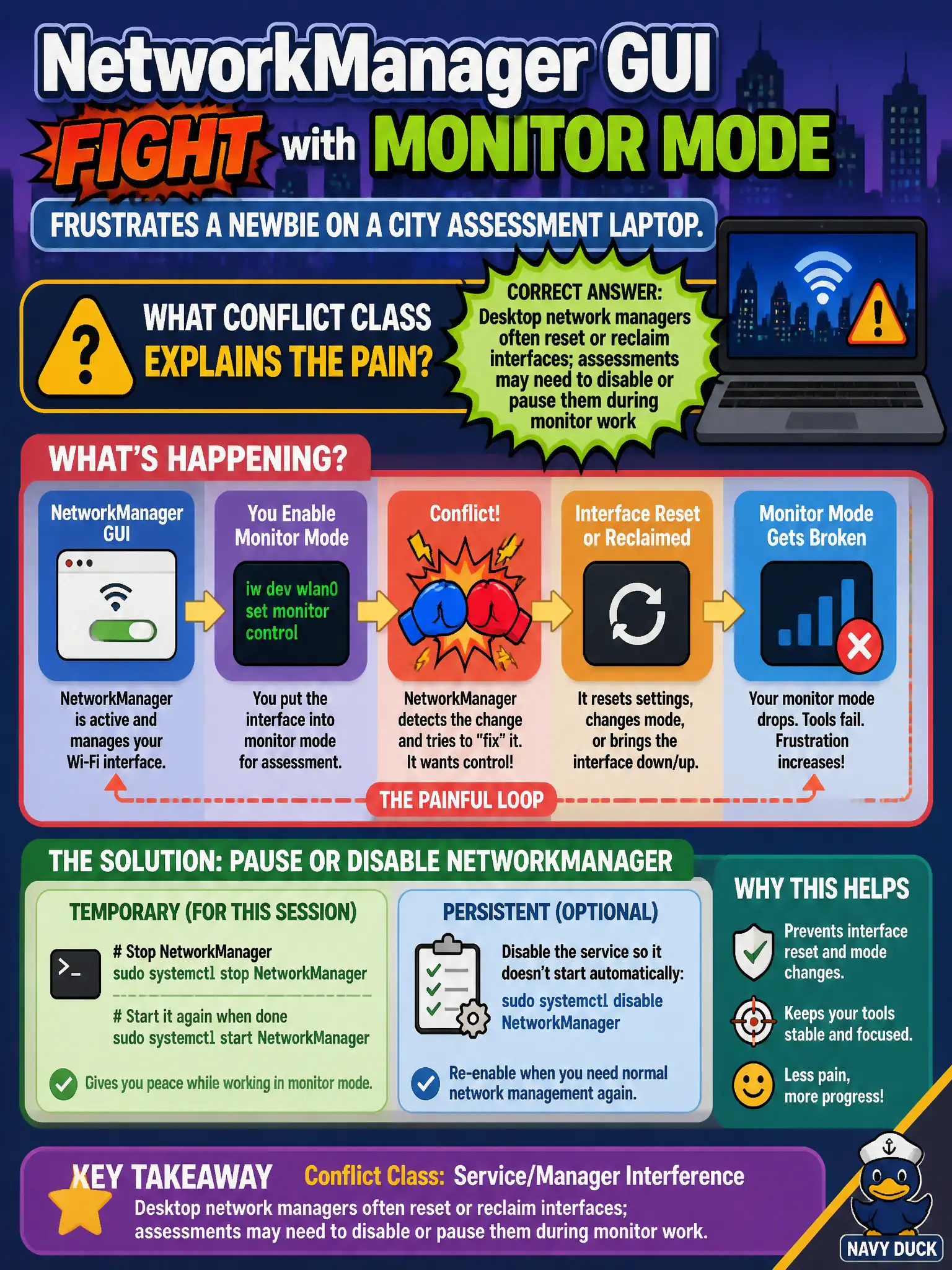
A NetworkManager GUI fight with monitor mode frustrates a newbie on a city assessment laptop. What conflict class explains the pain?
Select an answer to reveal the explanation.
Short Explanation
NetworkManager is the helpful coworker who keeps “fixing” your Wi-Fi while you are trying to hold a still monitor pose. It resets interfaces at the worst time. Pause or disable it for the capture window, then bring normal networking back when you are done.
Full Explanation
Desktop network managers such as NetworkManager frequently auto-configure wireless interfaces, bring them up in managed mode, and reclaim devices when they detect state changes. That helpful desktop behavior conflicts with monitor-mode workflows on city assessment laptops: the manager may reset the interface, kill a monitor device, or reattach a client profile mid-capture. Assessments therefore often pause or disable the network manager for the monitor window, then restore normal networking afterward. Understanding this conflict class prevents blaming the chipset when the desktop stack is the real antagonist. Claiming monitor mode permanently bricks NetworkManager so the desktop must be reinstalled after every lab fails by concept: the conflict is transient operational interference, not permanent corruption requiring reinstall. Saying NetworkManager never touches wireless interfaces once a USB adapter is plugged in fails by concept: USB wireless devices are exactly the interfaces managers love to claim. Blaming only Wayland compositors while saying X11 never interferes fails by concept: the conflict is with connection-management daemons, not the display server family. Exam caveat: disabling NetworkManager can drop your upstream SSH path if that path depended on another interface the manager owned—plan a wired or alternate management link before you stop the service on a remote civic host. Operational check: document whether NetworkManager (or equivalent) is active, stop or mask it for the authorized monitor window, create wlanXmon, confirm the interface stays stable for several minutes, then re-enable the manager only after capture teardown.