
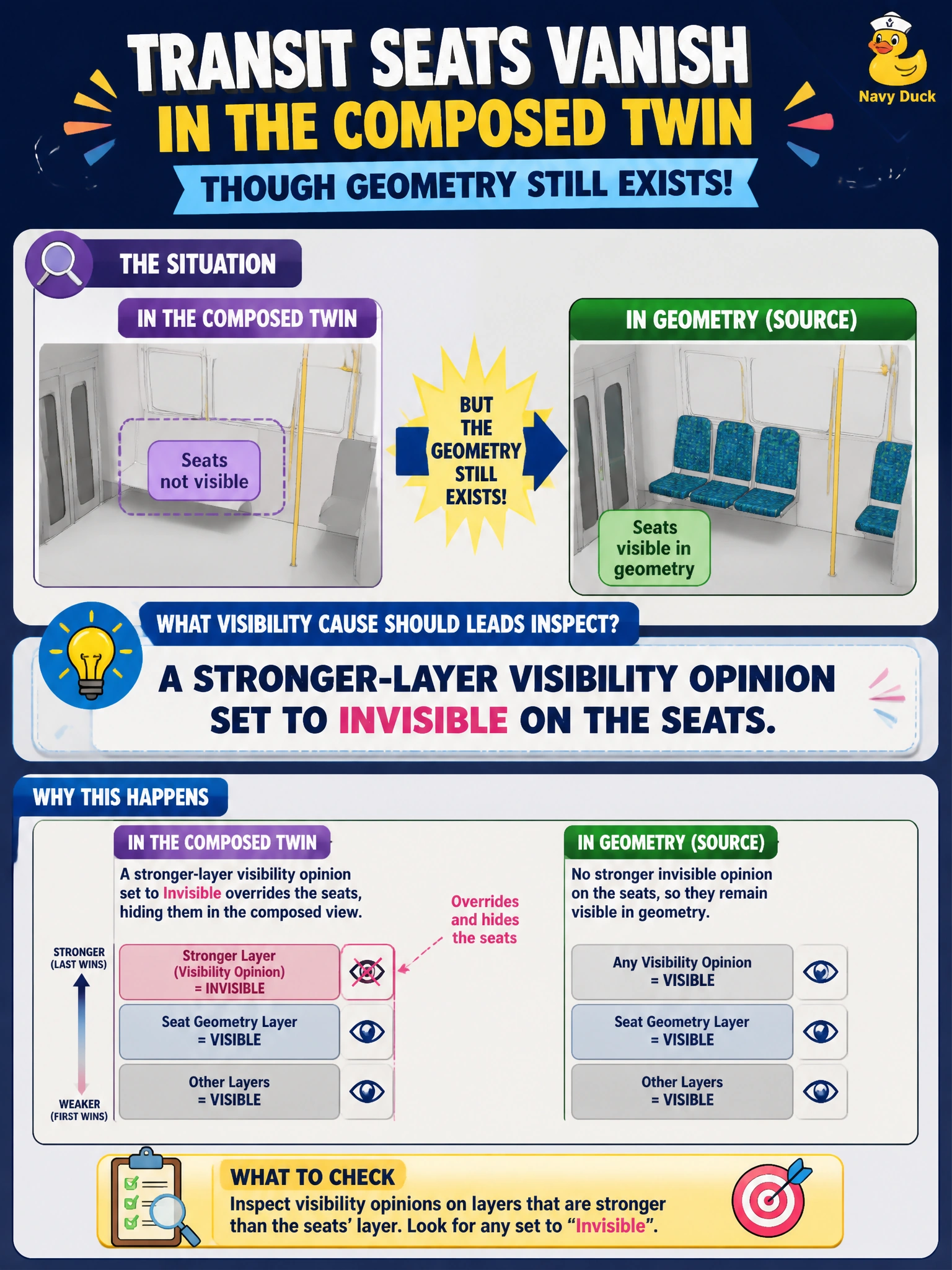
Transit seats vanish in the composed twin though geometry still exists. What visibility cause should leads inspect?
Select an answer to reveal the explanation.
Short Explanation
You’re right to inspect whether a stronger layer sets the seats’ visibility to invisible; the geometry can remain present even when it isn’t drawn. Face-count quotas, USDA versus USDC for metadata, and a transit division name in customData do not hide seats by themselves.
Full Explanation
A stronger-layer visibility opinion set to invisible is the cause to inspect: USD composition can preserve a seat mesh’s points and topology while a stronger layer prevents it from being drawn. This explains how seats can vanish in the composed twin even though their geometry still exists. A seat mesh’s face count being below an arbitrary triangle quota is not a USD visibility rule and does not hide the mesh. Choosing USDA or USDC for a metadata-only annotation changes its encoding, not whether seats are visible. Likewise, customData containing the transit division name is organizational metadata, not a visibility setting. Exam caveat: the visibility opinion may be authored in a stronger layer than the one currently being edited, so checking only the seat’s base layer can miss the cause. Practical check: inspect the composed visibility property stack on the seat prims, find the stronger layer that authors invisible, then remove or intentionally override that opinion and confirm that the seats draw in the composed twin. Document which layers may set seat visibility during maintenance scenarios.