
Parks trees in the civic twin appear in wrong places after a batch transform update. What should the debugger check first for unexpected visual results?
Select an answer to reveal the explanation.
Short Explanation
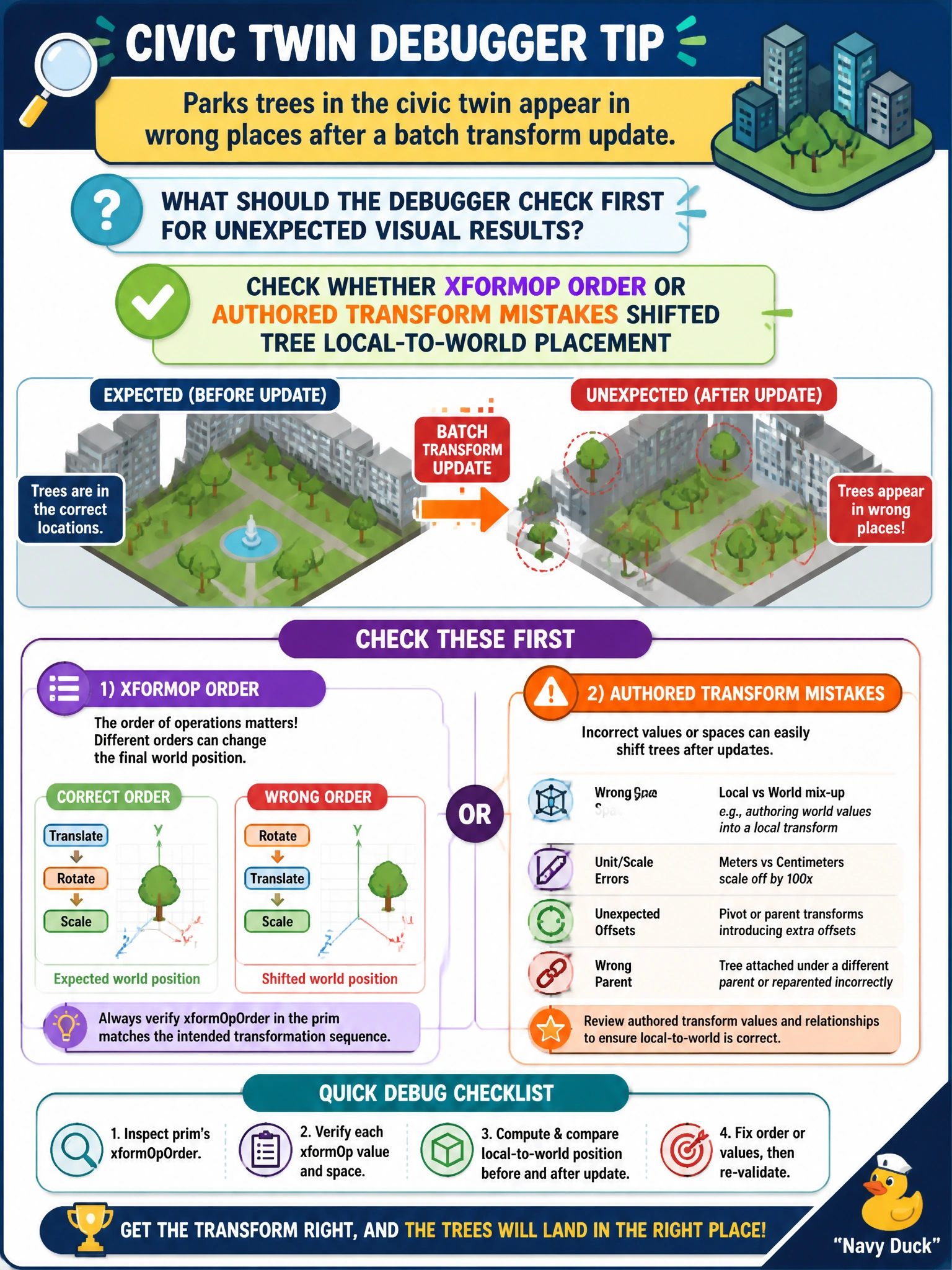
When tree positions shift after a batch update, you should check xformOp order and authored transforms first. Memory tagging and a USDA header comment do not move trees, and removing faceVertexCounts affects shading rather than placement.
Full Explanation
Unexpected park-tree placement after a batch transform update is usually a transform-composition problem, not a memory-tag or header-comment problem. OpenUSD applies xformOps in authored order to build each prim’s local-to-world matrix; a swapped translate/rotate/scale sequence, an accidental double-apply, or a wrong pivot or parent after a GIS batch write can shift trees from their intended world positions while leaving the meshes intact. First check whether xformOp order or authored transform mistakes changed the affected trees’ local-to-world placement. Disabling TfMallocTag for the entire city GIS database fails by concept: malloc tagging profiles allocations; it does not author or reorder transforms, so disabling it cannot explain or fix misplaced trees. A USDA header comment listing the mayor’s office hours is non-semantic documentation for humans and has no effect on transform evaluation or world placement. Removing faceVertexCounts from all tree meshes to force flat shading changes topology or shading, not the transform that positions each whole tree. Exam caveat: when visuals look wrong, it is easy to chase unrelated metadata, but misplaced assets after a transform batch point first to xformOp order or authored transform mistakes. Practical check: open a misplaced tree prim, inspect its xformOpOrder and op values against a known-good sibling or pre-batch layer, recompute local-to-world in the stage inspector, and confirm its GIS source coordinates still match the intended site.