
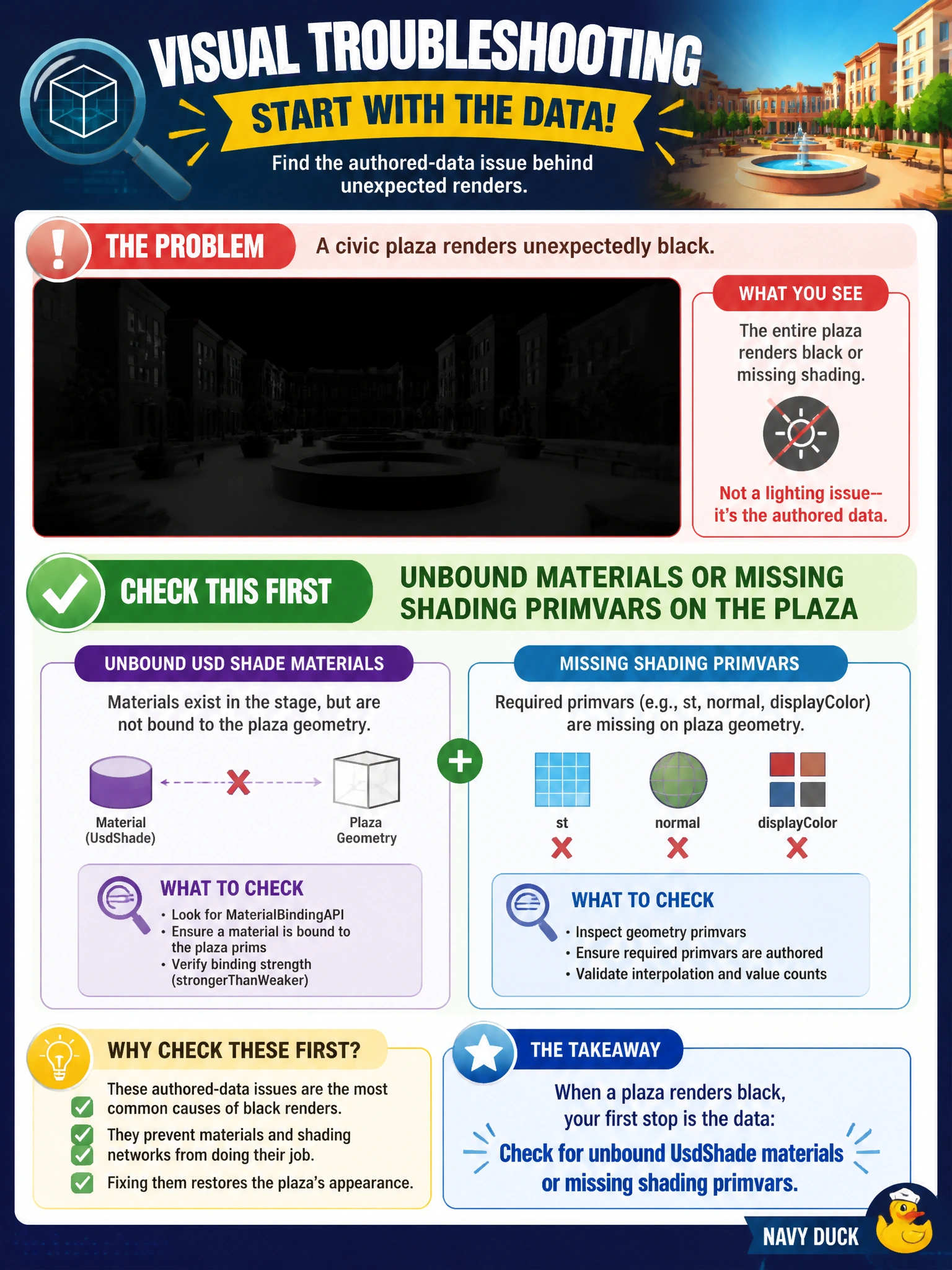
A civic plaza renders unexpectedly black. Which authored-data cause should visual troubleshooters check first?
Select an answer to reveal the explanation.
Short Explanation
When you troubleshoot a black plaza, start with its UsdShade material bindings and required shading primvars; restoring them can bring back the intended look. A mixed-case filename, the county website’s CMS theme, and unrelated TfMallocTag diagnostics do not shade the plaza.
Full Explanation
A civic plaza that renders unexpectedly black should first be checked for unbound UsdShade materials or missing shading primvars on the plaza. Without a bound material, or without primvars such as displayColor, UVs, or normals that the bound shader expects, the renderer may not produce the intended appearance. Restoring the material binding and required shading data addresses the authored-data cause. A mixed-case plaza filename does not determine whether a material is bound or whether required primvars exist, so changing its capitalization does not address this issue. The county website CMS theme controls the website’s appearance, not the plaza’s USD geometry or shading. TfMallocTag diagnostics from an unrelated water plant describe allocator activity and have no connection to the plaza’s material bindings or primvars. Exam caveat: displayColor may be an intentional fallback in a city’s preview path, so check whether the plaza is authored to rely on it before treating its absence as a defect. Practical check: inspect the plaza gprims for material bindings and the primvars those materials require, then compare the result with a known-good plaza render; flag missing bindings or critical primvars in content QA.