
A city plaza mesh renders nearly black after a bad export. What authored-data issue most likely explains the unexpected look?
Select an answer to reveal the explanation.
Short Explanation
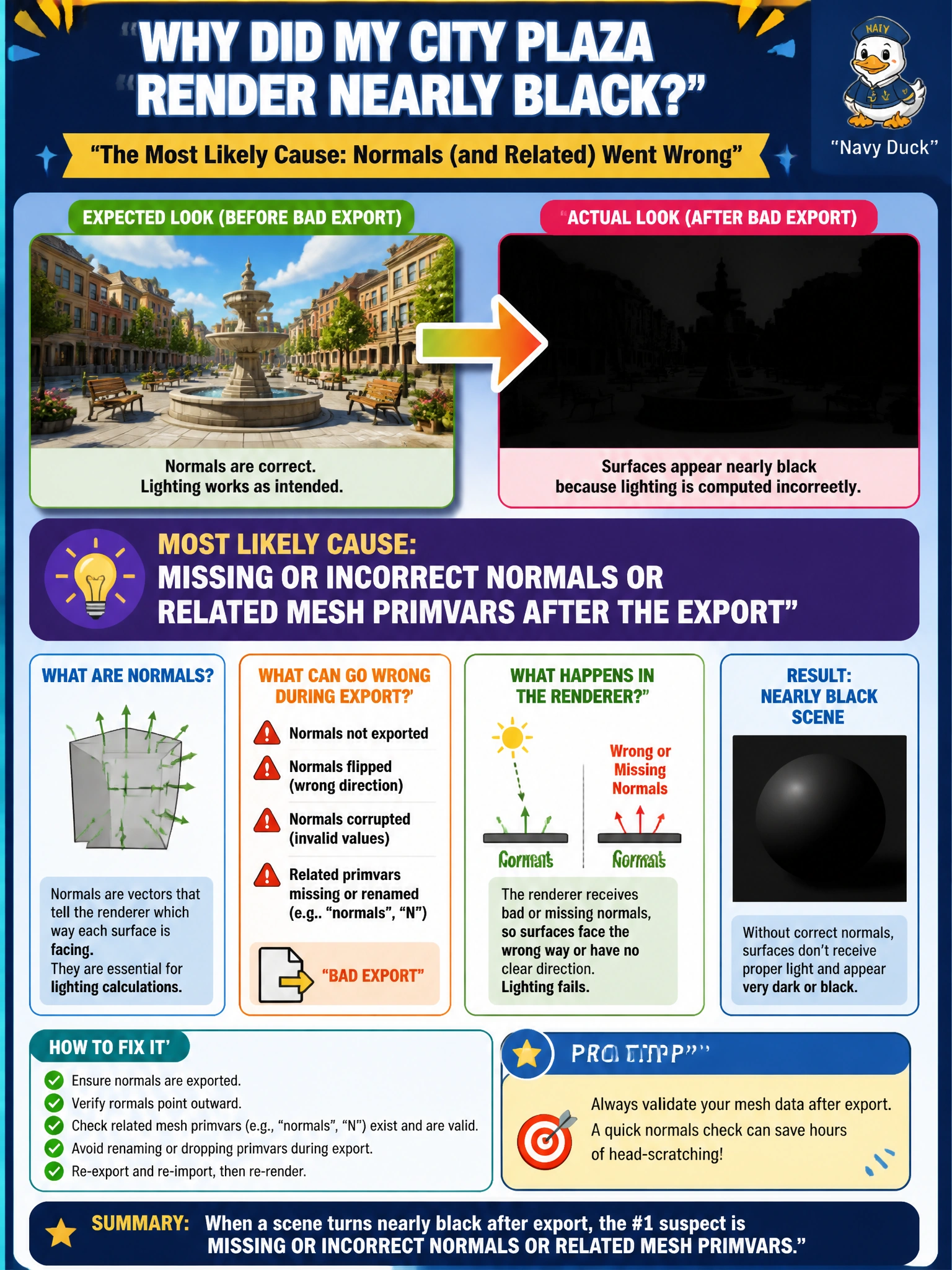
When your plaza turns nearly black after export, missing or incorrect normals or related mesh primvars are the likely cause—not a longer filename or enabling TfMallocTag during lunch. Check that the export preserved the mesh data your renderer needs to shade it.
Full Explanation
A city plaza mesh that renders nearly black after a bad export most often reflects missing or incorrect authored mesh data—especially normals or related shading primvars—rather than a longer filename, an empty defaultPrim, or allocator diagnostics. Without valid normals, or with corrupted primvars the shader expects, lighting cannot compute plausible shading, so the plaza may appear flat, crushed, or nearly black even though its points and topology still load. The export pipeline must preserve the geometric attributes the renderer and material bindings consume. Saving the plaza USD file with a longer filename does not strip normals or alter shading math; name length is irrelevant to authored mesh quality. Setting stage defaultPrim to an empty string alone may affect default targeting, but does not explain a black-shaded plaza when the mesh prim remains reachable. Enabling TfMallocTag during lunch is memory-tagging diagnostics and has no causal link to mesh normals or display appearance. Exam caveat: an empty defaultPrim can matter if default targeting is required, but the question points to authored mesh data after export; prioritize normals and primvars. Operational check: inspect the exported mesh for normals and expected primvars, re-export or recompute normals if they are missing, and compare the result with a known-good plaza asset in the same viewer and lighting. Reject packages whose mesh attributes fail the authored-data QA check.