
Public-works wants inspector color coding on curb meshes in the twin. How should leads add that visual cue on the geometry?
Select an answer to reveal the explanation.
Short Explanation
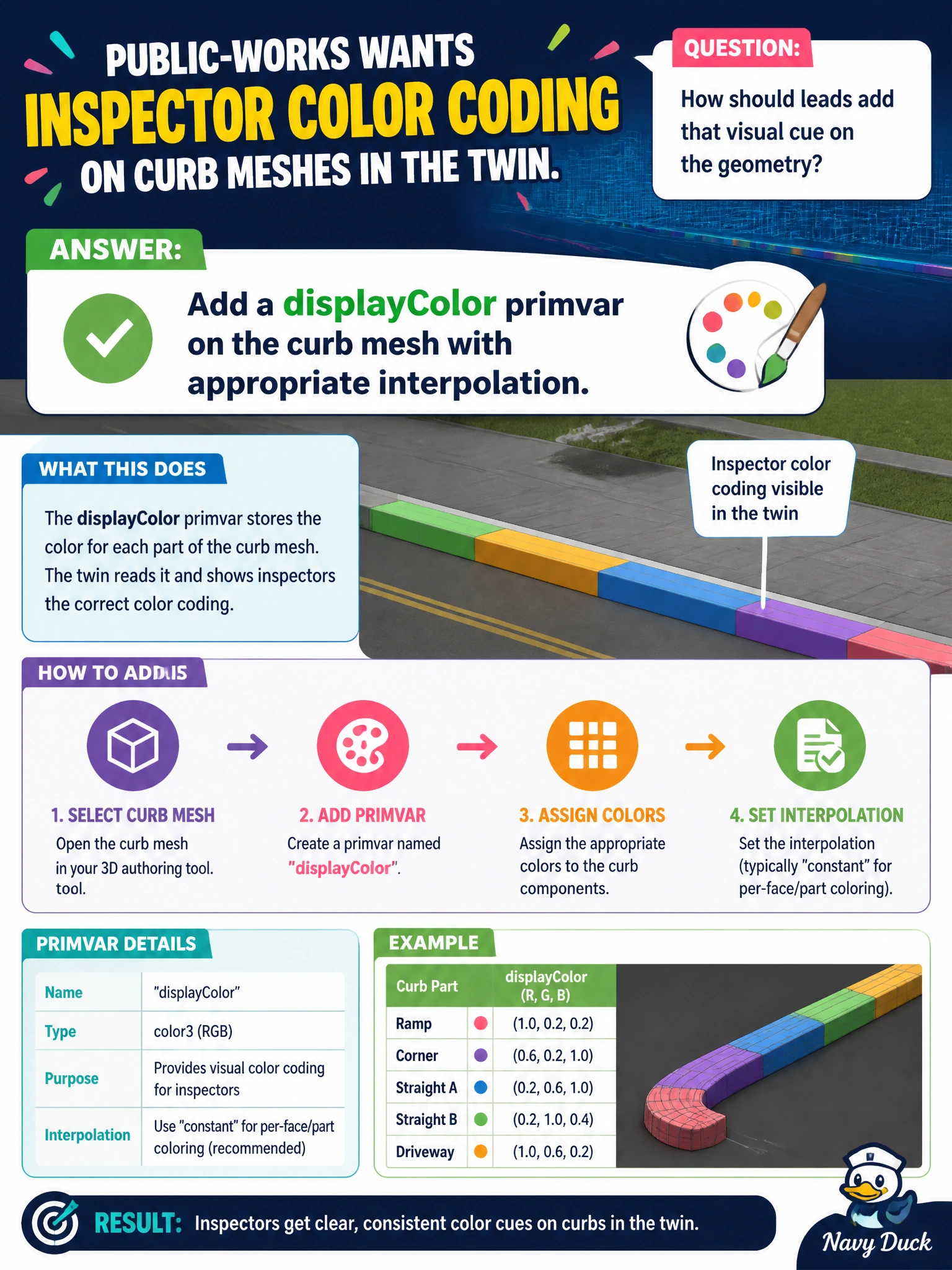
You can put the inspector cue directly on the curb mesh as a displayColor primvar with appropriate interpolation, so viewers see it in the twin. A filename does not shade geometry, and up-axis metadata is not a paint channel.
Full Explanation
Public-works inspector color coding belongs on the curb geometry as a displayColor primvar with appropriate interpolation. Use constant or uniform interpolation for a whole-mesh code, or vertex/face-varying interpolation when segments differ. Primvars model per-geometry visual attributes that viewers and Hydra delegates consume, so authoring the cue on the mesh lets inspectors see it wherever the curb prim is referenced in the twin. Encoding colors only in the USD filename does not shade geometry and can fail when assets are renamed, referenced under new paths, or packaged. Storing colors exclusively as stage upAxis metadata misuses orientation metadata, which must remain a coordinate contract rather than a paint channel. Muting the mesh and painting screenshots removes live geometry from the twin and cannot keep up when curb topology changes. Exam caveat: displayColor is a visualization convention, not a substitute for typed inspection status in customData when governance requires queryable enums; for visual cueing, displayColor primvars are the geometry-facing answer. Practical check: author displayColor on a sample curb mesh, compose it in the twin viewer, confirm the palette appears, adjust interpolation if segment boundaries require it, and verify the primvar survives export and import without being stripped by DCC defaults.