
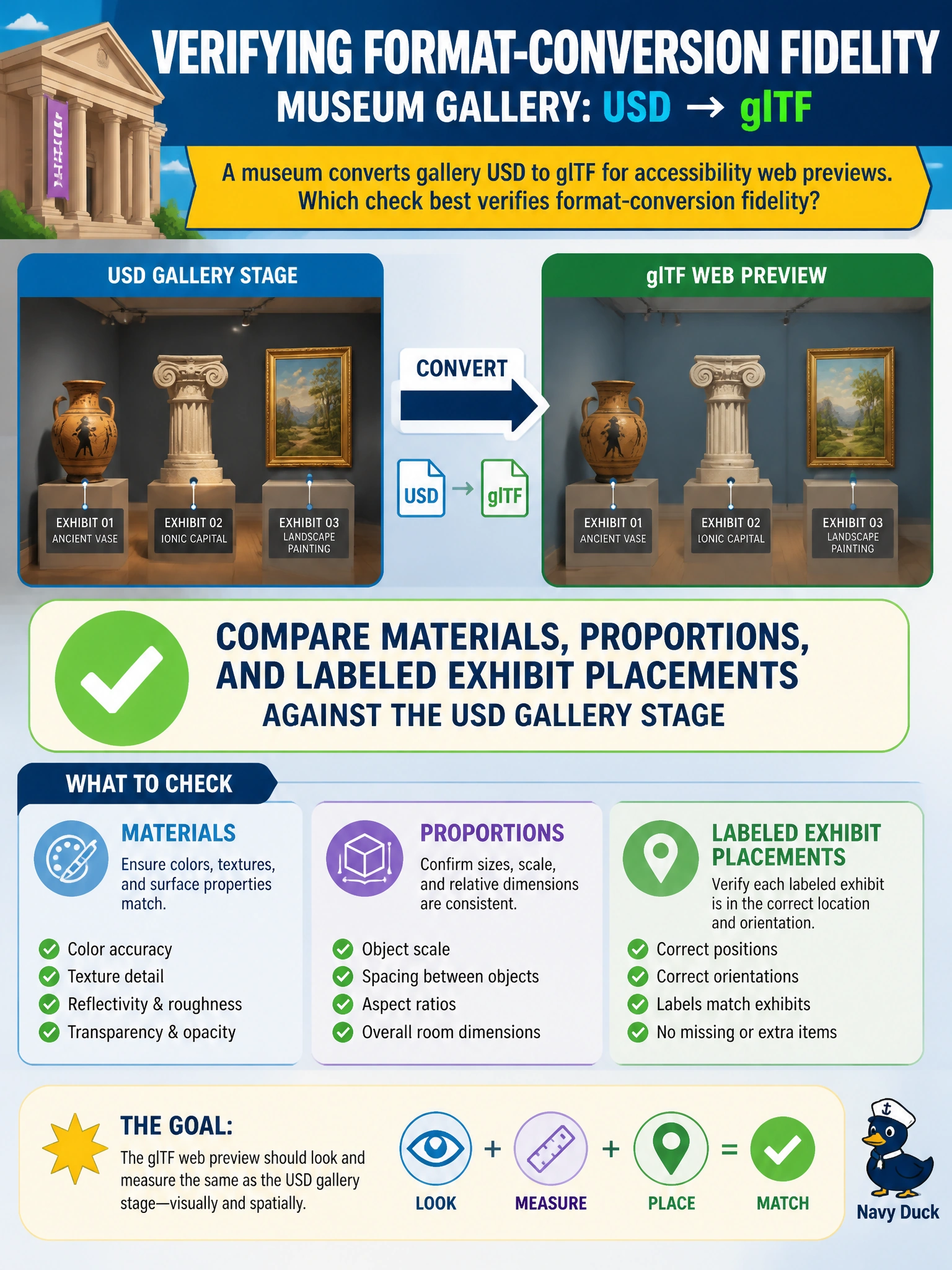
A museum converts gallery USD to glTF for accessibility web previews. Which check best verifies format-conversion fidelity?
Select an answer to reveal the explanation.
Short Explanation
Accessibility previews only help if the gallery still looks like the gallery. Compare materials, proportions, and exhibit placements to the USD stage—do not celebrate a file count alone.
Full Explanation
Museum accessibility web previews only help visitors if the converted glTF still represents the gallery as authored in USD. Comparing materials, proportions, and labeled exhibit placements against the USD gallery stage is the fidelity check that ties format conversion to the civic purpose of the preview—wayfinding, contrast of finishes, and finding the right exhibit in space.
Counting only the number of files written ignores visual and spatial truth; a successful write can still ship a distorted gallery. Requiring glTF to discard all materials for silhouette-only previews may reduce size but abandons material and labeling fidelity the accessibility preview needs. Replacing all meshes with a single cube accelerates download while destroying gallery structure entirely—throughput without content is not conversion success.
Exam caveat: Label and placement drift can break accessibility wayfinding even when overall room proportions look similar; include exhibit ID and position checks, not only beauty-shot comparison, and note any glTF extension limits that force material approximation.
Operational check: Perform a side-by-side review of USD versus glTF for material response, gallery proportions, and labeled exhibit locations; document deviations, obtain accessibility stakeholder sign-off on tolerances, and only then publish the public preview package.