
City communications converts a plaza USD twin to glTF for the public web viewer. What must the team verify beyond a successful file write?
Select an answer to reveal the explanation.
Short Explanation
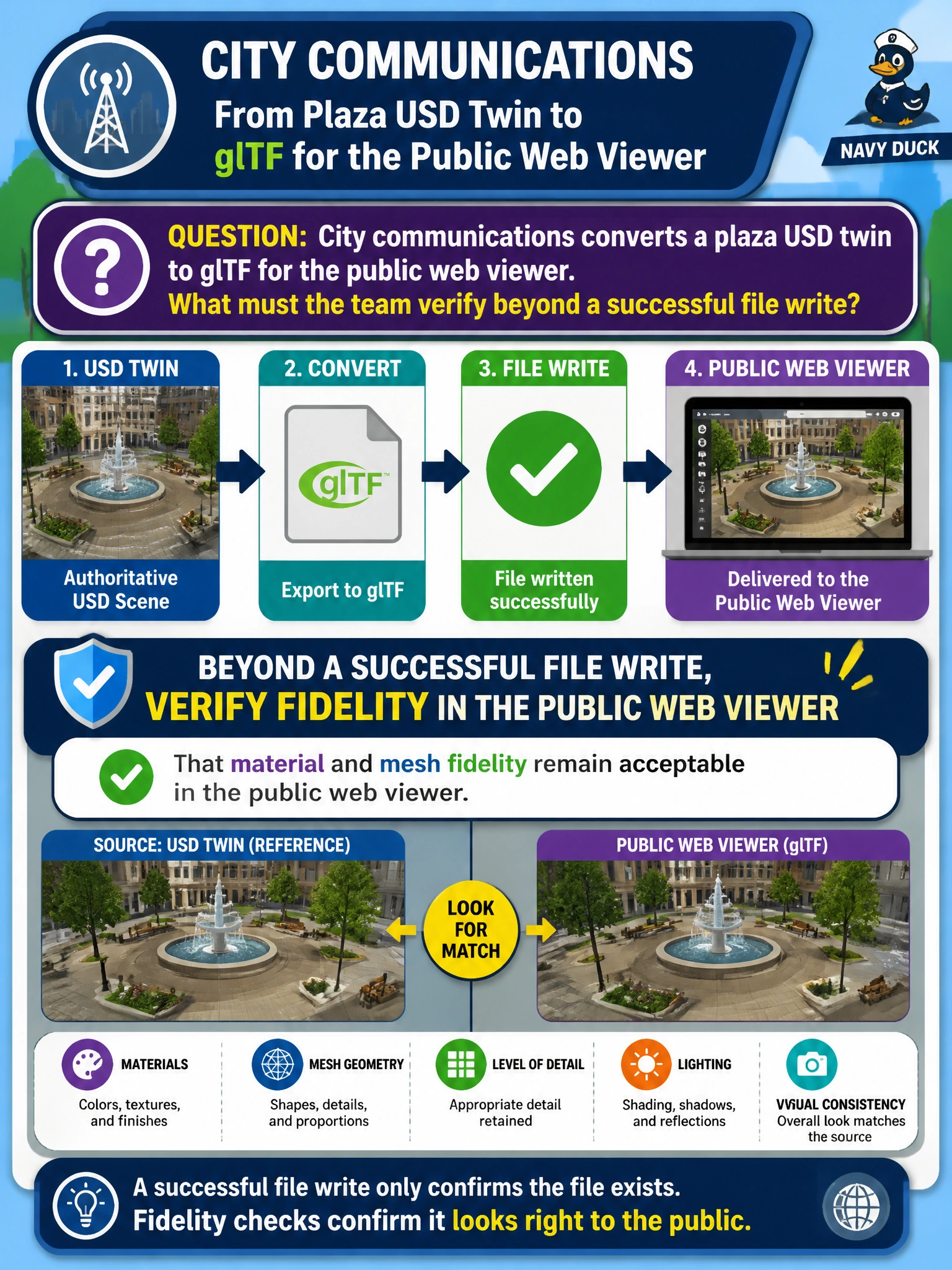
Getting a glTF file to save is the easy part—like printing tickets. Checking that materials and meshes still look right in the public viewer is the real quality gate.
Full Explanation
When city communications converts a plaza USD twin to glTF for a public web viewer, a successful file write only proves serialization completed. Fidelity validation must confirm that materials and meshes remain acceptable in the actual public viewer experience—citizens and stakeholders judge the twin by what they see, not by whether an exporter exited zero.
Preserving USDA comments byte-for-byte inside the glTF binary is not a meaningful interchange goal; comments are authoring notes and glTF is a delivery format with different metadata conventions. Converting every municipal prim into a UsdLuxDomeLight during conversion destroys plaza structure and lighting intent. Rewriting LIVERPS strength order as glTF animation curves confuses USD composition semantics with keyframe animation and does not validate visual fidelity.
Exam caveat: “Acceptable” fidelity is stakeholder-defined—document tolerances for material approximation, missing extensions, and scale units before calling the plaza web package done.
Operational check: Load the exported glTF in the public web viewer beside the USD Hydra or DCC reference, compare materials and mesh silhouettes for the plaza, log any unacceptable drift, and only then approve communications release.