
Transit exports station wayfinding USD to glTF for mobile kiosks. Which validation best ensures conversion fidelity?
Select an answer to reveal the explanation.
Short Explanation
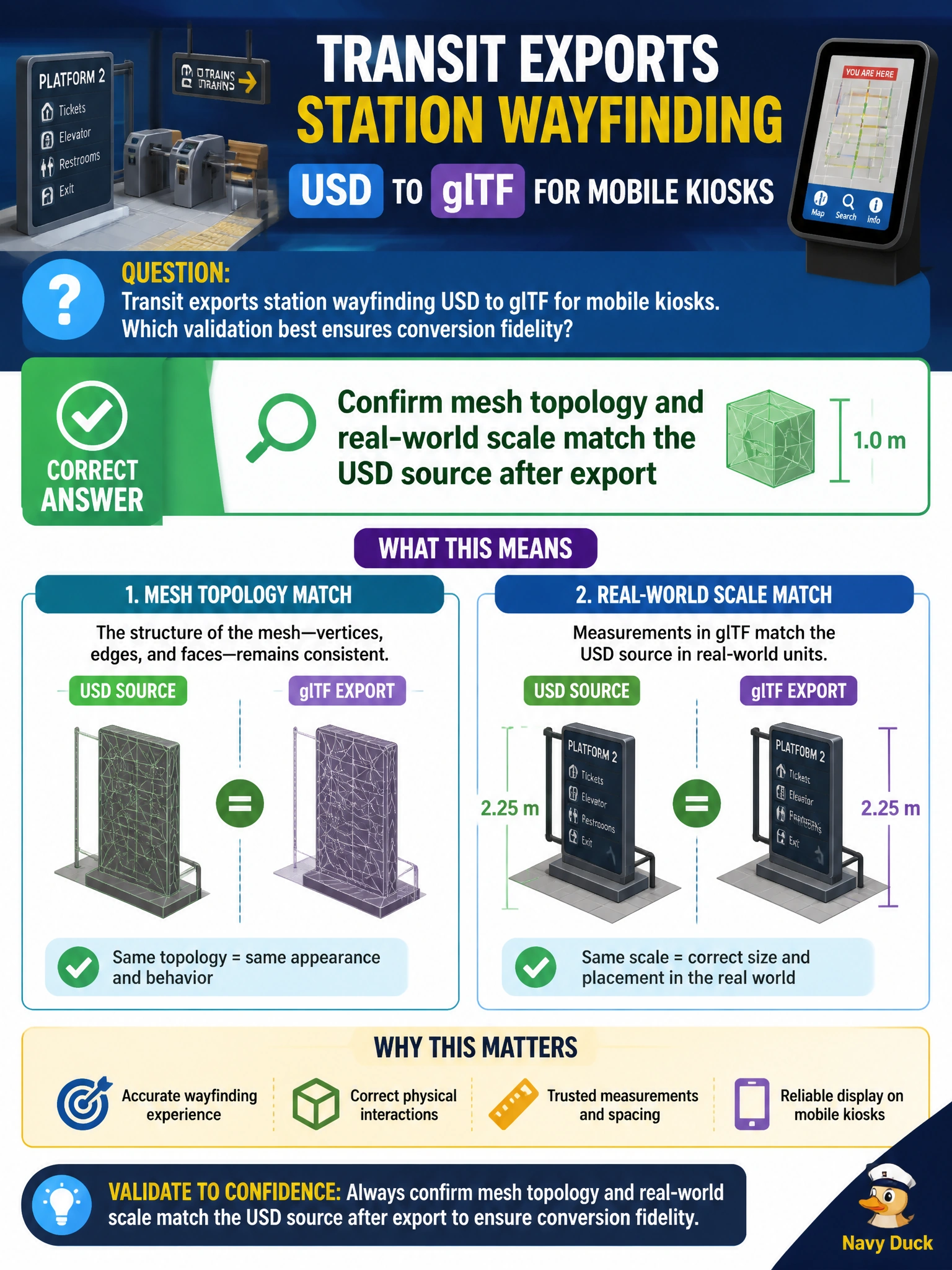
Mobile kiosks lie if the stairs are the wrong size. After glTF export, check that mesh topology and real-world scale still match the USD station twin.
Full Explanation
Transit wayfinding on mobile kiosks must preserve physical truth after USD-to-glTF conversion. Confirming that mesh topology and real-world scale match the USD station source is the core fidelity check: broken topology and wrong units produce misleading stairs, platforms, and sign placements for riders and staff.
Stripping all materials so kiosks show only wireframes may aid debug viewing but discards wayfinding readability and is not a fidelity validation of the delivered experience. Renaming every prim path to a single root named kioskRoot destroys hierarchical identity and breaks any tooling that keyed off station structure; it does not prove conversion fidelity. Converting only cameras and discarding geometry removes the station content the kiosk exists to show.
Exam caveat: Scale mismatches often come from unit or axis conventions between USD meters and glTF expectations—verify unit metadata explicitly, not only visual “looks about right.”
Operational check: Measure a known platform length or door width in the USD stage and in the glTF kiosk build, confirm topology (watertightness/expected face counts where applicable) against source, and reject packages that fail the scale or topology gate before mobile publish.