
Emergency-management BCM admin commands hang cluster-wide. A stuck report job holds a database lock. What clears the freeze?
Select an answer to reveal the explanation.
Short Explanation
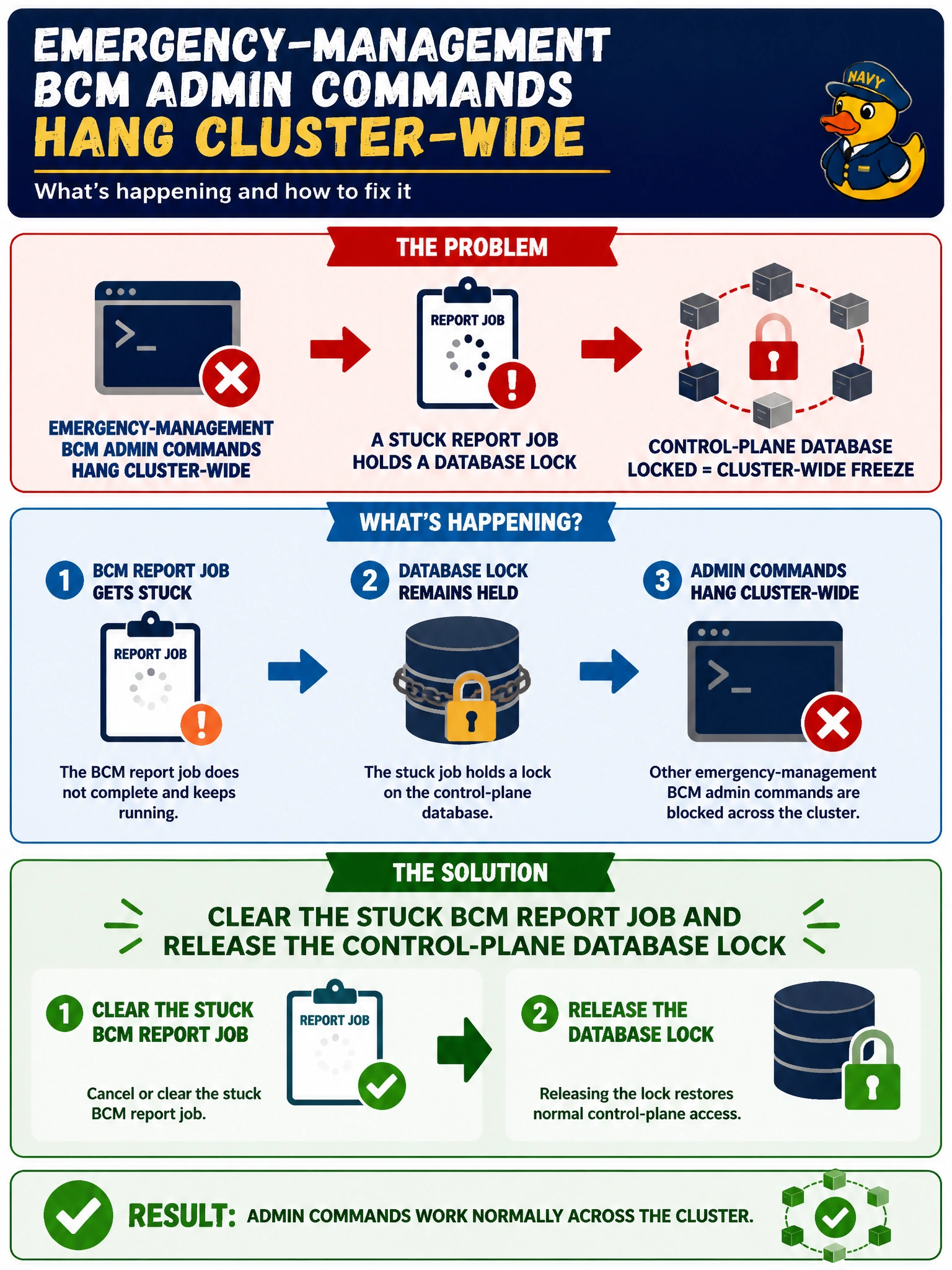
You can get emergency-management commands moving again by clearing the stuck report job and releasing its database lock—think of the lock as a parked bus blocking the control plane. Formatting training data or disabling GPU drivers won’t clear it; target the BCM report job instead.
Full Explanation
BCM admin commands can hang cluster-wide when a stuck report job holds a control-plane database lock. Emergency-management operators may see a freeze that looks like total cluster failure even though GPU compute may still be running. Clearing the stuck BCM report job and releasing the lock restores administrative responsiveness without damaging training data or taking drivers offline. Formatting the shared training dataset confuses application data with the BCM control-plane database; it destroys municipal training assets without releasing the actual lock. Disabling all municipal GPU drivers until morning does not unlock the database and needlessly takes GPUs offline. Deleting Base View metrics history as the only required step may remove useful telemetry, but it does not clear the stuck report job or its lock. Exam caveat: when BCM CLI or GUI actions hang globally after reporting or inventory jobs, suspect a control-plane database lock before reimaging nodes or touching Magnum IO. Preserve the stuck job ID for post-incident review. Practical check: identify the blocking BCM report or maintenance job, clear or kill it per vendor guidance, confirm the database lock is released, retry a benign admin command from the emergency-management head, and verify that both Base View and CLI respond before declaring the freeze cleared.