
School-lab GPU nodes show as unknown in BCM after motherboard swaps. What reconciles identity?
Select an answer to reveal the explanation.
Short Explanation
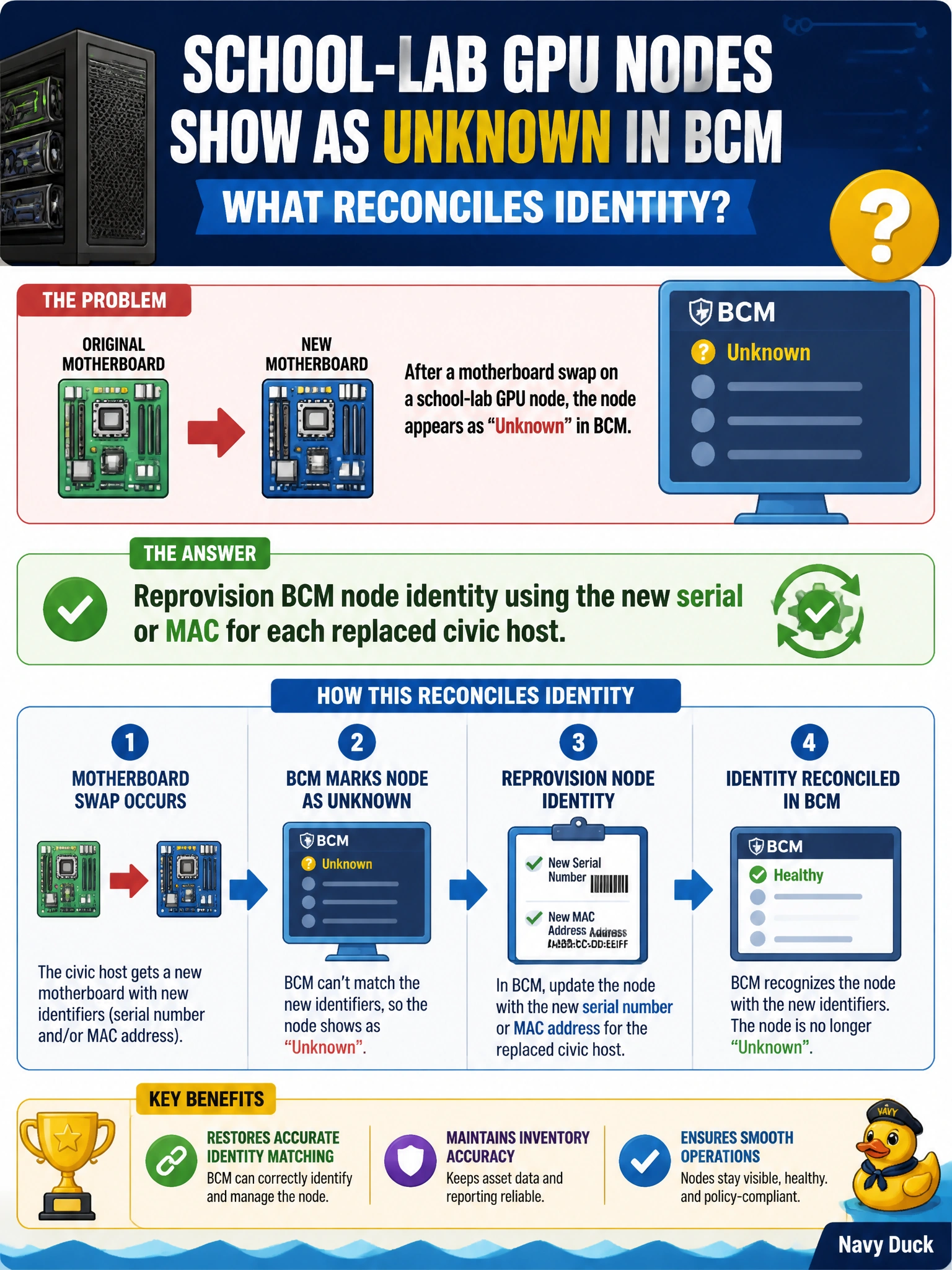
New motherboards mean new fingerprints—reprovision BCM with the fresh serial or MAC so school-lab nodes stop looking like strangers. Ignoring inventory or power-cycling monitors will not fix identity.
Full Explanation
Motherboard swaps change the hardware identity BCM uses to track nodes—typically serial numbers, MAC addresses, or related inventory keys. School-lab GPU nodes that appear as unknown after replacement are not recognized until BCM node identity is reprovisioned with the new serial or MAC for each replaced civic host. That reconciliation reattaches the node to the correct category, image, and monitoring context.
Leaving unknown nodes forever and never updating BCM inventory guarantees permanent orphans: provisioning, sync, and alerting will skip or mis-handle those lab GPUs. Renaming unrelated head-node hostnames hoping inventory updates itself does not rewrite compute-node identity records tied to replaced motherboards. Power-cycling only the monitors in the lab classroom has no effect on BCM’s hardware inventory or node identity state.
Exam caveat: treat hardware RMA and motherboard replacement as an identity lifecycle event in BCM, not only a physical install. Capture new serial/MAC during the swap window so municipal inventory stays accurate. Operational check: record old and new identifiers for each replaced school-lab host, reprovision BCM node identity with the new serial or MAC, verify the node leaves the unknown state and joins the expected category, then confirm image assignment and a successful management ping before returning the lab to students.