
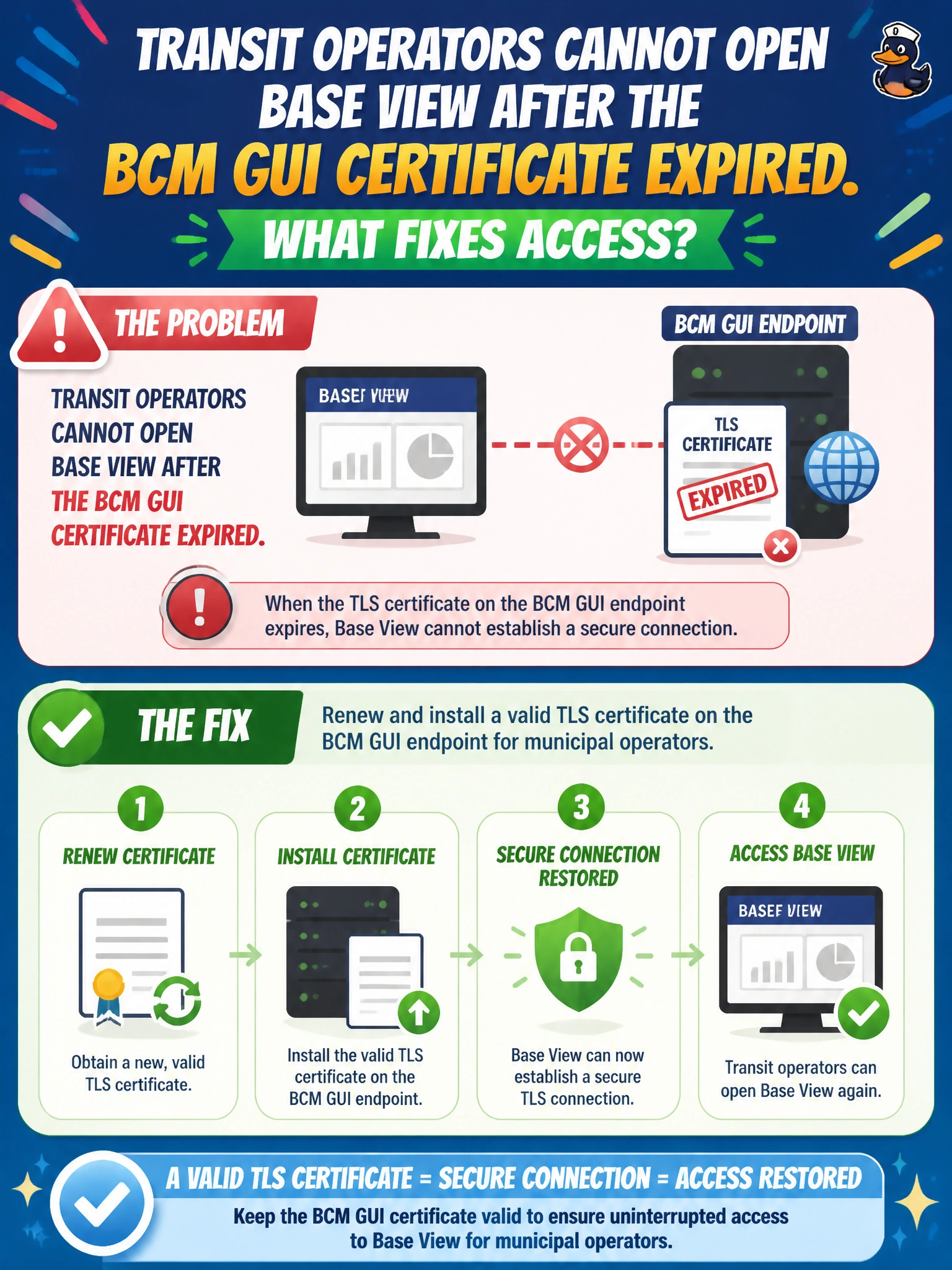
Transit operators cannot open Base View after the BCM GUI certificate expired. What fixes access?
Select an answer to reveal the explanation.
Short Explanation
Expired certs slam the Base View door—renew TLS on the BCM GUI so transit can get back in. Skipping TLS or ripping out Base View is not how civic ops stay secure.
Full Explanation
Base View access for transit operators depends on a valid TLS certificate on the BCM GUI endpoint. When that certificate expires, browsers and policy-compliant clients refuse the connection even though the cluster itself may be healthy. Renewing and installing a valid TLS certificate on the BCM GUI endpoint restores secure municipal operator access without weakening transport security.
Instructing operators to skip TLS forever with untrusted browsers trains unsafe habits and often violates city security policy; it also fails in locked-down civic browsers that disallow certificate exceptions. Removing Base View so nobody needs a certificate deletes the operational GUI instead of fixing the expired credential that Base View requires. Rolling back the entire cluster firmware to an unsupported release is unrelated to GUI certificate expiry and introduces broader support and stability risk.
Exam caveat: certificate expiry presents as “GUI unreachable” or TLS errors—not as GPU compute failure. Treat GUI cert lifecycle as part of BCM HA and DR runbooks so municipal operator access survives renewals and failovers. Operational check: inspect the BCM GUI certificate notAfter date, renew from the civic PKI or approved CA, install on the GUI endpoint, restart only the necessary GUI/proxy services, and confirm transit operators can open Base View with a trusted chain and no browser exception.