
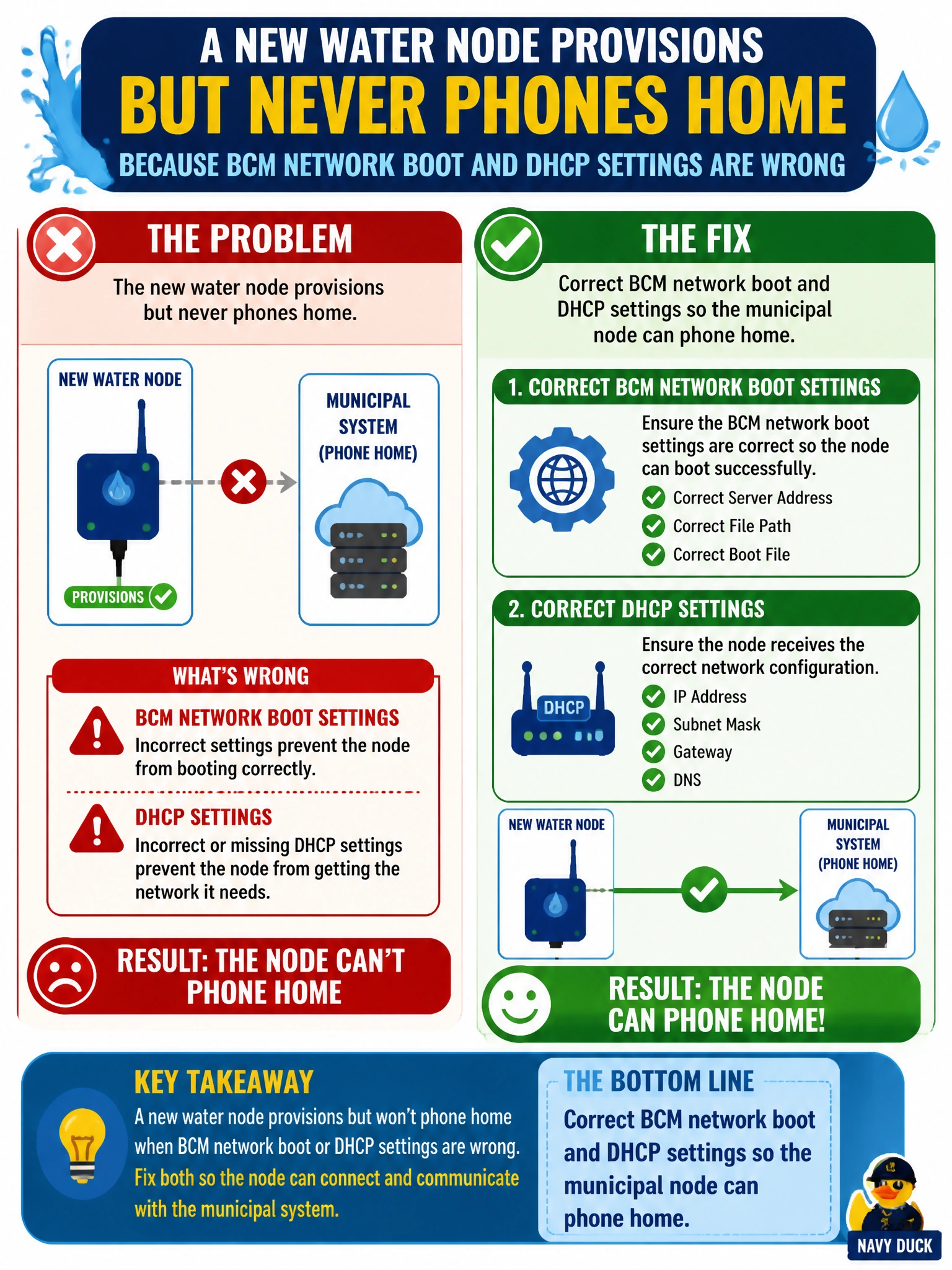
A new water node provisions but never phones home because BCM network boot and DHCP settings are wrong. What should ops fix?
Select an answer to reveal the explanation.
Short Explanation
You’ll get the water node to phone home by correcting BCM network boot and DHCP, then reprovisioning it. Shipping it elsewhere, relying on USB desk imaging, or marking it online without a network path won’t restore BCM management.
Full Explanation
A new water node that provisions but never phones home needs BCM network boot and DHCP settings corrected so it can reach the municipal management system. BCM provisioning relies on a valid DHCP lease and PXE/network-boot path to fetch images and callbacks; incorrect scopes, next-server or bootfile values, VLANs, or ACLs can leave the node powered but unmanaged. Correcting that path restores discovery and lets provisioning complete. Shipping the node to a different city without correcting DHCP does not repair its boot configuration and delays water capacity. Disabling PXE forever and imaging only via USB on desks avoids the automated BCM phone-home path and does not support ongoing lifecycle management at scale. Marking the node online manually without a network path changes a status flag, not the underlying connection, so it cannot provide updates or monitoring. Exam caveat: phone-home failures are commonly caused by L2/L3, DHCP/PXE, or routing to the BCM endpoint, not GPU drivers; validate the provisioning VLAN and DHCP options before swapping GPUs or reloading toolkits. Practical check: capture packets or inspect DHCP logs during boot, verify the scope, helpers, bootfile, and BCM reachability, then reprovision and confirm the node phones home and completes imaging into the right category before running a GPU inventory check for water-utility workloads.