
City image sync reports success, but GPU nodes diverge after reboot. BCM software images do not match node categories. What should ops fix?
Select an answer to reveal the explanation.
Short Explanation
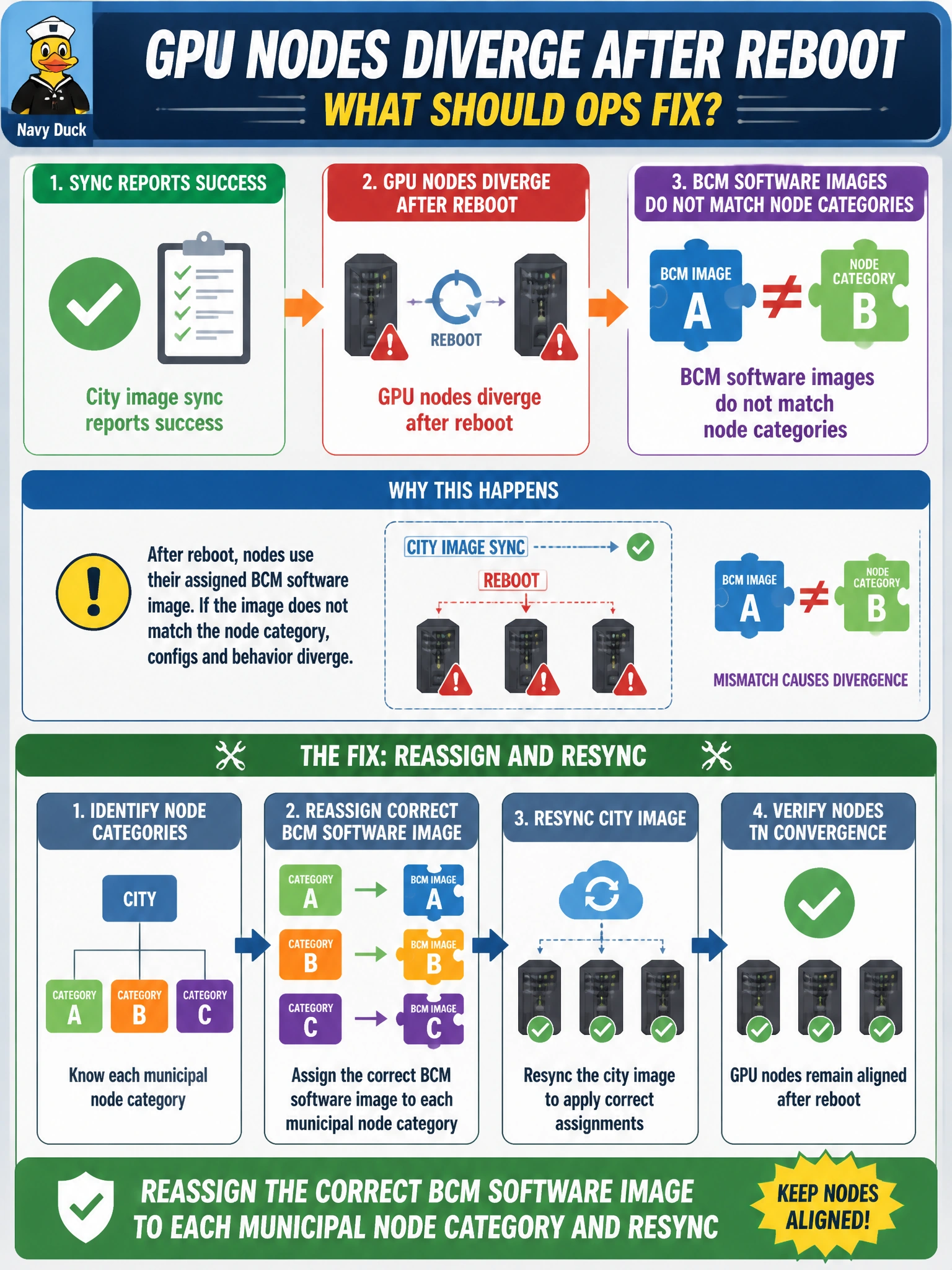
You’ve found the key: a successful sync can still apply the wrong image when a category is mapped incorrectly. Reassign the correct BCM software image to each municipal node category and resync; hand-managing nodes, ignoring mismatches, or disabling sync won’t fix the mapping.
Full Explanation
BCM software images are bound to node categories so a municipal fleet can maintain a consistent baseline after reboot. When a sync reports success but GPU nodes diverge, the category-to-image assignments may be wrong: sync can faithfully apply the configured mapping without confirming that it is correct. Reassign the intended BCM software image to each municipal node category and resync to restore a coherent post-reboot baseline. Deleting Base Command Manager and managing every civic node by hand removes the control plane used to keep category images consistent and replaces a fixable mapping error with ongoing manual management and configuration drift. Ignoring category mismatches because sync succeeded confuses completion with correctness; success means the configured mapping was applied, not that it was appropriate for each category. Disabling image sync prevents future updates but leaves the divergence in place. Exam caveat: distinguish “sync succeeded” from “category-to-image mapping is correct.” Practical check: review each municipal category’s assigned image against its intended baseline, correct any mismatch, resync a pilot category, reboot a sample GPU node, and confirm its post-boot state matches the category baseline before expanding the resync.