
BCM head node disk fills with an old monitoring DB and municipal Base View freezes. What troubleshooting fits?
Select an answer to reveal the explanation.
Short Explanation
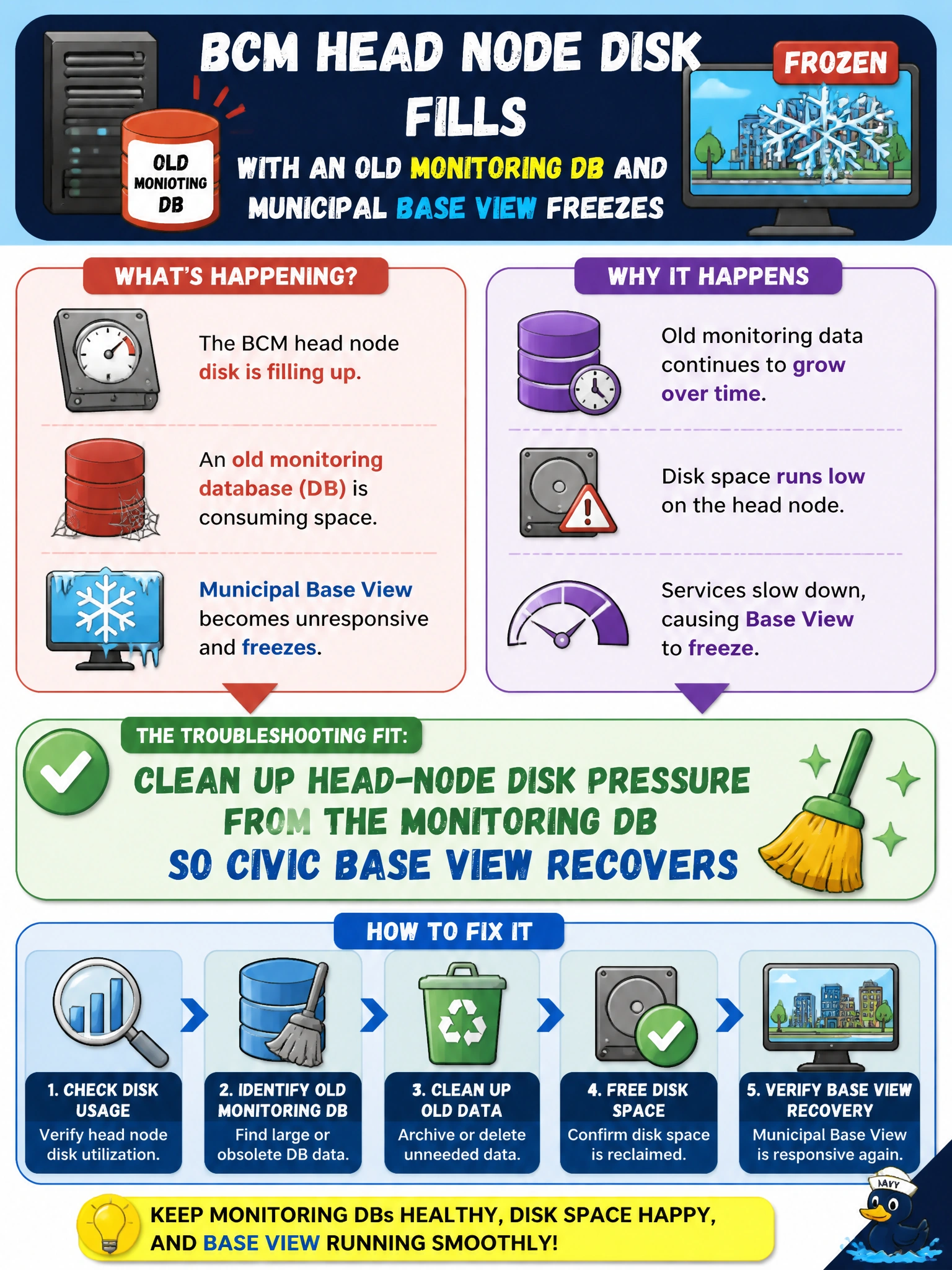
When the BCM head node’s monitoring DB fills the disk, Base View freezes—clean the attic so the civic dashboard breathes again. Wiping the whole BCM install is not first aid.
Full Explanation
When a BCM head node disk fills with an old monitoring database and municipal Base View freezes, troubleshooting means cleaning up head-node disk pressure from that monitoring DB so Base View recovers. Head-node free space is required for BCM services and UI responsiveness; unbounded monitoring history can exhaust the volume and stall Base View even though compute nodes remain healthy. Reclaiming or relocating aged monitoring data restores civic cluster administration without destroying the cluster.
Ignoring Base View freezes and administering only via SMS text fails by concept: it abandons the supported management plane and does not fix disk exhaustion. Deleting the entire BCM installation including active cluster config fails catastrophically—ops lose provisioning state and control. Adding infinite swap and never reclaiming monitoring data fails sustainability: swap masks disk pressure poorly and the DB will still grow without retention policy.
Exam caveat: distinguish head-node disk issues from worker GPU faults; Base View freezes with a full monitoring DB are administrative-plane problems. Prefer retention, vacuum/archive, and moving metrics to proper storage over destructive uninstalls.
Operational check: identify the monitoring DB growth on the head node, archive or prune per BCM/monitoring retention guidance, confirm free space returns, restart affected BCM/Base View services if required, verify Base View loads, and implement retention jobs so the municipal head node does not refill silently.