
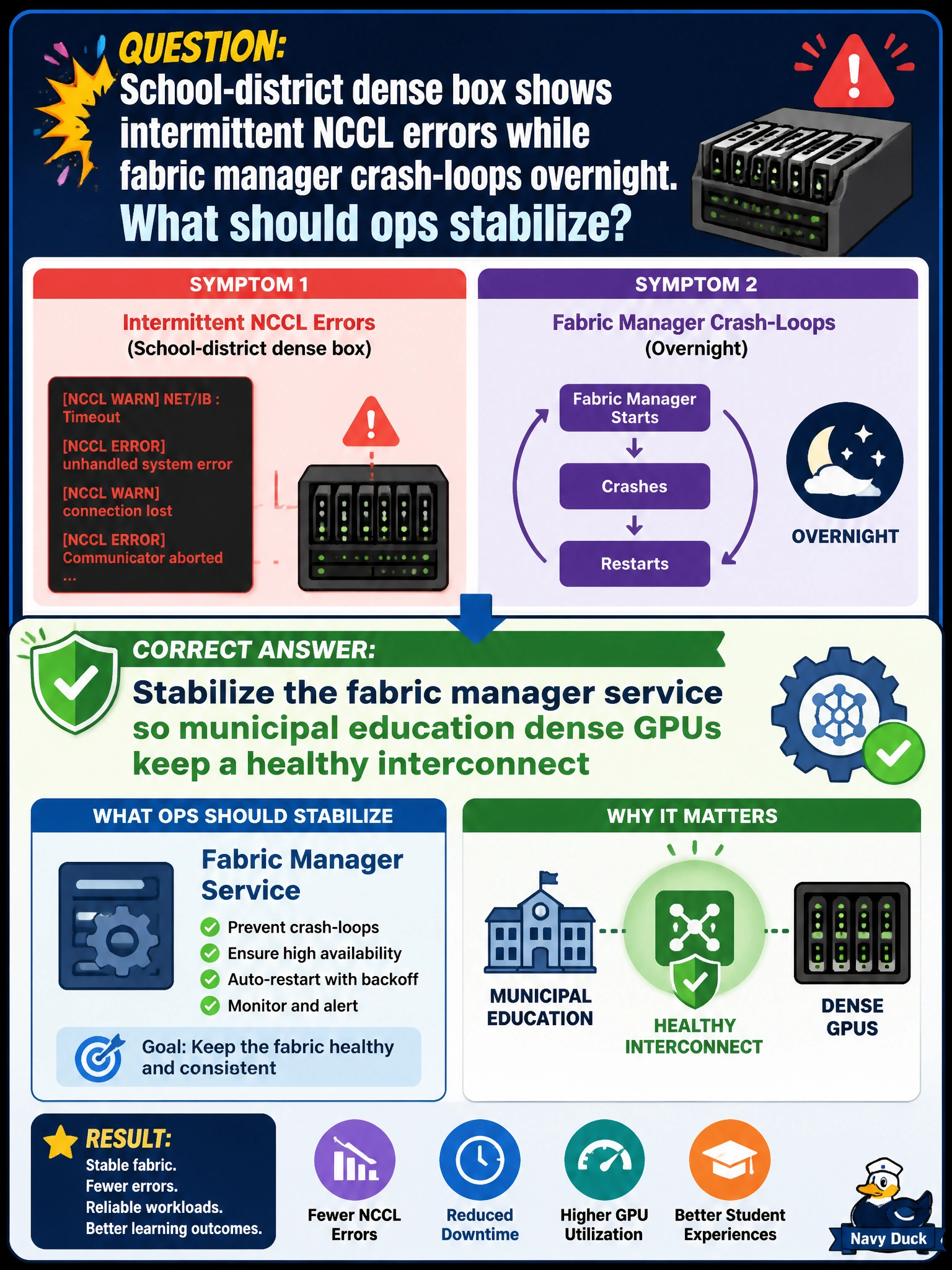
School-district dense box shows intermittent NCCL errors while fabric manager crash-loops overnight. What should ops stabilize?
Select an answer to reveal the explanation.
Short Explanation
Intermittent NCCL plus overnight fabric manager crash loops means stabilize that service—keep the school dense box’s interconnect awake. Hiding NCCL logs just turns outages into mysteries.
Full Explanation
School-district dense boxes showing intermittent NCCL errors while fabric manager crash-loops overnight need the fabric manager service stabilized so municipal education GPUs keep a healthy interconnect. Crash-looping fabric manager produces flapping topology: daytime jobs may limp along, then overnight failures leave the fabric in a bad state that surfaces as intermittent NCCL errors for classroom or research workloads. Stabilizing the unit (deps, versions, BIOS/platform, configs) restores continuous interconnect health.
Ignoring crash loops if daytime jobs sometimes finish fails by concept: intermittent success is not HA, and overnight loops predict next-day training loss. Disabling NCCL logging so errors look resolved fails observability—hiding symptoms leaves students with silent wrong performance. Replacing Ethernet switches before checking fabric manager fails triage order when the stem already implicates fabric manager crash loops; Ethernet may matter for multi-node, but NVSwitch fabric manager is the local dense-box signal here.
Exam caveat: intermittent NCCL plus fabric manager crash loops points at fabric stability, not necessarily at curriculum code. Fix service reliability first. Collect crash reason (segfault, missing device, version skew) rather than only restarting in a loop.
Operational check: inspect fabric manager logs/journal for crash root cause, apply the matching fix (version align, config, platform), enable and verify the service stays up across a night cycle, run repeated NCCL tests, and only then return the school dense box to the scheduler with monitoring alerts for fabric manager restarts.