
Transit dense GPU node fails fabric manager on boot after a BIOS change. What should ops do?
Select an answer to reveal the explanation.
Short Explanation
Fabric manager dying after a BIOS change usually means the platform left the supported lane—put the BIOS back so the service can start. Random flashing is not a transit ops plan.
Full Explanation
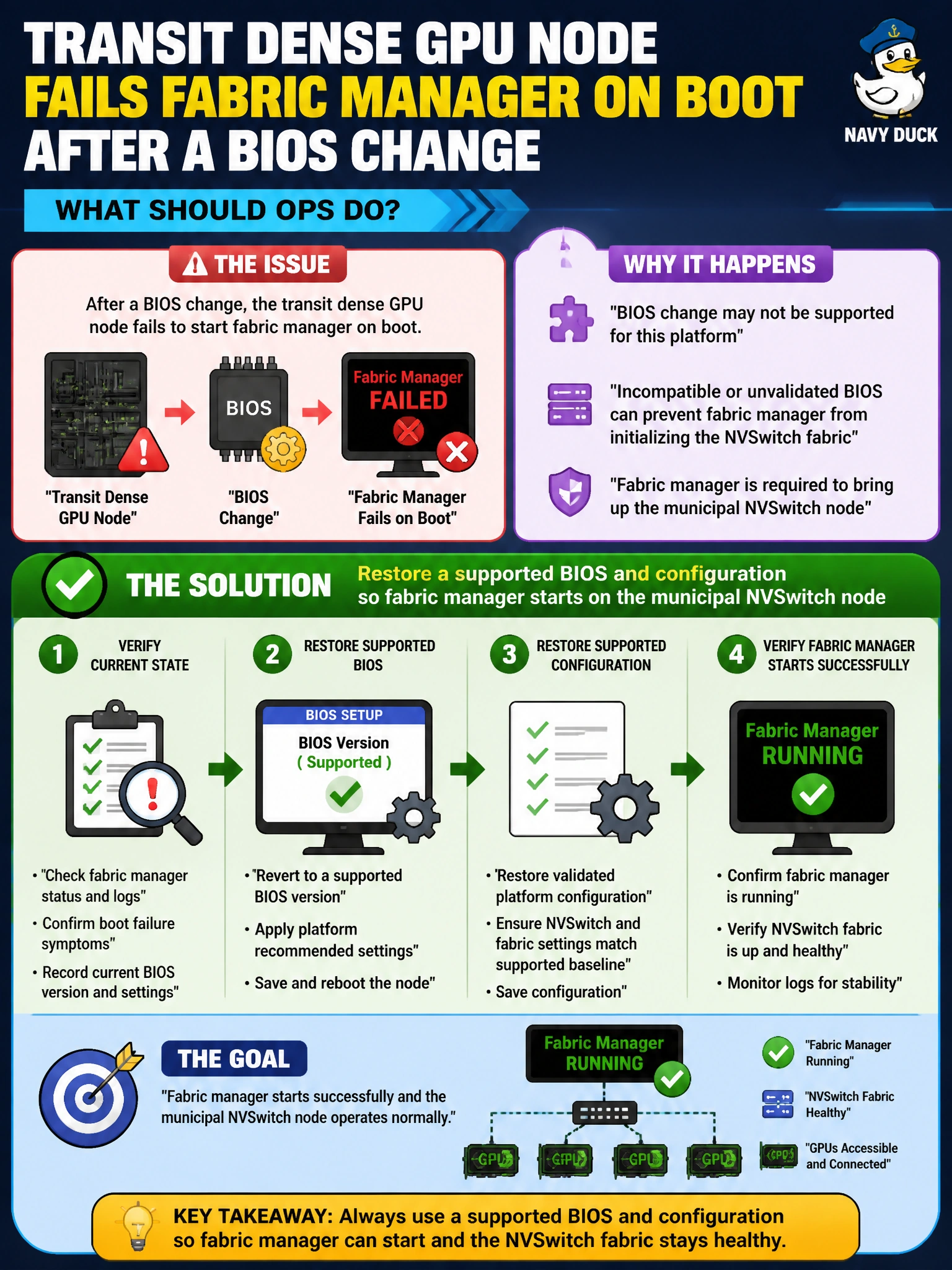
Transit dense GPU nodes that fail fabric manager on boot after a BIOS change typically need a supported BIOS and platform configuration restored so fabric manager can start on the municipal NVSwitch system. NVSwitch platforms require specific firmware/BIOS features and settings; an unsupported change can prevent fabric manager initialization even when GPUs enumerate. Returning to the qualified BIOS/config restores the boot-time fabric bring-up path transit training expects.
Keeping the unsupported BIOS and ignoring fabric manager forever fails by concept: it abandons NVLink/NVSwitch capability that dense transit models rely on. Forcing training over Ethernet only and abandoning NVSwitch without triage may be a temporary workaround but fails as the primary fix when the root cause is a BIOS regression. Flashing random BIOS versions until one boots by chance fails change control and risks bricking civic nodes.
Exam caveat: not every fabric manager failure is BIOS-related—but the stem ties failure to a BIOS change, so reverse that change first. Pair BIOS restoration with driver/fabric manager version alignment rather than treating firmware as the only knob forever.
Operational check: identify the pre-change supported BIOS, restore it via the platform update utility under change control, reboot, confirm fabric manager starts, verify NVSwitch topology, and run a transit NCCL/P2P canary before releasing the node to schedulers. Document the BIOS allowlist in the dense-node runbook.