
Public-health all-reduce hangs and topology tools show a broken NVSwitch path while fabric manager logs confirm issues. What triage fits?
Select an answer to reveal the explanation.
Short Explanation
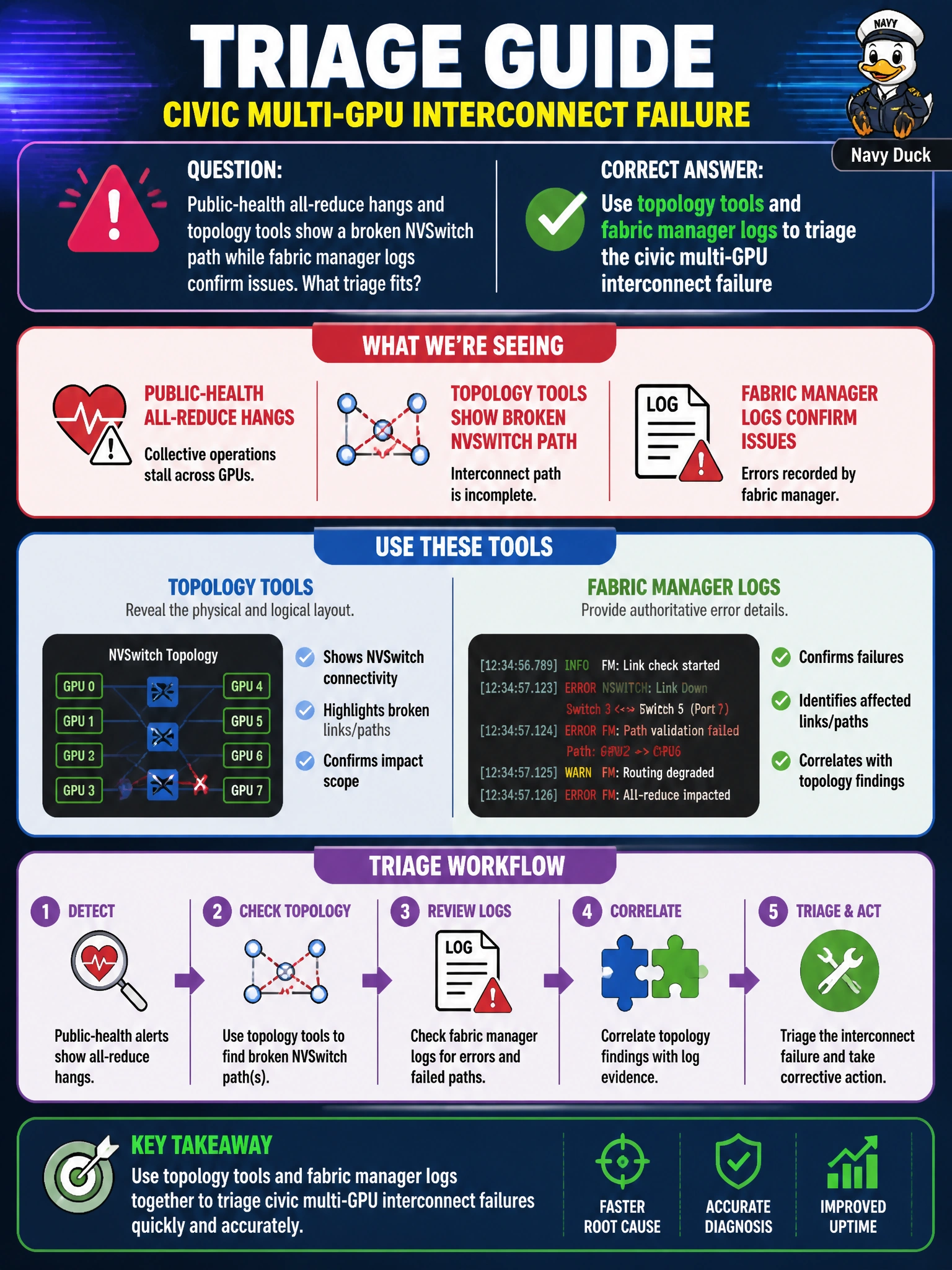
You can follow the interconnect evidence: use topology tools and fabric manager logs to locate the multi-GPU fault before changing the health model. Increasing batch size or deleting DCGM won’t repair a broken NVSwitch path.
Full Explanation
Public-health all-reduce hangs, a broken NVSwitch path in topology output, and confirming fabric manager issues point to triaging the civic multi-GPU interconnect with those tools and logs. All-reduce needs a healthy interconnect; broken NVSwitch paths can leave ranks stalled waiting for collectives. Read fabric manager health and topology output to locate link or switch faults before changing the epidemiology model. Updating the health model to run single-GPU workloads and postponing interconnect checks treats a fabric fault as an application design flaw and may permanently underuse municipal GPUs. Increasing batch size does not repair a cut NVSwitch path; it can increase collective pressure or hide symptoms behind longer step times until the hang returns. Deleting DCGM removes observability, and silence is not remediation. Exam caveat: NCCL hangs also arise from PCIe ACS, idle timeouts, routing, or version skew, but topology evidence plus fabric manager confirmation should guide triage; partial fabric manager degradation, with some links down, can still starve all-reduce. Operational check: capture nvidia-smi topo output and fabric manager status and logs, isolate the broken path, remediate by the runbook (service restart, link reseat or RMA, or BIOS/firmware work if indicated), then run a controlled NCCL test, resume training, and confirm all-reduce times return to baseline.