
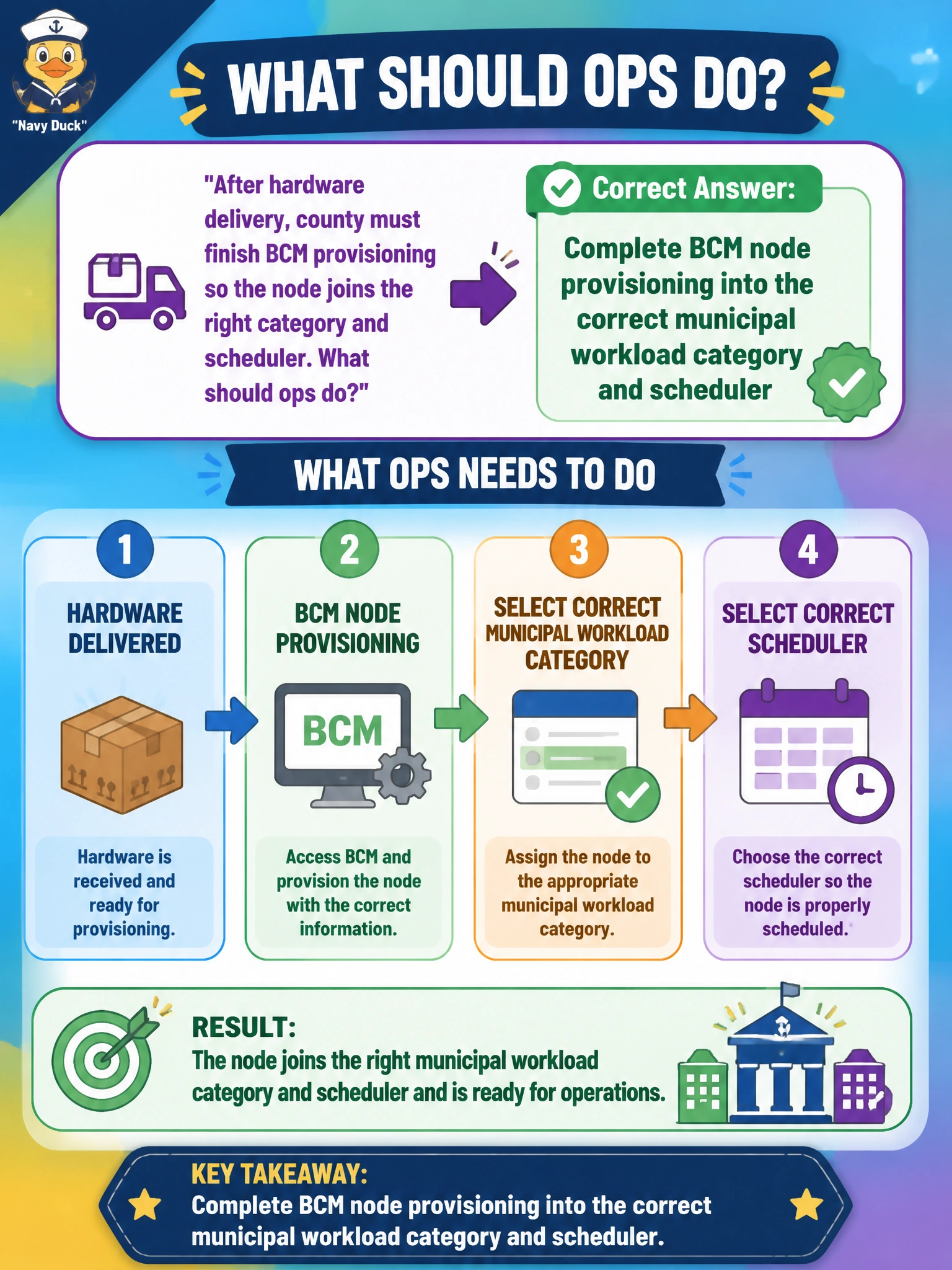
After hardware delivery, county must finish BCM provisioning so the node joins the right category and scheduler. What should ops do?
Select an answer to reveal the explanation.
Short Explanation
Delivery is not done until BCM puts the node in the right category and scheduler—like assigning a new truck to the right garage. Spreadsheets and random categories leave civic jobs orphaned.
Full Explanation
After hardware delivery, county ops must complete BCM node provisioning into the correct municipal workload category and scheduler assignment. Delivery is inventory; provisioning is what makes the node a schedulable citizen of the cluster—image, network boot path, category labels, and integration with Slurm or Kubernetes (or the site's manager) so jobs land on the intended GPU class. Without that finish line, the county paid for silicon that never serves public workloads.
Powering the node with no image, category, or scheduler assignment fails by concept: a bare powered chassis is not a managed worker. Registering it only in a spreadsheet and skipping BCM fails governance and automation—spreadsheets do not PXE, image, or advertise GRES/extended resources to the scheduler. Assigning every new node to a random category to "balance names" fails because categories encode policy (drivers, MIG, partitions, network zones); randomness misplaces PHI training onto open research pools or parks CV onto courts OCR queues.
Exam caveat: correct category selection is as important as "provisioned equals true." NCP-AIO items often pair BCM provisioning with workload isolation ideas—wrong category can be worse than delayed provisioning because jobs run in the wrong trust or performance domain. Also remember firmware/BIOS and GPU enablement steps may be prerequisites inside the provisioning workflow, not optional afterthoughts.
Operational check: verify the node completes BCM imaging, lands in the intended category, shows healthy GPU inventory, and receives a test allocation from the target scheduler. Confirm monitoring (DCGM/Base View) sees the node, and close the delivery ticket only after a successful canary—not after the truck leaves the dock.