
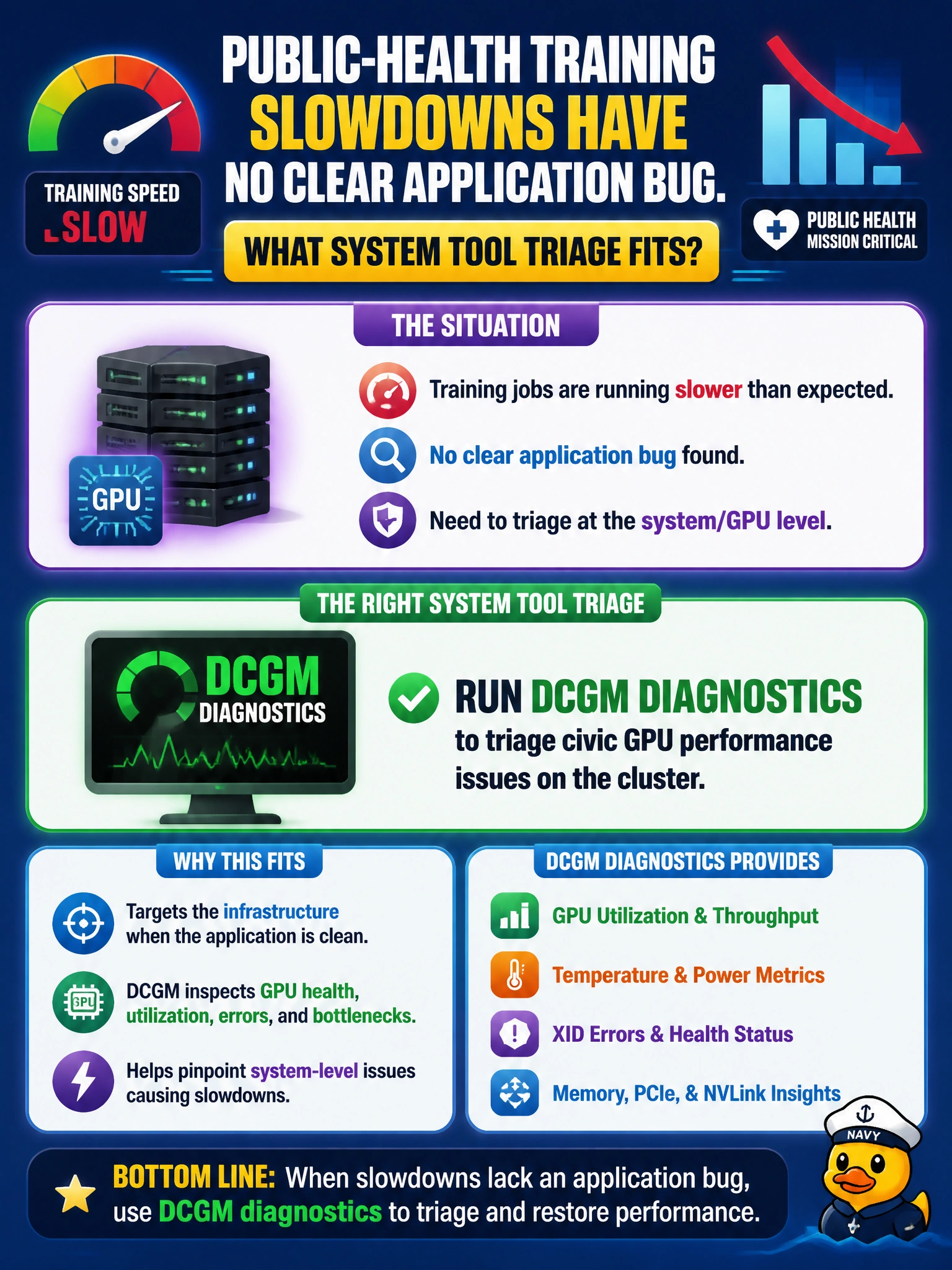
Public-health training slowdowns have no clear application bug. What system tool triage fits?
Select an answer to reveal the explanation.
Short Explanation
When public-health training slows without a clear application bug, you can start with DCGM diagnostics to check GPU health before blaming the model. Disabling GPUs for an overnight CPU run, deleting DCGM, or upgrading every library skips that focused triage.
Full Explanation
Running DCGM diagnostics to triage civic GPU performance issues fits public-health training slowdowns with no clear application bug because DCGM exercises and reports GPU health and performance signals at the platform layer. When code reviews show no obvious fault, validate whether thermal limits, ECC, throttling, PCIe, or degraded devices explain the slowdown before rewriting models or blaming frameworks. Disabling all GPUs and finishing the train on CPU overnight without investigation fails by triage order: abandoning accelerators hides the fault and risks the SLA. Deleting DCGM so metrics cannot contradict the application team’s theory fails by observability integrity; removing telemetry is not debugging. Upgrading every application library before checking GPU health signals fails by causality order: change the least and verify hardware health first when the cluster slowdown is unexplained. Exam caveat: DCGM triage does not prove the application is innocent forever; it sequences operations correctly. If diagnostics are clean, profiling training code is next. Avoid skipping GPU health checks or destroying the metric path that could reveal throttling or errors. Practical check: run appropriate DCGM diagnostic or monitoring checks on the public-health nodes used by the slow job, compare results to baseline, preserve logs in the incident record, and only then decide among RMA, facilities cooling, driver fixes, or application profiling.