
School-district teachers need to launch GPU training from notebooks without reinventing cluster settings. What fits?
Select an answer to reveal the explanation.
Short Explanation
Project templates in Run:ai are the teacher's lesson plan for GPU trains—notebooks launch clean. Cluster-admin kubeconfigs and etcd edits are not classroom ops.
Full Explanation
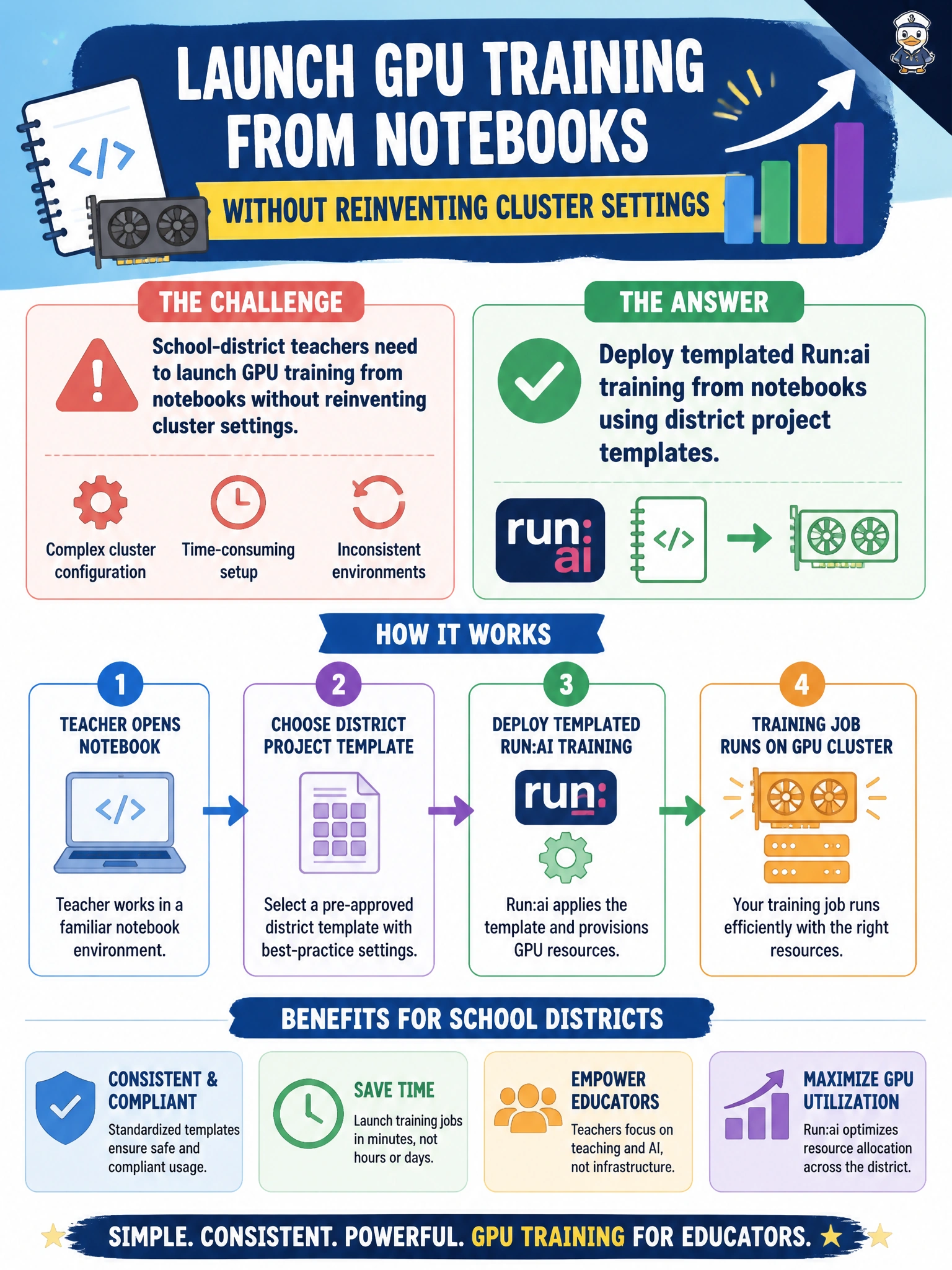
Deploying templated Run:ai training from notebooks using district project templates fits school-district teachers because templates encode cluster settings—images, GPU requests, affinities, credentials mounts, and project quotas—so educators launch governed jobs without reinventing platform details. Notebooks become a teaching front end while Run:ai remains the control plane that applies the district's defaults and limits.
Emailing each teacher a cluster-admin kubeconfig with no resource limits fails by least-privilege and multi-tenancy concept: cluster-admin bypasses quotas and endangers the whole district platform. Requiring every class to write raw etcd edits before training fails by operational safety concept—etcd is control-plane state, not a classroom API. Banning notebooks and forcing SSH into production inference nodes fails by environment separation: training should not hijack live serving hosts or rely on interactive SSH as the submit path.
Exam caveat: templates do not remove the need for project membership and quota; they package correct defaults. Teachers still submit as project users, not as platform admins. If a template requests more GPUs than quota allows, the job still pending—templates simplify configuration, they do not abolish governance.
Operational check: publish district Run:ai project templates, grant teachers project roles (not cluster-admin), launch a sample notebook training job, and confirm it inherits GPU limits, image, and scheduling policy without manual kubeconfig or etcd changes.