
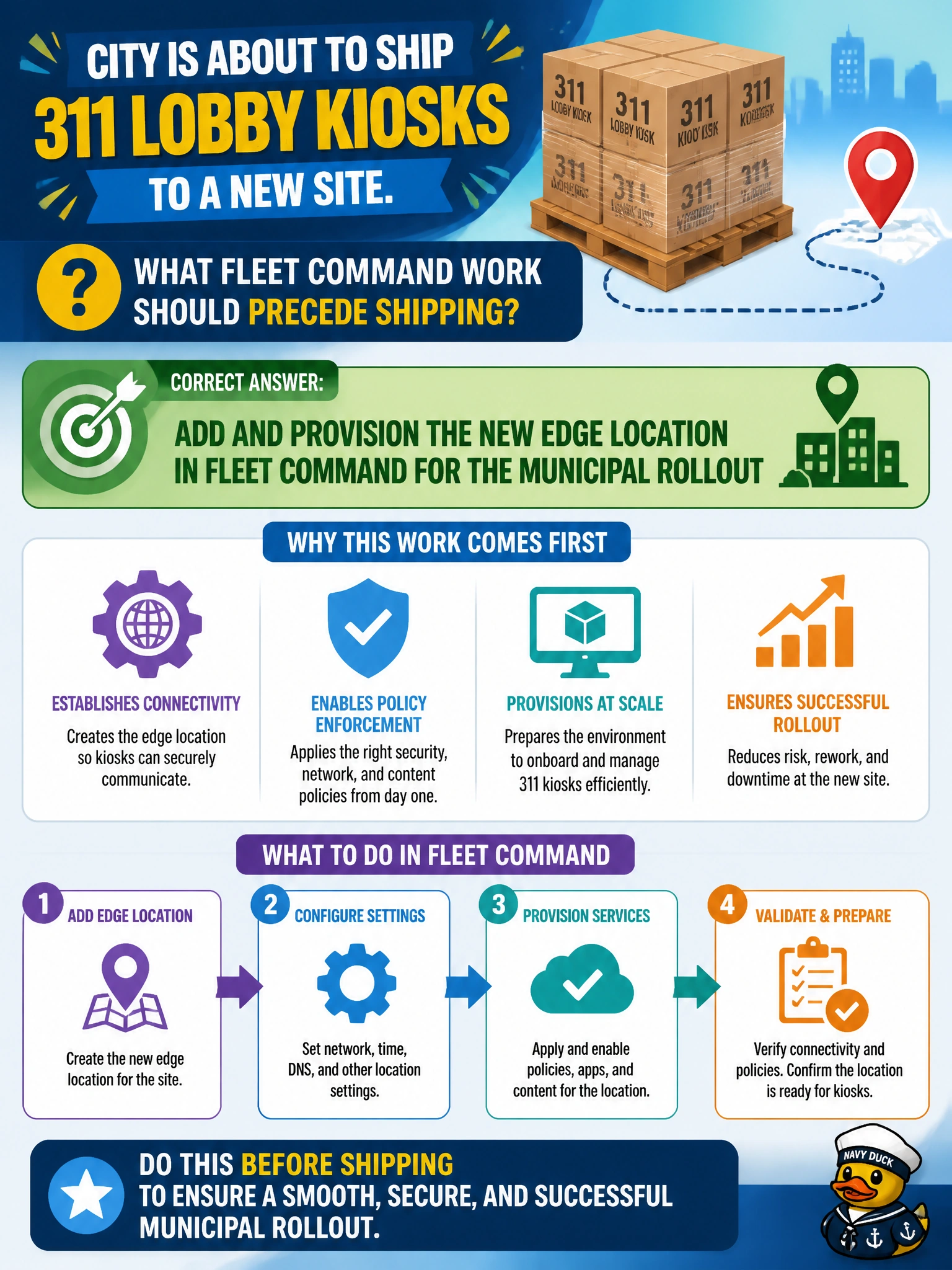
City is about to ship 311 lobby kiosks to a new site. What Fleet Command work should precede shipping?
Select an answer to reveal the explanation.
Short Explanation
Stand up the new Fleet Command location before the kiosks leave the dock—label the shelf before stocking it. Shipping blind or deleting downtown is chaos. Turning Fleet Command off at go-live is backwards.
Full Explanation
Adding and provisioning the new edge location in Fleet Command before shipping 311 lobby kiosks establishes the destination inventory and enrollment target for the municipal rollout. Location-first sequencing means devices can enroll into the correct site object on arrival instead of floating unassigned or requiring emergency console cleanup. Civic rollout discipline labels the shelf before stocking it.
Deleting the existing downtown Fleet Command location fails by concept because destroying the current site’s management object does not prepare a new site and risks orphaning downtown devices. Shipping kiosks with no enrollment plan and hope they appear fails because hope is not provisioning; unenrolled kiosks will not show as managed inventory. Disabling Fleet Command entirely until after go-live fails because go-live is when fleet administration is most needed, not when to turn it off.
Exam caveat: location provisioning precedes device shipment/enrollment in Fleet Command rollout narratives. Do not confuse “create location” with “delete another location.” Network readiness at the new site still matters—Fleet Command location objects cannot enroll devices that cannot reach the management plane.
Operational check: create and provision the new 311 site location in Fleet Command, stage enrollment tokens/packages, ship kiosks with the enrollment procedure attached, enroll on arrival until inventory matches the ship list, and only then push the production 311 application package to that location.