
Transit wants remote updates of depot occupancy models on edge boxes. What Fleet Command step comes first?
Select an answer to reveal the explanation.
Short Explanation
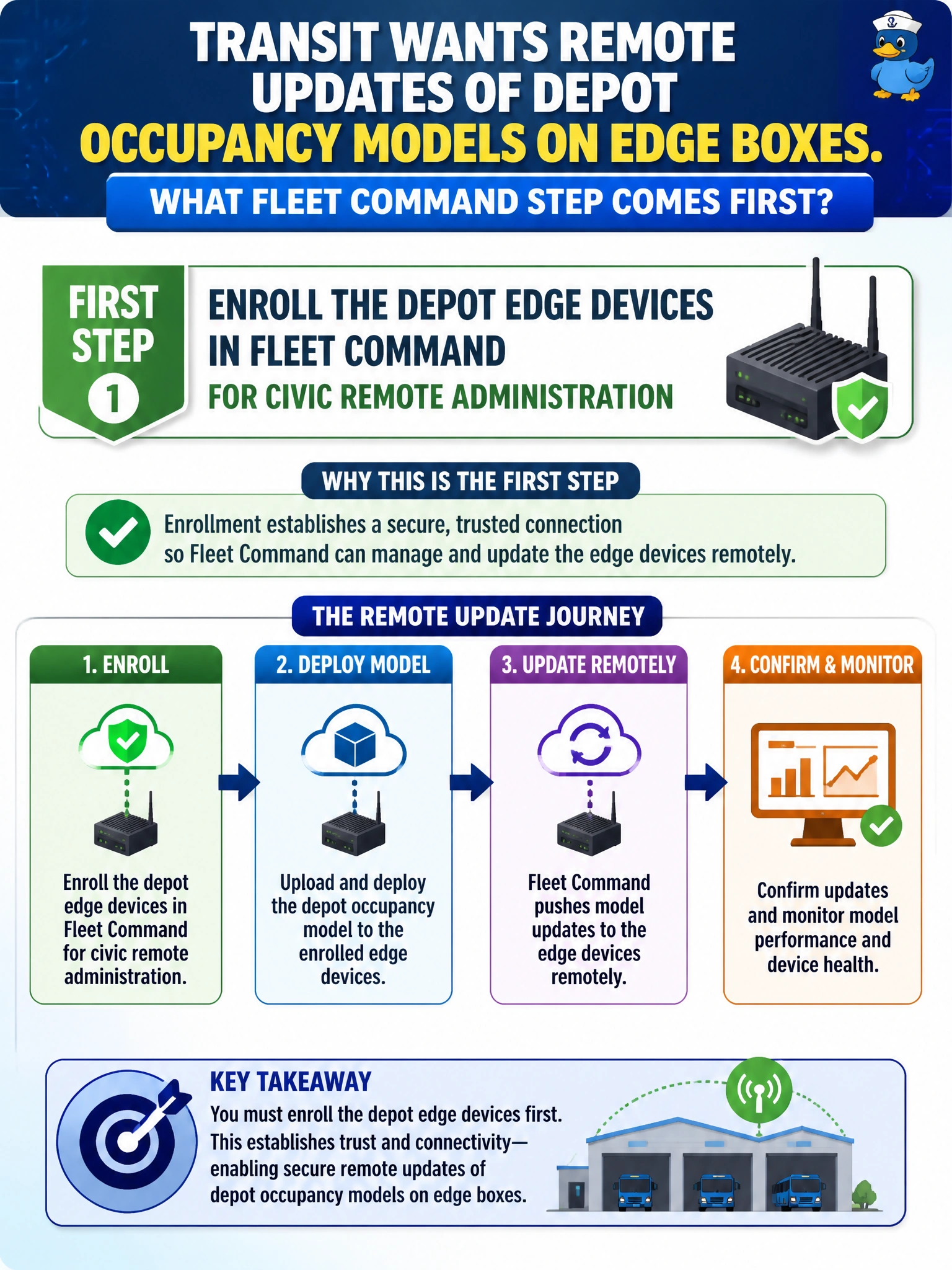
You start remote occupancy updates by enrolling the depot edge devices in Fleet Command, giving them a managed identity in the fleet. Replacing the edge boxes or disabling networking won’t administer them, and deleting the models avoids the update task rather than solving it.
Full Explanation
Enrolling the depot edge devices in Fleet Command is the first step before transit occupancy models can be updated remotely at civic scale. Enrollment establishes device identity and inventory, and creates a management channel so later update, rollback, and health workflows have a target. Without enrollment, there is no authoritative fleet object for each depot box, so remote administration cannot start. Replacing the depot edge boxes with centralized servers and routing every inference downtown fails by concept because it abandons the on-site edge deployment rather than administering it. Disabling networking fails because connectivity is a prerequisite for remote updates, not an obstacle to remove. Deleting occupancy models fails because it eliminates the capability instead of managing its lifecycle. Exam caveat: Fleet Command sequences matter: enroll and provision devices before remote update operations. Candidates may jump to pushing a model, but the stem asks for the prerequisite. Enrollment also requires correct site networking and credentials; the console cannot manage unreachable, unenrolled hardware. Practical check: add the depot location, enroll each edge box until it appears healthy and managed, confirm the occupancy application package is visible for that location, then perform a controlled update at one depot before rolling it out fleet-wide.