
A bad model push hits public-health clinic kiosks. What should civic ops use in Fleet Command?
Select an answer to reveal the explanation.
Short Explanation
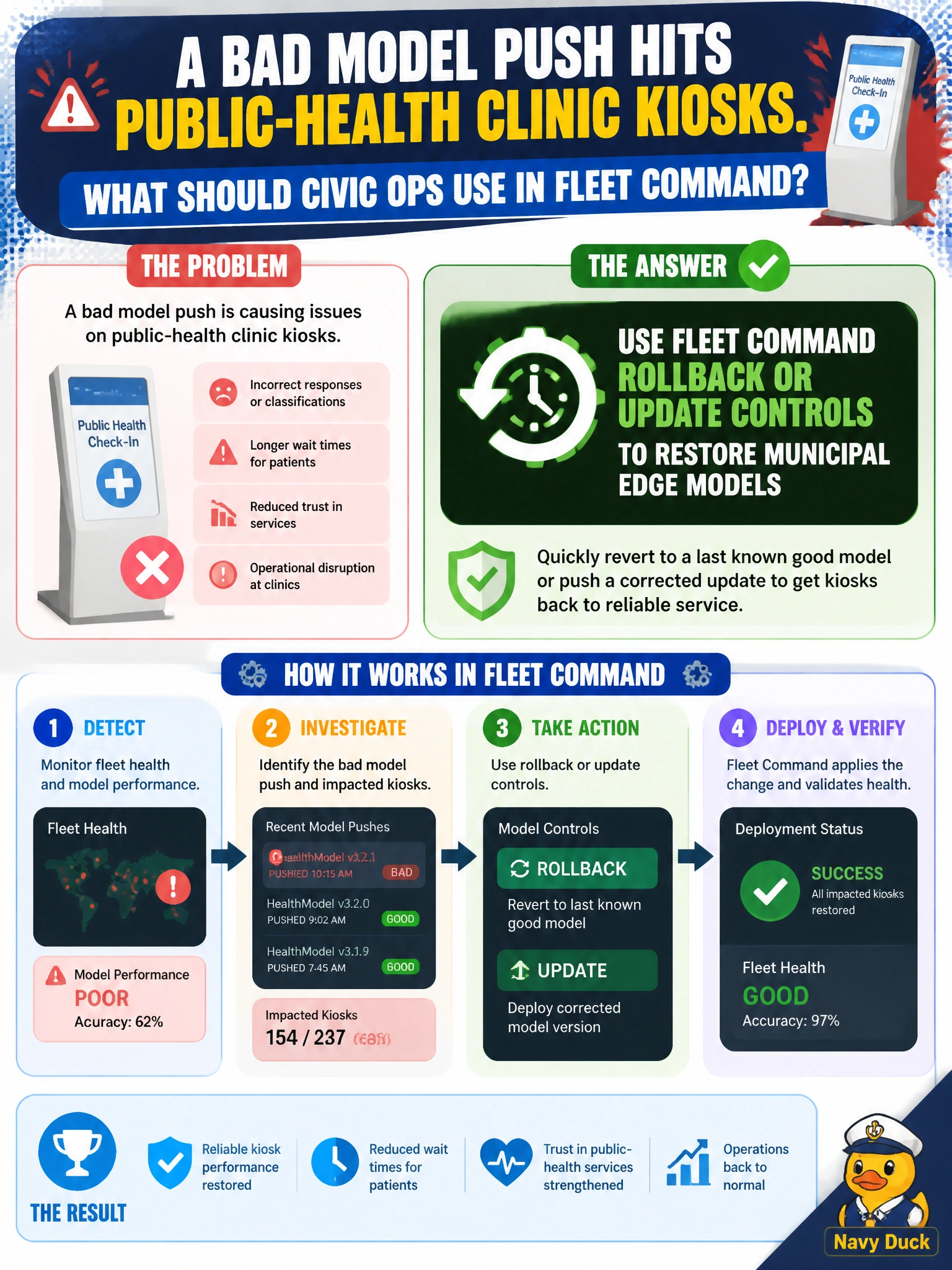
Bad kiosk model? Roll it back in Fleet Command—like recalling a bad software push on city tablets. Hoping for random reboots is not a plan. Smashing GPUs or pulling badges does not restore inference.
Full Explanation
Fleet Command rollback or update controls restore municipal edge models when a bad push hits public-health clinic kiosks. Rollback returns kiosks to a last-known-good application/model version without truck rolls or destructive hardware actions. Civic edge ops treat bad model pushes like bad tablet software: revert centrally, verify health, then investigate the failed artifact.
Ignoring the bad push and hoping clinics reboot randomly fails by concept because reboots do not reliably undo a bad model version and hope is not an incident response. Physically smashing each kiosk GPU as remediation fails because destroying accelerators neither restores inference nor addresses the software defect. Revoking all clinic building badges instead of fixing models fails because physical access control is unrelated to edge model version state.
Exam caveat: Fleet Command remediation emphasizes software lifecycle controls (update/rollback), not facility or hardware destruction. Always confirm the rollback target version is still available and compatible with the edge runtime before mass revert. PHI-capable clinic kiosks may need change tickets and after-hours windows even when rollback is technically quick.
Operational check: identify the bad version and last-known-good version in Fleet Command, roll back a single clinic kiosk canary, verify model health and basic inference, then stage location-wide rollback with monitoring for failure rates before closing the incident.