
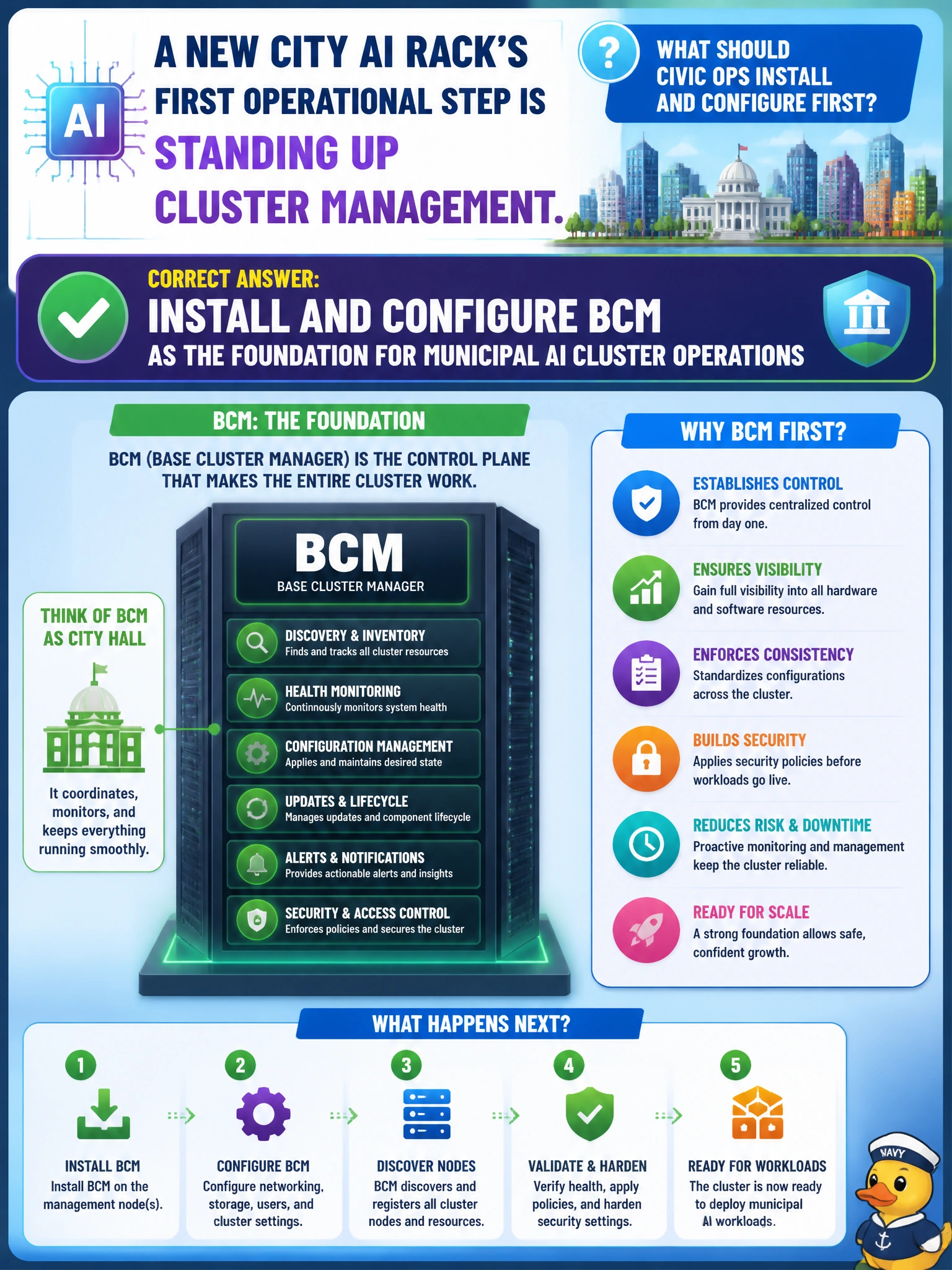
A new city AI rack’s first operational step is standing up cluster management. What should civic ops install and configure first?
Select an answer to reveal the explanation.
Short Explanation
New city AI rack? Start with BCM—the cluster manager that everything else hangs on. Consumer NAS boxes and random hypervisor consoles are not that foundation. Sticky-note inventory will not provision GPU nodes.
Full Explanation
A new city AI rack's first operational step is standing up cluster management by installing and configuring BCM as the foundation for municipal AI cluster operations. BCM anchors imaging, monitoring, networking, categories, and later workload-manager integration for NVIDIA AI ops. Everything else in Domain 1—Kubernetes, Slurm, Run:ai, DOCA—hangs off that foundation. Skipping BCM leaves the city without a coherent control plane for GPU node lifecycle.
Deploying only consumer NAS appliances with no cluster manager provides storage appliances without node lifecycle, GPU ops, or civic cluster control. Choosing a random unsupported hypervisor console unrelated to NVIDIA AI ops tooling creates an unmanaged path outside the NCP-AIO model. Skipping cluster management and relying on sticky notes for node inventory does not provision, monitor, or recover GPU nodes at city scale and will not survive the first outage.
Exam caveat: BCM install/configure is the first civic AI rack operations step—not NAS-only, sticky-note inventory, or unrelated hypervisors. Operational check: install and configure BCM for the new rack, verify nodes appear under management with health monitoring, confirm basic inventory/categories work, then proceed to Kubernetes/Slurm/Run:ai/DOCA layers on that BCM foundation.