
A public-health training farm needs multi-node fine-tuning under BCM. Which scheduler install path matches Domain 1?
Select an answer to reveal the explanation.
Short Explanation
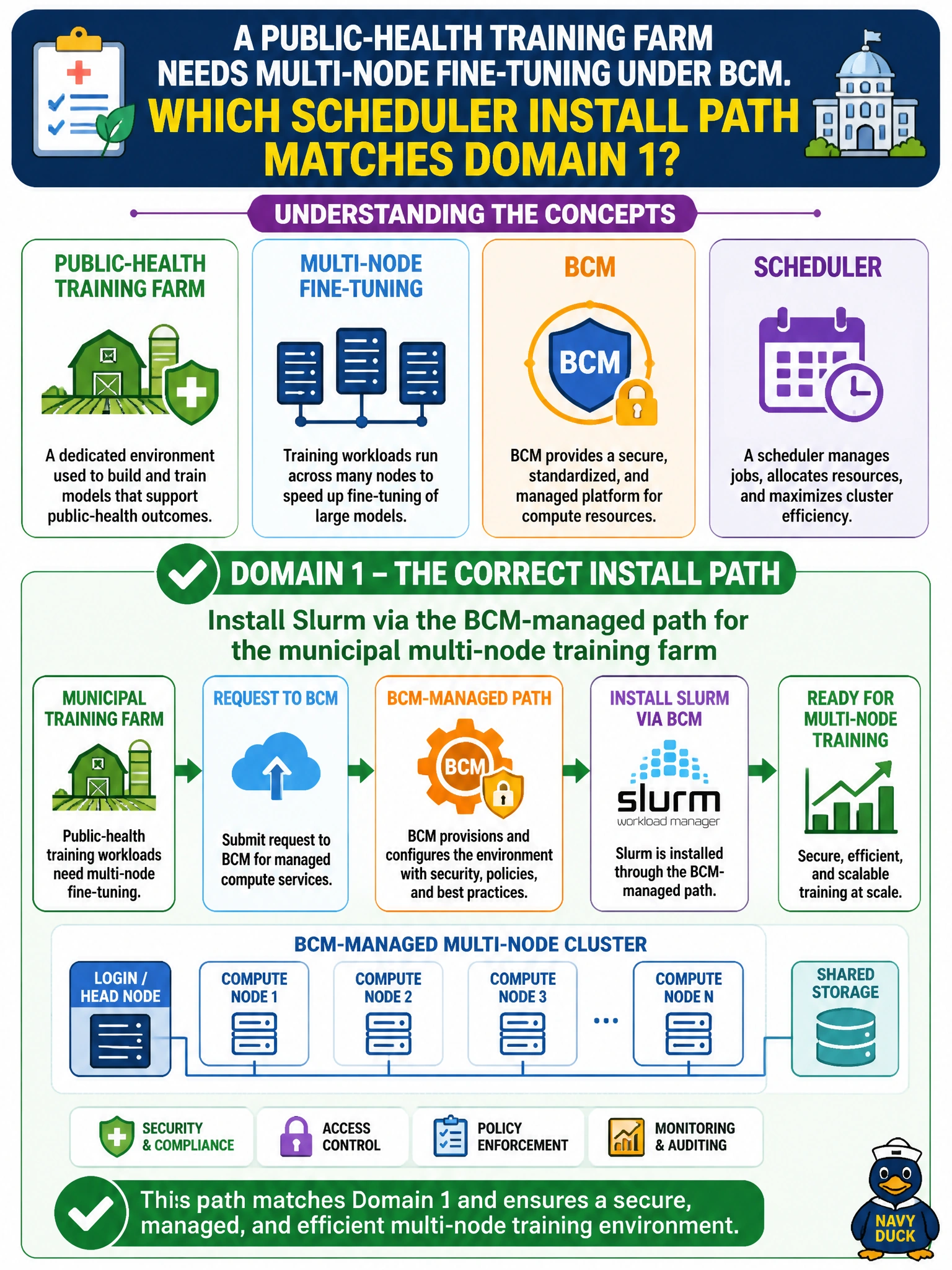
Multi-node public-health fine-tuning wants a real batch scheduler—install Slurm the BCM-managed way. Spreadsheets and IDE-only clicks will not coordinate ranks across nodes. Device plugins alone are not a training queue.
Full Explanation
A public-health training farm that needs multi-node fine-tuning under BCM should install Slurm via the BCM-managed path. BCM-managed Slurm provides batch scheduling, accounting, and multi-node job control suited to municipal fine-tuning farms. That Domain 1 scheduler install path is what coordinates ranks across nodes, retries, and resource limits for overnight health-model work. Spreadsheets and IDE clicks cannot replace a real batch controller at farm scale.
Installing only a spreadsheet-based job sign-up sheet cannot allocate GPUs, enforce dependencies, or recover failed multi-node steps when a rank dies. Refusing batch scheduling and running training exclusively in interactive IDE GUIs does not scale multi-node fine-tuning or provide fair-share across public-health teams. Installing Kubernetes device plugins but never a batch scheduler leaves accelerators visible to K8s without delivering the Slurm-style multi-node training queue the farm needs.
Exam caveat: multi-node civic fine-tuning maps to BCM-managed Slurm (batch)—not spreadsheets, IDE-only clicks, or device plugins alone. Operational check: install Slurm through BCM, verify controller/node daemons and GPU resources, submit a multi-node public-health fine-tuning job, and confirm all ranks launch under Slurm accounting.