
A county is sequencing Run:ai onto a BCM-initialized Kubernetes GPU cluster. When should Run:ai be installed?
Select an answer to reveal the explanation.
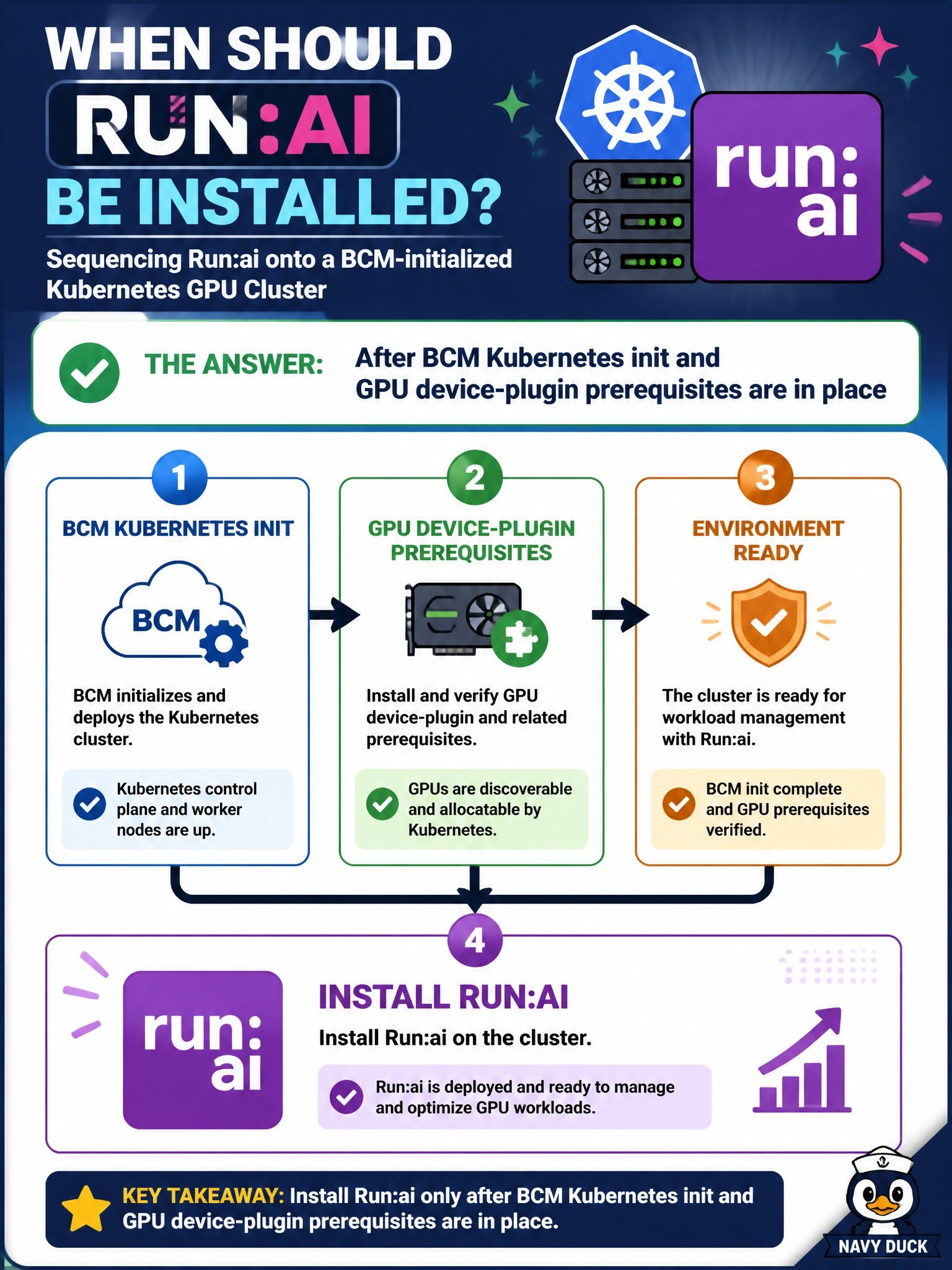
Short Explanation
Run:ai comes after BCM has Kubernetes up and GPU device plugins ready—not before the control plane or plugins exist. Installing into a void just guarantees invisible GPUs. Air-gapped laptops are not the county cluster.
Full Explanation
Sequencing Run:ai onto a BCM-initialized Kubernetes GPU cluster means installing Run:ai after BCM Kubernetes init and GPU device-plugin prerequisites are in place. Run:ai needs a working control plane and GPU advertisement to govern municipal workloads. Installing into an incomplete stack guarantees invisible accelerators for county projects and wasted install cycles. Treat Run:ai as a governance layer on a ready Kubernetes GPU substrate, not as a substitute for that substrate.
Installing before any Kubernetes control plane exists leaves Run:ai without a cluster to manage and fails basic Domain 1 sequencing. Installing before NVIDIA device plugins exist so GPUs remain invisible forever predicts the failure mode the county must avoid and blocks every GPU project. Installing only on air-gapped laptops that never join the cluster does not govern the county GPU farm and creates a misleading 'installed' checkbox.
Exam caveat: Run:ai follows BCM Kubernetes plus GPU device-plugin readiness—it is not step zero before the control plane. Operational check: confirm BCM Kubernetes is initialized, device plugins show allocatable GPUs on nodes, then install Run:ai, register the cluster, and verify a county project can see and schedule GPUs end-to-end.