
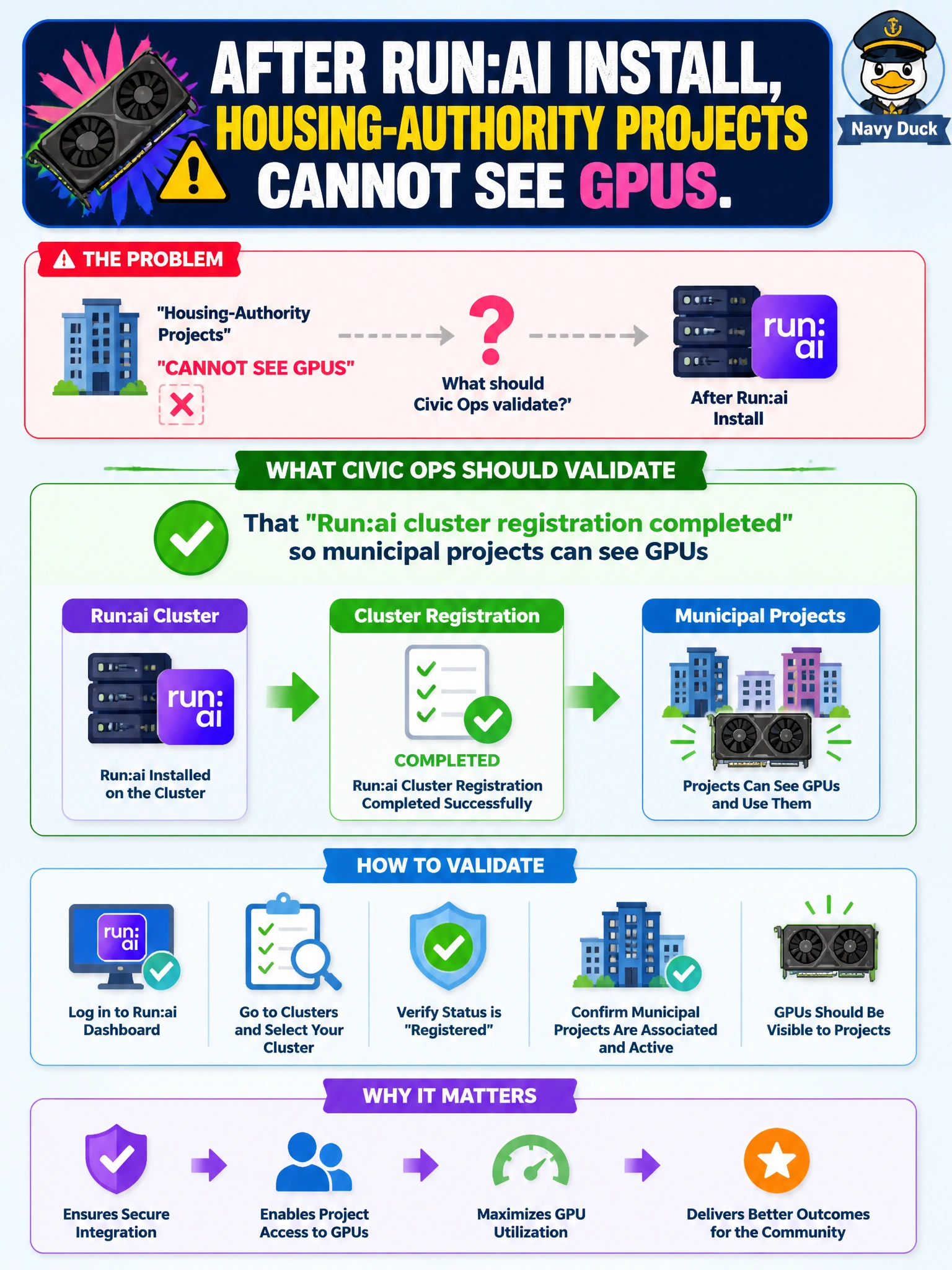
After Run:ai install, housing-authority projects cannot see GPUs. What should civic ops validate?
Select an answer to reveal the explanation.
Short Explanation
If housing projects see no GPUs after Run:ai install, check cluster registration first—visibility usually follows a clean join. Pulling GPUs or deleting projects solves nothing. Uninstalling Base View is not part of fixing Run:ai registration.
Full Explanation
When housing-authority projects cannot see GPUs after Run:ai install, civic ops should validate that Run:ai cluster registration completed so projects can discover accelerators. Incomplete registration commonly yields empty GPU views even when hardware is present. Fix the join/registration path before destructive hardware or identity changes. Municipal project visibility is a control-plane binding problem first, not a rack teardown problem.
Assuming all GPUs were physically removed from the rack is an unlikely first diagnosis and does not follow from a software visibility symptom after a fresh install. Deleting housing projects from identity systems worsens access rather than restoring GPU visibility and harms the housing-authority tenant. Uninstalling BCM Base View as a required companion step is not part of repairing Run:ai registration and may remove needed cluster management visibility.
Exam caveat: post-Run:ai empty GPU views usually mean cluster registration/project binding gaps—not mandatory Base View removal or rack GPU theft. Operational check: verify Run:ai cluster registration status, re-complete registration if needed, confirm housing-authority projects are bound to the cluster with GPU quotas, and re-check that project GPU inventories populate before changing hardware or IAM.