
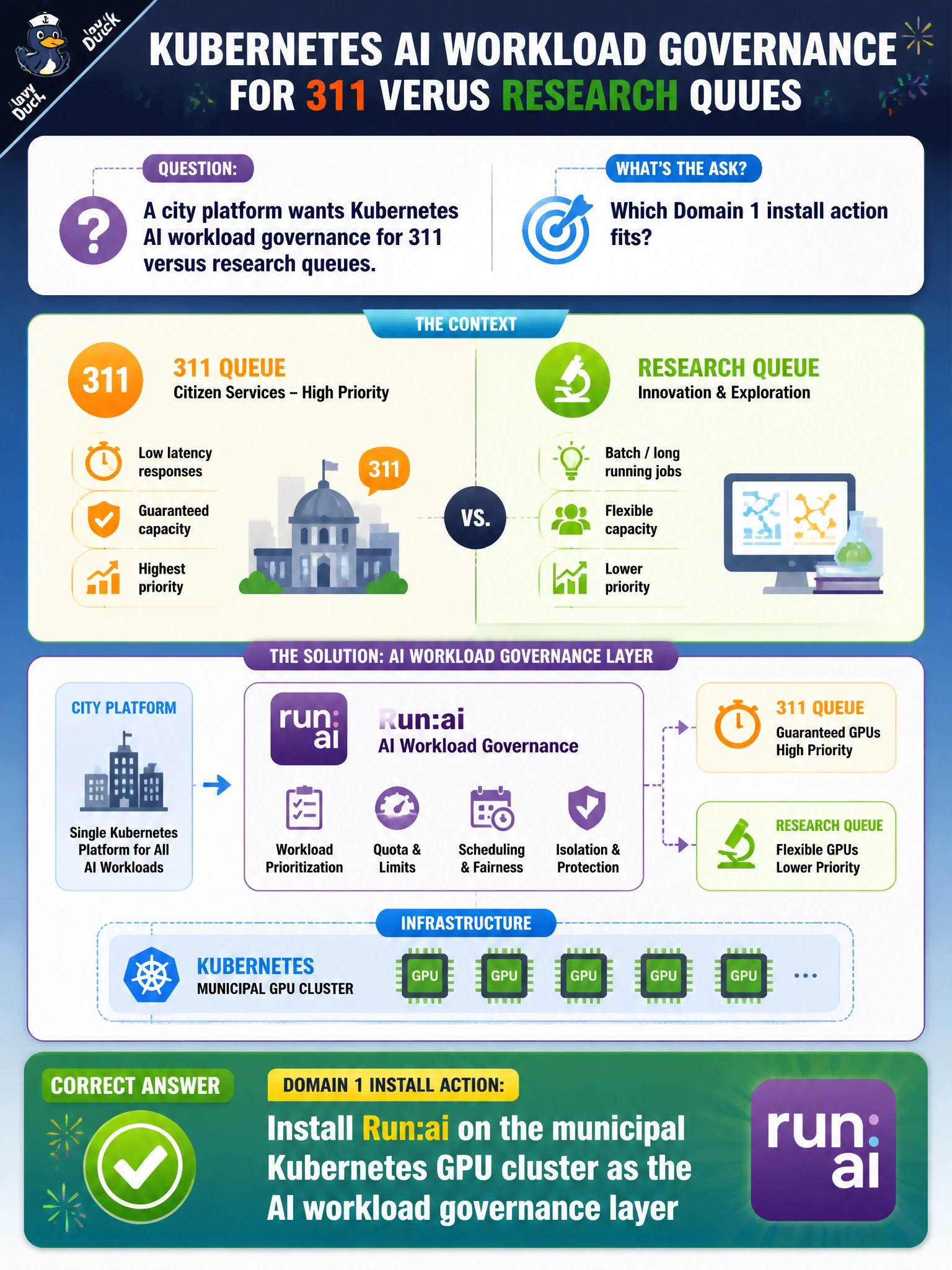
A city platform wants Kubernetes AI workload governance for 311 versus research queues. Which Domain 1 install action fits?
Select an answer to reveal the explanation.
Short Explanation
Want fair 311 versus research queues on city K8s? Install Run:ai as the governance layer. Yanking Kubernetes or swapping in laptop chat apps will not schedule GPUs. Turning off namespaces and quotas just invites collisions.
Full Explanation
For Kubernetes AI workload governance across 311 versus research queues, the Domain 1 install action is to install Run:ai on the municipal Kubernetes GPU cluster as the AI workload governance layer. Run:ai provides queueing, fairness, and project governance on top of Kubernetes GPU capacity that civic tenants need. That is the platform install—not laptop chat apps—and it preserves Kubernetes while adding AI-specific scheduling controls. Citizen-facing 311 inference and research training then compete under policy instead of first-come chaos.
Removing Kubernetes so Run:ai has nothing to manage destroys the substrate Run:ai governs and eliminates the cluster the city just built. Installing only consumer desktop AI chat apps on staff laptops does not schedule shared municipal GPUs or enforce queue policy across tenants. Disabling namespaces and quotas so 311 and research freely collide abandons isolation and governance rather than installing the governance layer.
Exam caveat: Run:ai installs onto Kubernetes GPU clusters to govern civic AI workloads—it does not replace Kubernetes and is not a desktop chat deployment. Operational check: install Run:ai on the municipal Kubernetes GPU cluster, create 311 and research projects/queues with isolation, submit sample jobs from each, and confirm governance enforces intended priority without namespace/quota disablement.