
Water SCADA analytics hosts show BlueField DPUs up, but DOCA services are missing. What should civic ops correct?
Select an answer to reveal the explanation.
Short Explanation
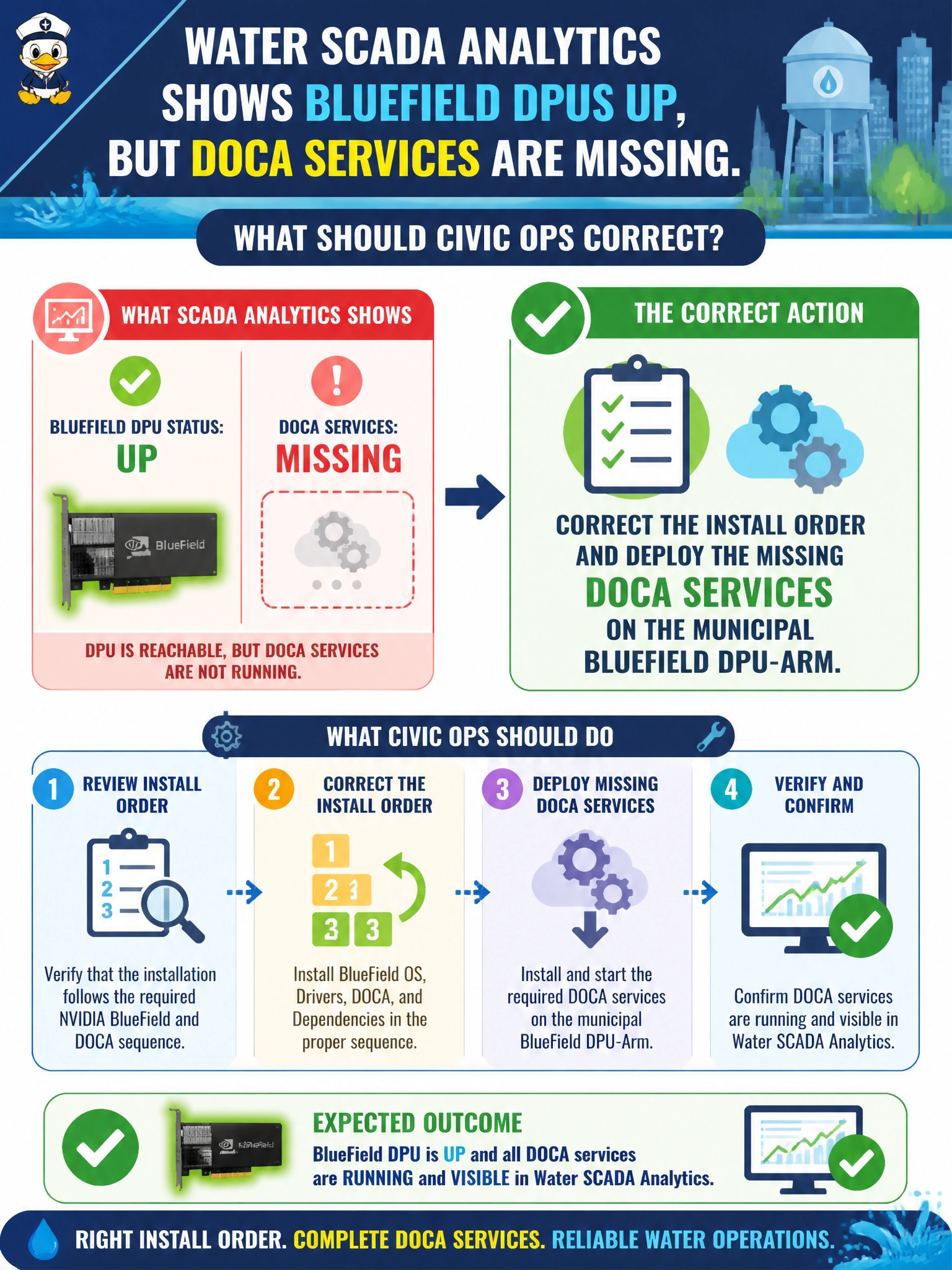
DPU link lights are not DOCA—fix the install order and put the missing services on the BlueField DPU-Arm. Swapping the historian or hiding BCM network views does not install software. Powered hardware still needs the DOCA stack for water analytics offload.
Full Explanation
Water SCADA analytics hosts that show BlueField DPUs powered but missing DOCA services need install-order correction: deploy the missing DOCA services on the municipal BlueField DPU-Arm. Link lights and card presence are not the same as DOCA service readiness. Civic ops should complete the DOCA software path rather than replace unrelated historians. Power without services is a common half-done DPU bring-up state in municipal AI networking.
Replacing the entire SCADA historian because DPUs appear powered misdiagnoses a DPU software gap as an historian hardware failure and wastes a critical water-ops system. Assuming DPU link lights mean DOCA services are already running confuses L1/L2 presence with application-level DOCA deployment. Disabling BCM networking views so missing services stop appearing as gaps hides the defect instead of remediating it and blinds future audits.
Exam caveat: powered BlueField is not the same as DOCA services installed; civic AI networking/storage offload requires the DOCA service layer on DPU-Arm. Operational check: inventory which DOCA services are absent, deploy them in the correct order on the BlueField DPU-Arm, re-check BCM/DPU service views, and validate SCADA analytics hosts show healthy DOCA endpoints—not merely link lights.