
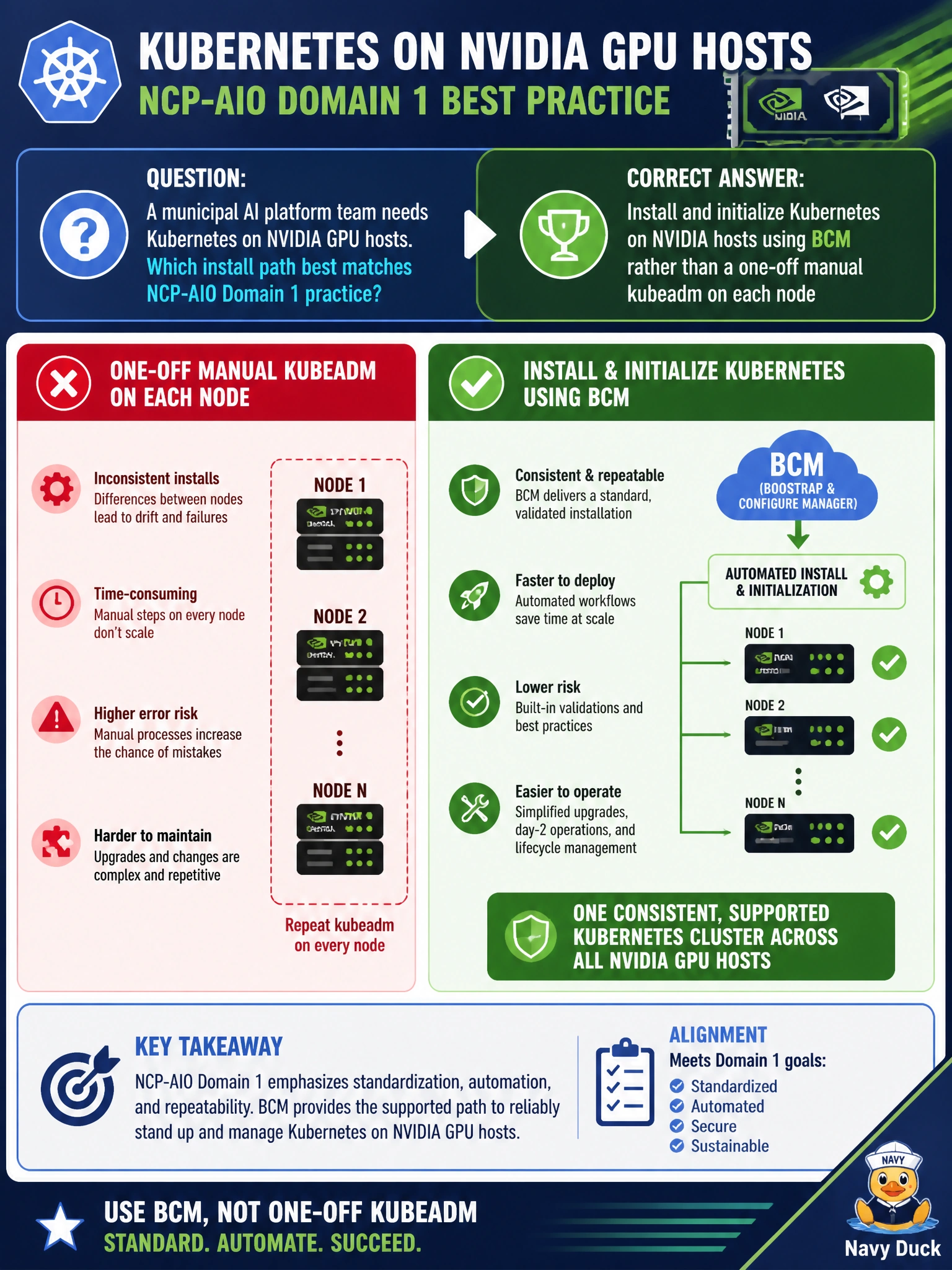
A municipal AI platform team needs Kubernetes on NVIDIA GPU hosts. Which install path best matches NCP-AIO Domain 1 practice?
Select an answer to reveal the explanation.
Short Explanation
For city GPU hosts, let BCM install and initialize Kubernetes so every node matches—manual one-off kubeadm is how snowflake clusters are born. Laptop-only docker run and random desktop orchestrators are not the municipal path. Different kubelet flags per host just guarantee midnight surprises.
Full Explanation
Municipal AI platforms that need Kubernetes on NVIDIA GPU hosts should install and initialize Kubernetes through BCM rather than one-off manual kubeadm on each node. BCM-driven bring-up keeps civic hosts consistent, integrable with NVIDIA AI ops tooling, and manageable for later Day-2 operations. That path matches NCP-AIO Domain 1 practice for cluster software foundations and reduces snowflake kubelets across the city estate. Consistency at install time is what makes GPU Operator and workload managers workable later.
Skipping Kubernetes and running every civic container with docker run on laptops only abandons cluster scheduling, GPU sharing, and municipal multi-service designs. Installing an unsupported desktop orchestrator that BCM cannot manage creates an unmanaged island outside the NVIDIA AI ops model. Hand-editing kubelet flags differently on every host with no BCM-driven consistency guarantees drift and fragile recovery when the next public-health Service must roll out.
Exam caveat: Domain 1 expects BCM-managed Kubernetes initialization on NVIDIA hosts—not laptop docker-only or inconsistent manual kubeadm fleets. Operational check: use BCM to install/initialize Kubernetes on the GPU hosts, verify control-plane and node join health, confirm BCM still manages the cluster, and only then proceed toward GPU Operator/device-plugin readiness for public workloads.