
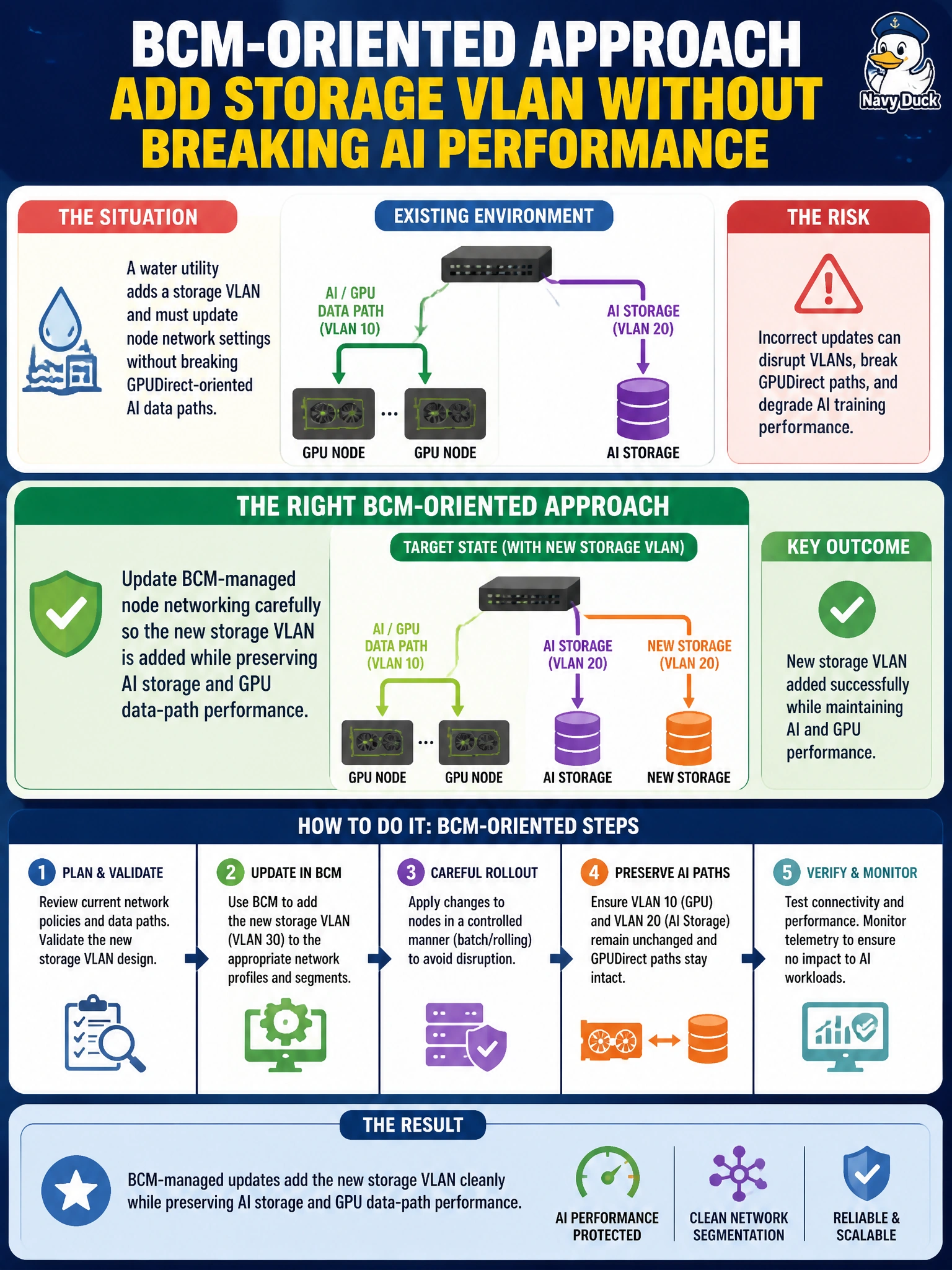
A water utility adds a storage VLAN and must update node network settings without breaking GPUDirect-oriented AI data paths. What is the right BCM-oriented approach?
Select an answer to reveal the explanation.
Short Explanation
Adding a storage VLAN is like opening a new loading dock without blocking the express lane to the GPUs. Change BCM node networking so the VLAN lands clean while GPUDirect-style paths stay intact. Blowing away RDMA config or parking the VLAN on a dead switch helps nobody.
Full Explanation
When a water utility adds a storage VLAN, the right BCM-oriented approach is to update managed node networking carefully so the new VLAN is added while preserving AI storage and GPU data-path performance, including GPUDirect-oriented paths. Municipal AI nodes often carry multiple interfaces and overlays; a storage VLAN is additive capacity, not a license to reset the high-performance fabric. Blindly resetting all interfaces to DHCP and removing RDMA-related config destroys the very paths multi-node and GPU-aware I/O depend on. Disabling GPUDirect permanently whenever any VLAN changes treats a routine network update as grounds to abandon GPU data-path acceleration. Configuring the storage VLAN only on a disconnected lab switch that nodes never use provides zero storage benefit to production water-analytics jobs. Exam caveat: validate MTU, routes, and multipathing after the VLAN add so storage traffic does not accidentally hairpin over the wrong NIC or starve RDMA. Operational check: in BCM, add the storage VLAN to the water nodes’ network configuration without stripping RDMA/GPUDirect-related settings, confirm addressing on the new VLAN, run a GPU-accelerated I/O or training smoke test, and compare throughput/latency to the pre-change baseline.