
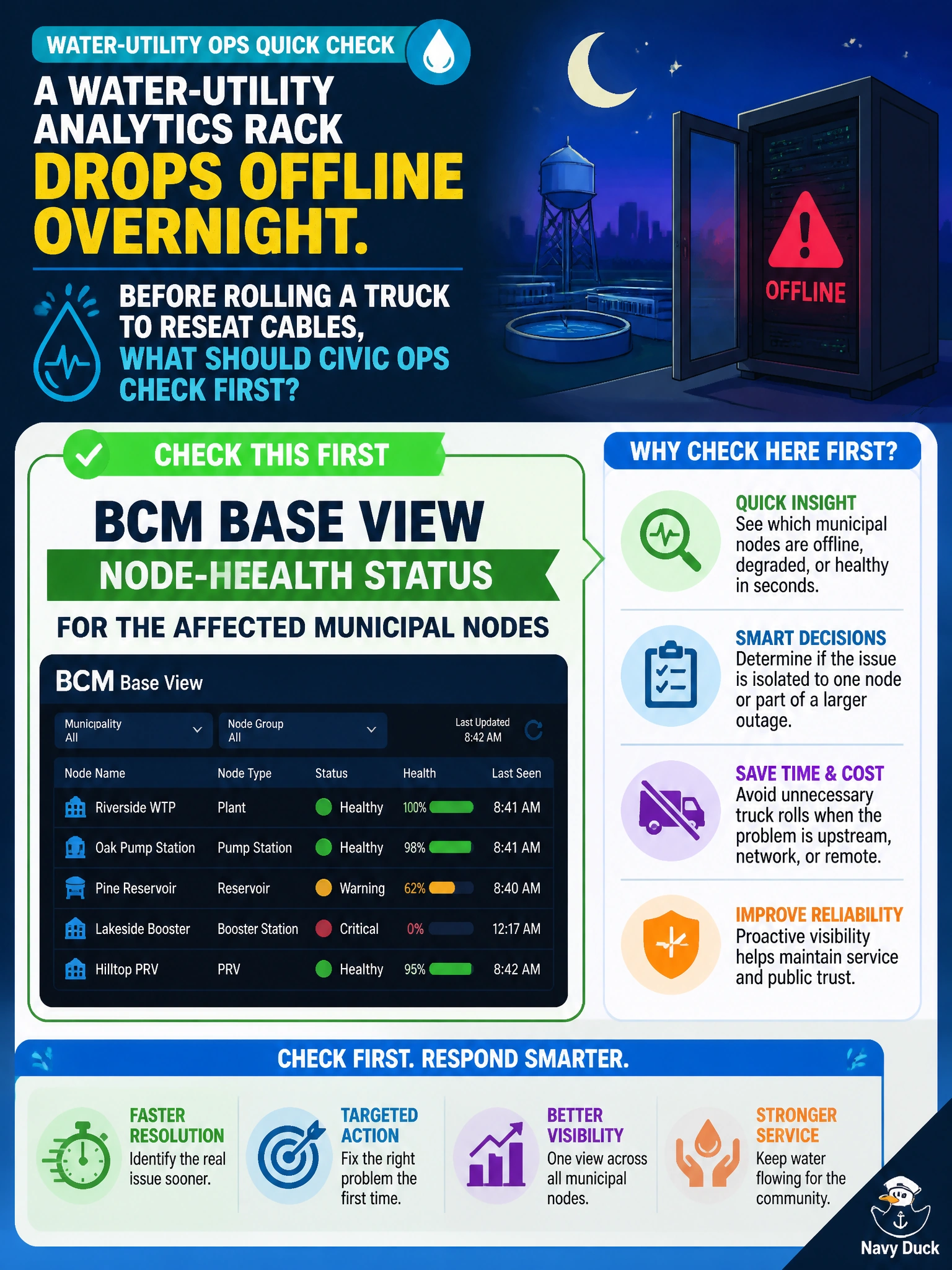
A water-utility analytics rack drops offline overnight. Before rolling a truck to reseat cables, what should civic ops check first?
Select an answer to reveal the explanation.
Short Explanation
When the water rack goes quiet, you can use BCM Base View as your first flashlight: check whether the affected nodes actually report unhealthy before guessing at a cable problem. That remote check helps you avoid an unnecessary truck roll; bill complaints, GPU marketing, and a site-wide PDU shutdown don’t triage the node status.
Full Explanation
When a water-utility analytics rack drops offline overnight, check BCM Base View node-health status for the affected municipal nodes before rolling a truck to reseat cables. Remote triage shows whether BCM still sees the nodes, whether they report down, unreachable, or unhealthy, and whether alerts point to host, power, or path issues; this helps distinguish a software or network problem from a physical fault. Public social-media complaints about water bills are unrelated customer-service noise and do not locate GPU node state. The vendor marketing site for new GPU SKUs may inform future procurement, but it contributes nothing to overnight outage diagnosis. Ordering a site-wide power shutdown to reboot all rack PDUs risks collateral civic workloads and skips evidence that could reveal a fault limited to one rack or network segment. Base View is the proportional, evidence-preserving first step. Exam caveat: if Base View confirms nodes are dark and remote power or console options are exhausted, on-site cable or hardware work may be appropriate; the key is sequence, not never rolling a truck. Practical check: open Base View for the water-analytics category, note node states and timestamps, review related network or BMC cues available through BCM, attempt safe remote remediation if indicated, and then dispatch facilities with a scoped rack target rather than ordering a blind PDU shutdown.