
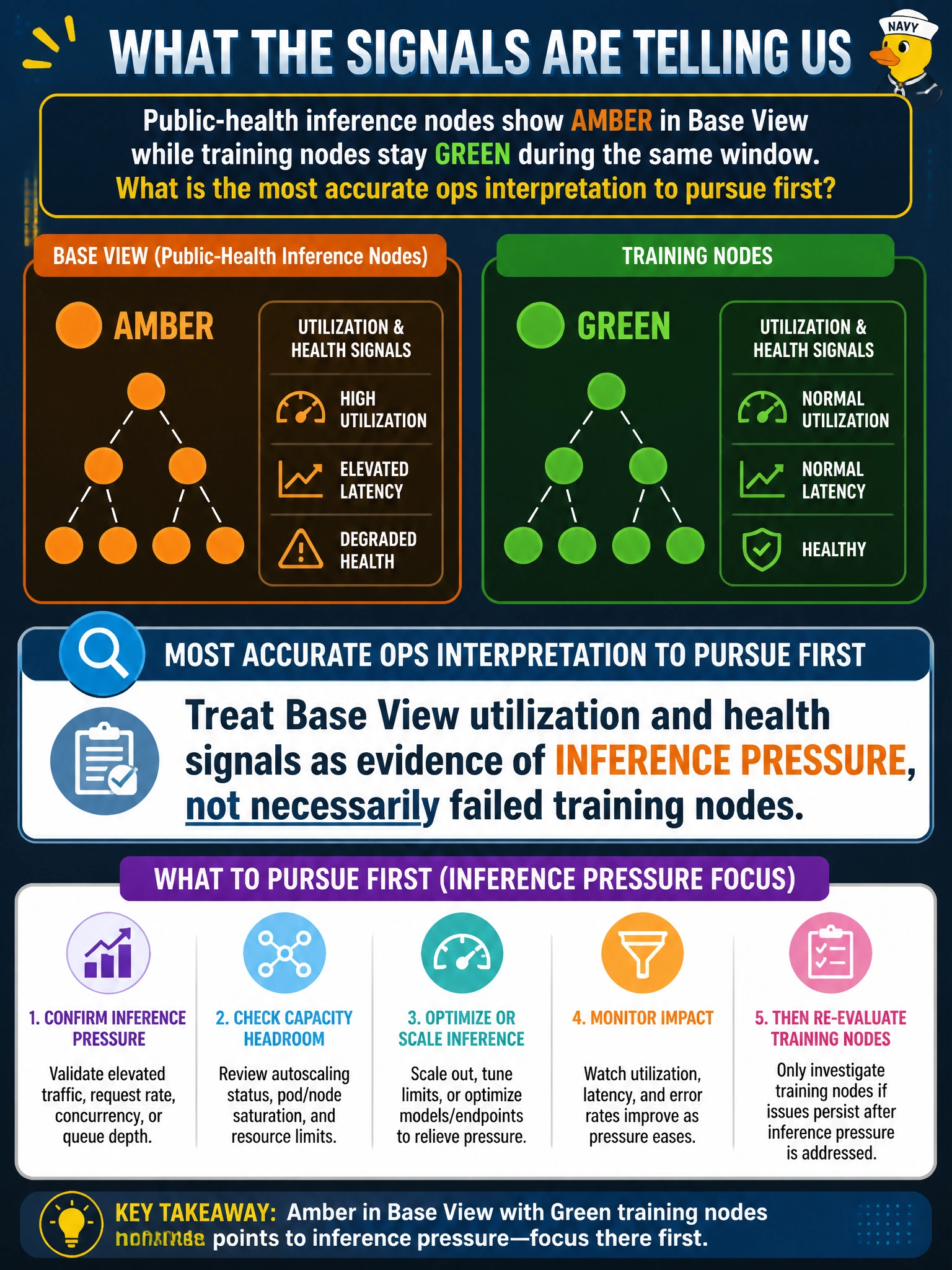
Public-health inference nodes show amber in Base View while training nodes stay green during the same window. What is the most accurate ops interpretation to pursue first?
Select an answer to reveal the explanation.
Short Explanation
You can read amber on the inference nodes as a sign of pressure or a localized health issue, not proof that the green training nodes have failed. Check Base View’s utilization and health signals before reimaging nodes, rebooting healthy training capacity, or moving jobs to CPU-only.
Full Explanation
Amber on public-health inference nodes while training nodes stay green should first be read as evidence of inference pressure or a localized health issue—not proof that training has failed or that the GPU fleet needs reimaging. Base View’s per-node utilization and health signals help you distinguish inference load from node failure during the same window. Assuming amber proves a firmware fault and beginning a fleet-wide reimage skips validation, risks disrupting healthy capacity, and treats a status color as a diagnosis. Ignoring Base View and rebooting green training nodes to balance colors acts on the wrong nodes and does not address the inference signal. Converting all public-health jobs to CPU-only because amber always means unsupported GPUs relies on a false universal: amber can reflect utilization or health conditions, not necessarily GPU incompatibility. Exam caveat: amber can indicate a genuine fault, so pressure is the first interpretation to investigate, not a reason to dismiss persistent unhealthy signals. Practical check: compare inference and training utilization and health in Base View, inspect the public-health jobs, and confirm whether the amber inference nodes show pressure or persistent unhealthy telemetry before deciding whether the signal indicates a fault.